Changelog

All the latest updates, improvements, and fixes to PineBill. Stay informed about new features and enhancements.

Improvement

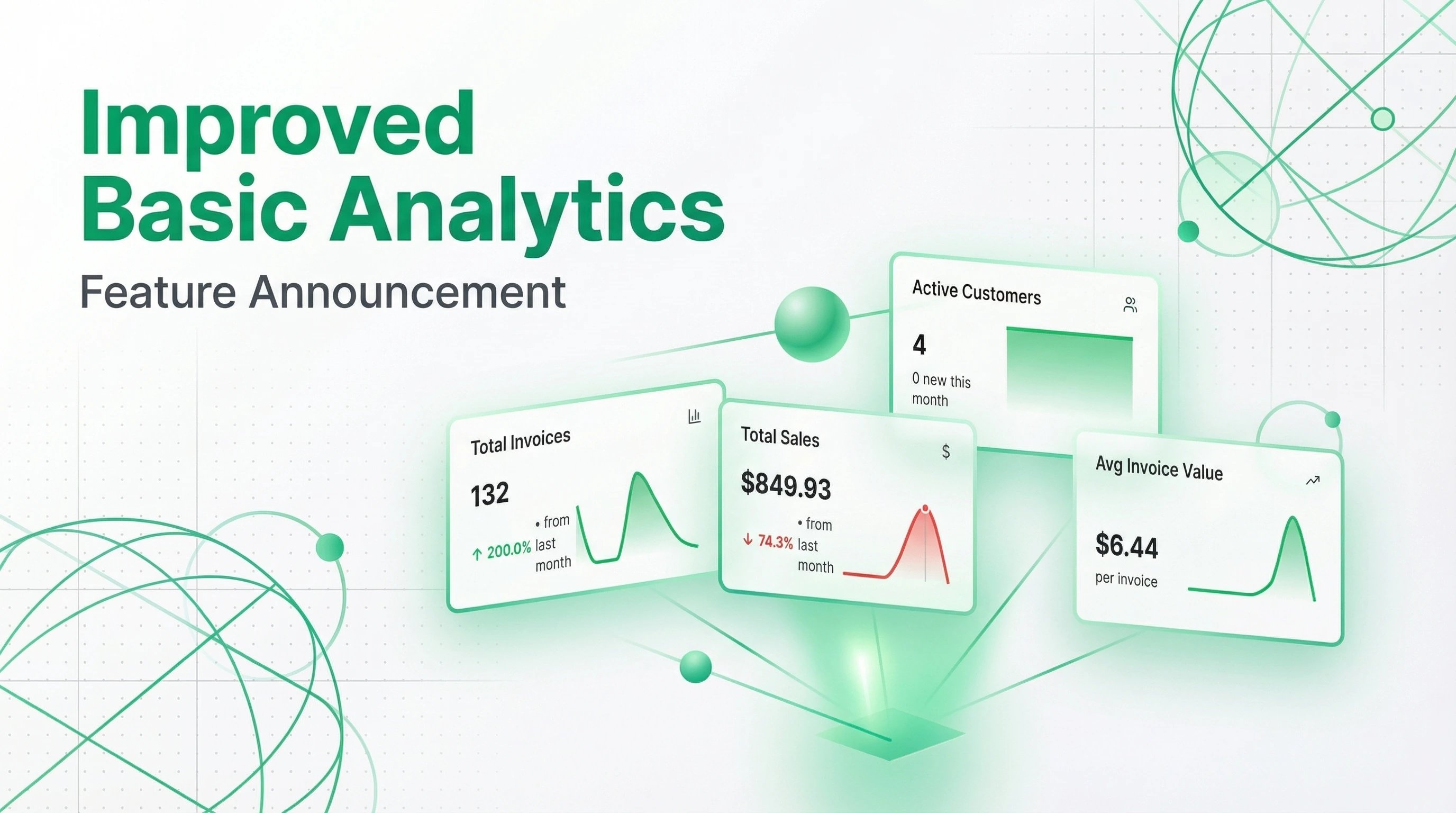
Improved Basic Analytics

Improved Basic Analytics

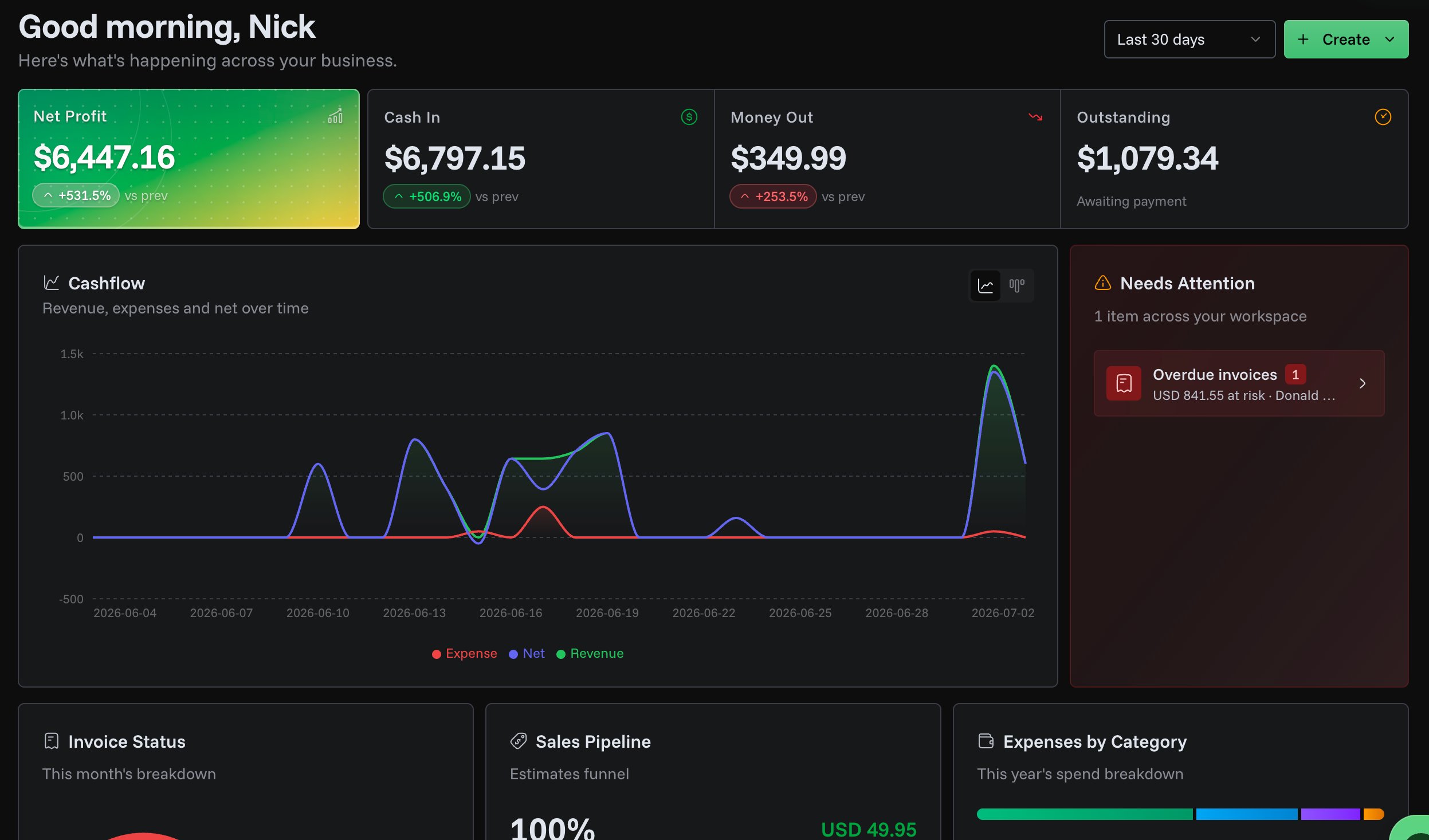
We've improved our Basic Analytics UI/UX to give you clearer insights into your business performance. The updates focus on making your data easier to understand and act upon.

Better Data Visualization

We've enhanced how data is displayed throughout the analytics dashboard:

Improved Analytics Dashboard
  • Clearer tooltips - Hover over charts and metrics to see detailed information with improved formatting
  • Better date display - Dates are now shown in a more readable format, making it easier to track your performance over time
  • Improved color handling - Charts now use colors that make data easier to distinguish at a glance

We're continuously working to make PineBill's analytics more useful for your business. Stay tuned for more improvements!

1 min read
PT
PineBill Team
New Feature

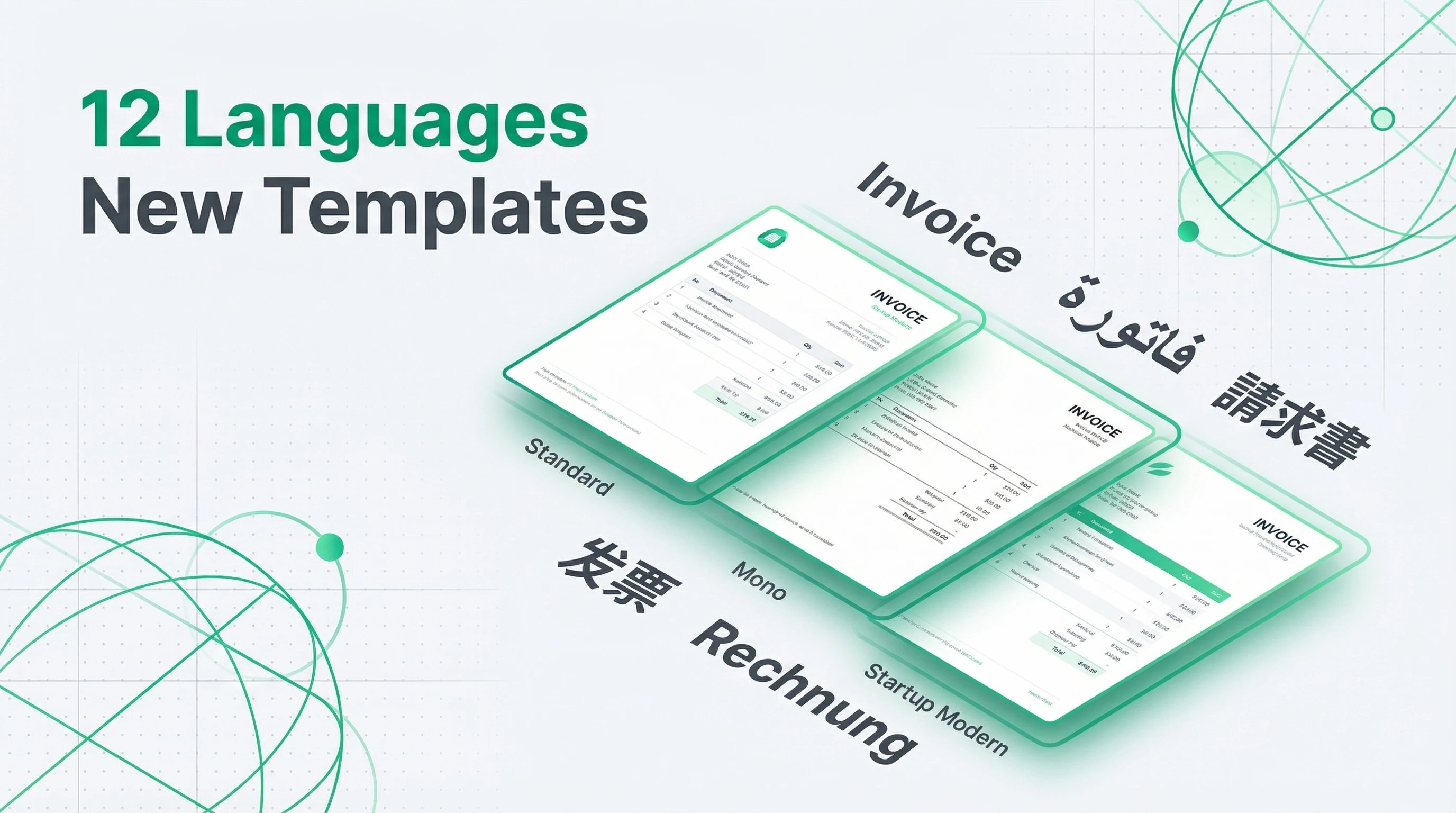
Multi-Language Support & New Templates

Multi-Language Support & New Templates

We're excited to announce comprehensive multi-language support and two brand new invoice templates! You can now create professional invoices in 12 languages and choose from fresh modern designs, making it easier to work with international clients and showcase your brand.

Supported Languages

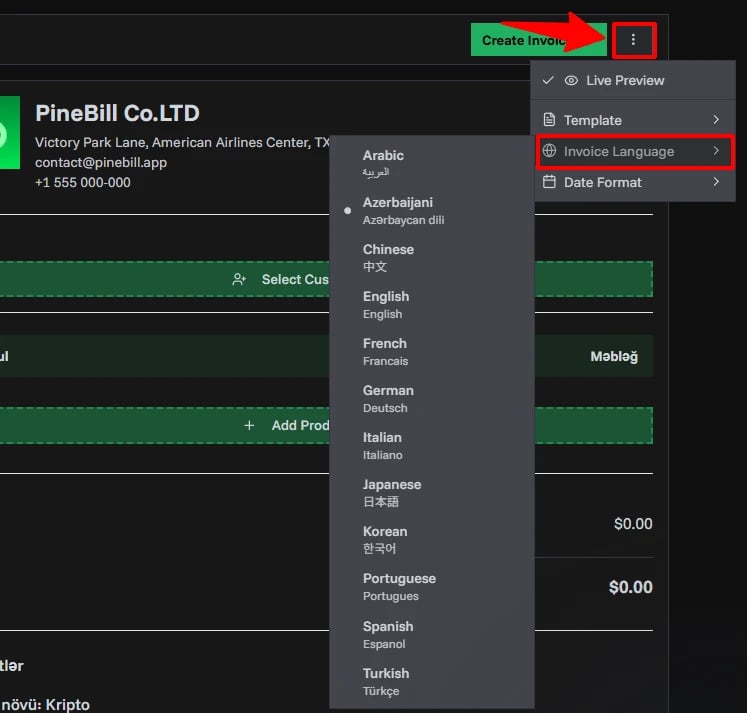
PineBill now supports the following languages with professionally translated invoice terminology:

  • English - Default language
  • German (Deutsch)
  • French (Français)
  • Spanish (Español)
  • Portuguese (Português)
  • Italian (Italiano)
  • Arabic (العربية)
  • Chinese (中文)
  • Japanese (日本語)
  • Korean (한국어)
  • Turkish (Türkçe)
  • Azerbaijani (Azərbaycan dili)

What's Included

All invoice elements are fully translated in each language:

  • Invoice headers and titles
  • Product and service descriptions
  • Financial terms (subtotal, tax, discount, shipping, total)
  • Payment information and methods
  • Bank transfer details
  • Date and currency formatting
  • Customer and company information fields

Your invoices will look professional and be fully readable in any language you choose, with proper character rendering and text direction for all supported languages including Arabic, Chinese, Japanese, and Korean.

New Invoice Templates

We've added two stunning new templates to help you create the perfect invoice for your brand:

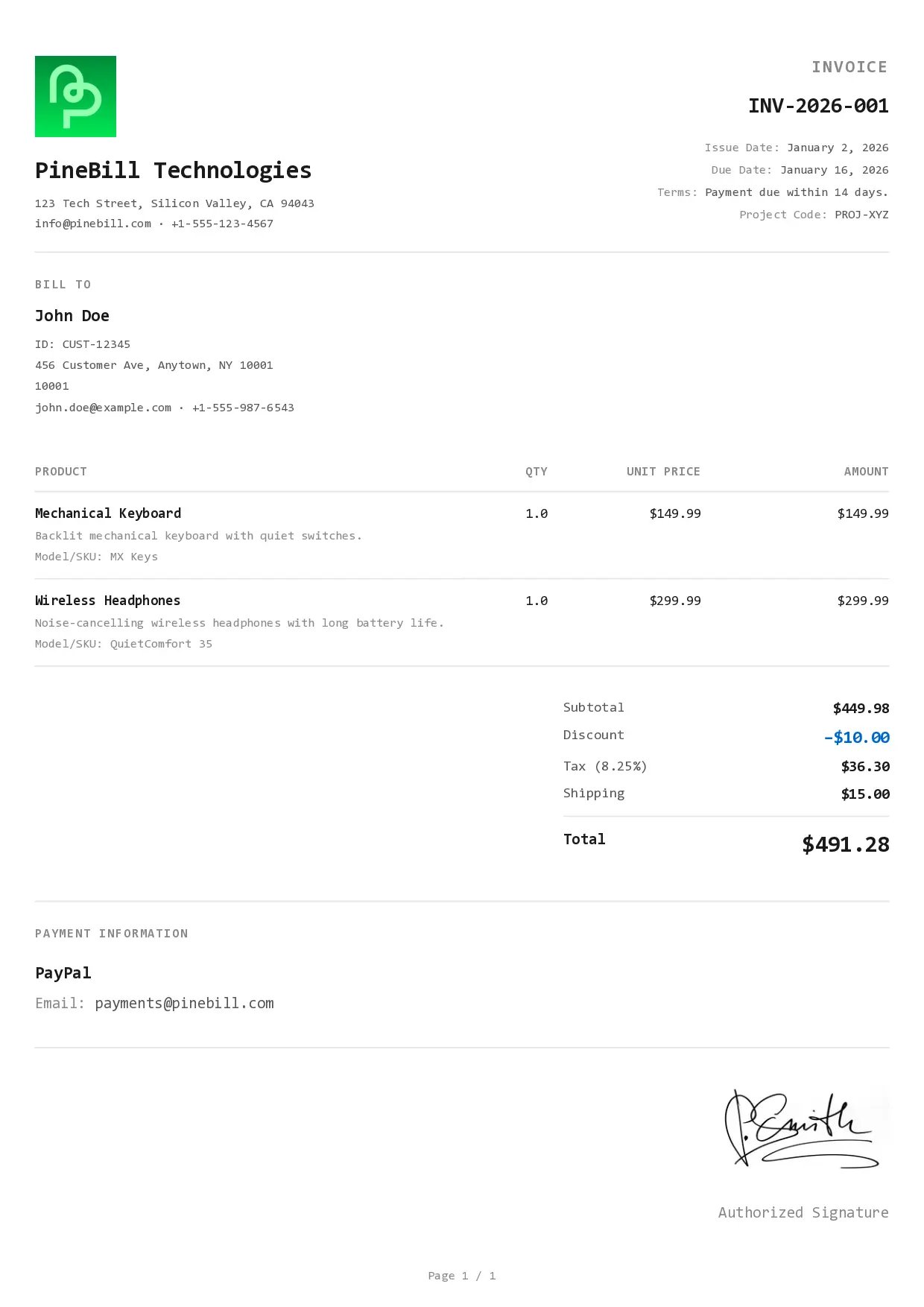
Mono Template

Clean, minimal design with a monospace aesthetic. Perfect for tech companies and modern businesses who want a sleek, minimalist look.

Mono Template Preview

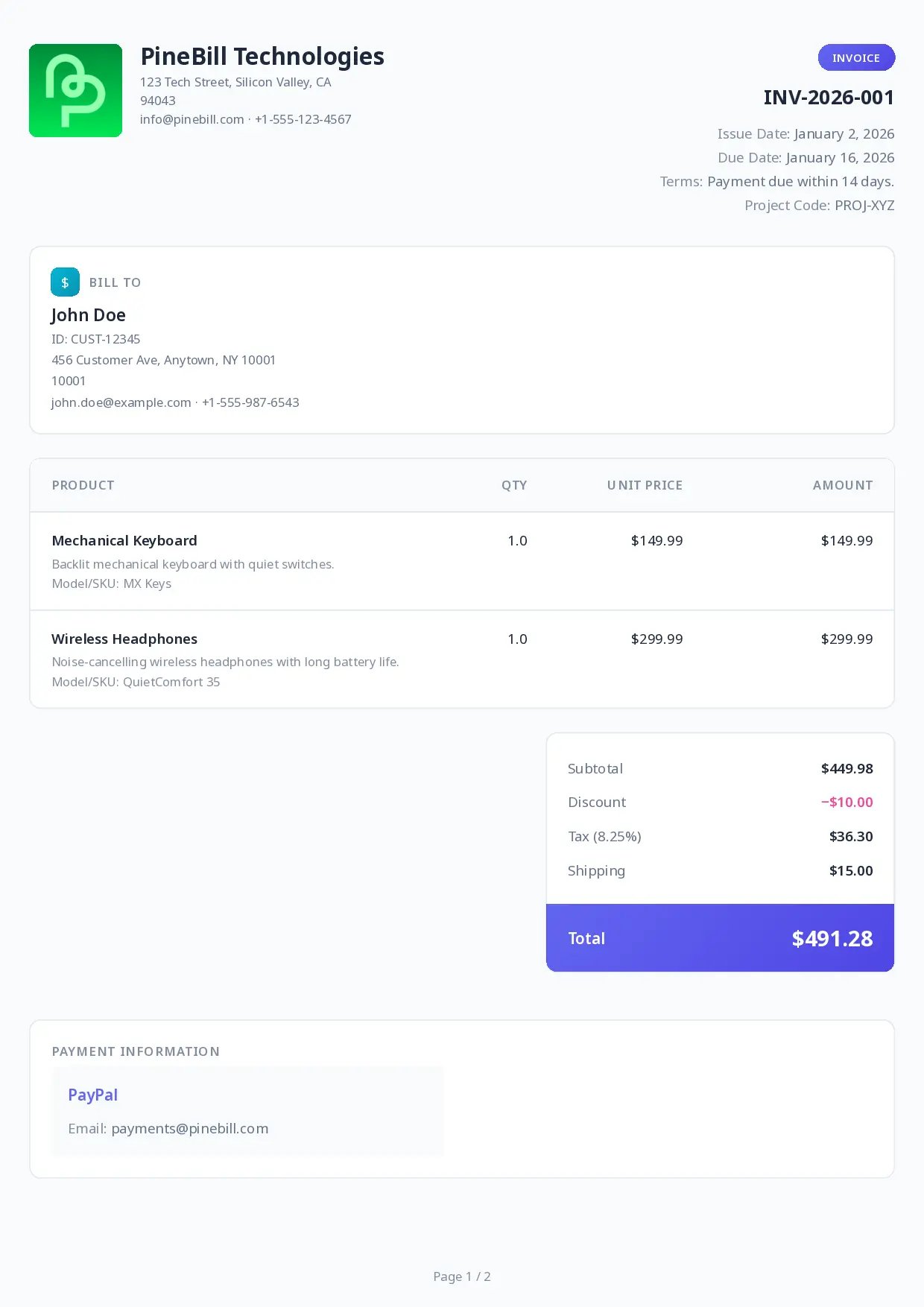
Startup Modern Template

Modern and contemporary style designed for startups and creative agencies. This template brings a fresh, sleek appearance that stands out.

Startup Modern Template Preview

Both templates are fully compatible with all 12 supported languages and maintain their professional appearance across different writing systems.

How to Use

  1. Open the Invoice Generator
  2. Select your desired language from the language dropdown
Startup Modern Template Preview
  1. Choose your preferred template (Standard, Bold Professional, Mono, or Startup Modern)
  2. All invoice text automatically translates
  3. Generate your PDF in the selected language and template

Your language and template preferences are saved for future invoices, making it easy to work consistently with international clients while maintaining your brand identity.

We're committed to expanding language support based on your feedback. If you'd like to see additional languages, please let us know!

2 min read
PT
PineBill Team
New Feature

Welcome To Changelogs

Welcome To Changelogs
  • We are excited to announce the release of changelogs for PineBill! This new feature will help you stay informed about the latest fixes, improvements, and features added to our platform.
1 min read
PT
PineBill Team
Changelog | PineBill