Invoice Bulk Actions
Select multiple invoices and perform bulk operations like delete or status change
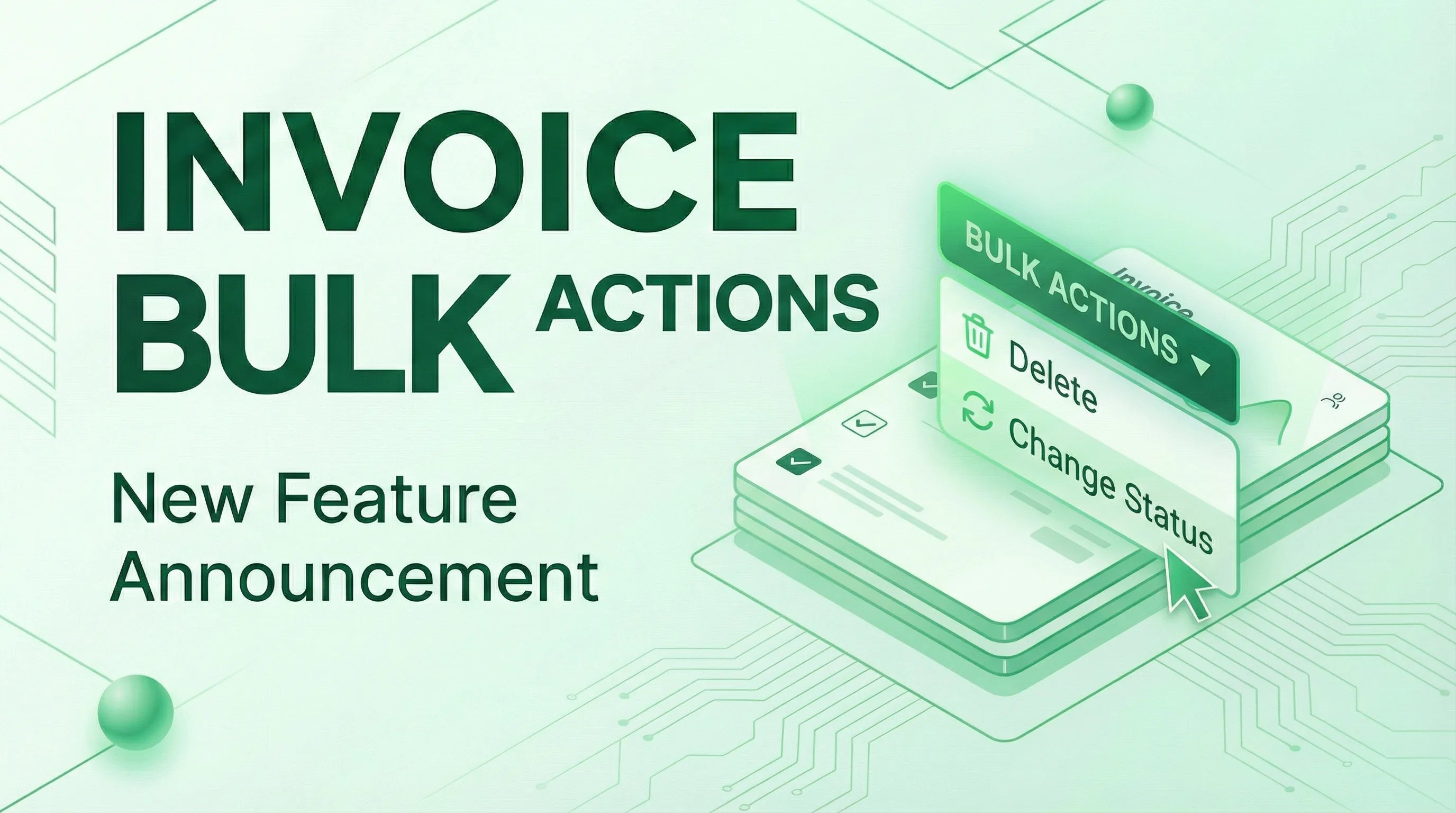
Managing large numbers of invoices just got easier! You can now select multiple invoices and perform bulk actions on them, saving you time and effort.
Select Multiple Invoices
Use the checkboxes in the invoices table to select one or more invoices. A convenient Select All checkbox in the header lets you quickly select all invoices on the current page.
When you have invoices selected, a bulk actions bar appears with the available operations.
Bulk Delete
Need to clean up old draft invoices or remove multiple records at once? Select the invoices you want to remove and click Delete Selected. A confirmation dialog ensures you don't accidentally delete important data.
Bulk Status Change
Update the status of multiple invoices simultaneously. Select your invoices, click Change Status, and choose the new status from the dropdown:
- Draft - Work in progress
- Sent - Invoice delivered to customer
- Paid - Payment received
- Overdue - Past due date
- Cancelled - Invoice voided
This is perfect for marking multiple invoices as paid after a batch payment or updating statuses after sending out a round of invoices.