Changelog

All the latest updates, improvements, and fixes to PineBill. Stay informed about new features and enhancements.

Improvement

Faster Product Entry & Mobile Support

Adding products to invoices and estimates just got a lot smoother. Instead of jumping between dialogs and buttons, you can now do everything right inside the products table.

What changed

Type directly in the table

Edit button on invoice details page

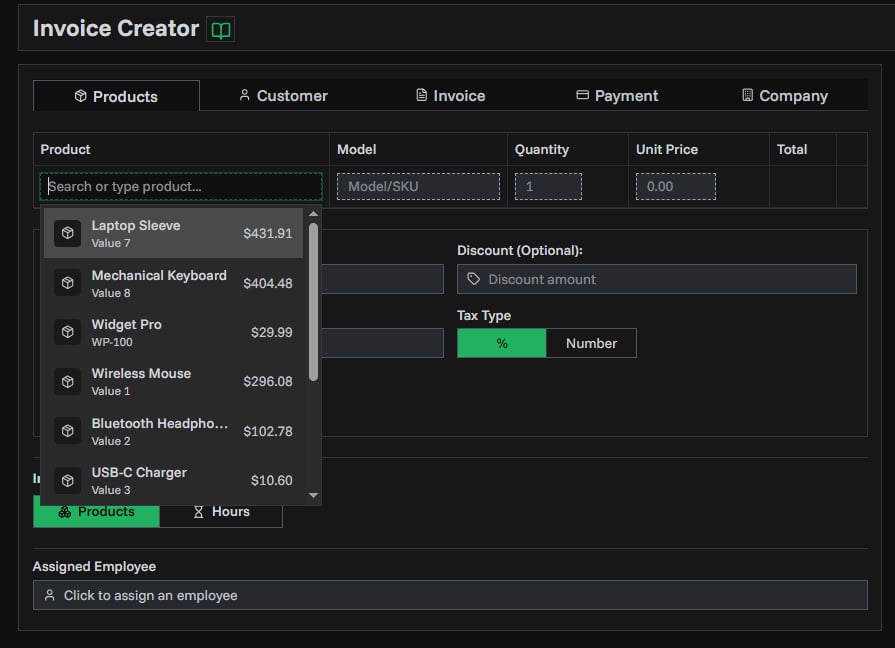
There's now an input row at the bottom of your products table. Start typing a product name and your catalog products appear instantly. Pick one to add it, or keep typing to create a temporary item on the spot — just fill in the price and quantity in the same row and hit Enter.

No more clicking "Add Product", waiting for a dialog, then clicking again. One row, one step.

Edit anything in place

Every field in the products table is now editable with a click:

  • Quantity and price — click to change, press Enter to confirm
  • Name and model — editable for temporary items you created inline
  • Drag to reorder — grab and move items to change the order they appear on your document

Works on mobile

The products table is now fully usable on phones and tablets. On smaller screens, each product shows as a card with tap-to-edit fields for quantity, price, name, and model. Adding new products works the same way — type, search, and add right from your phone.

Available everywhere

These improvements apply across all product tables in PineBill:

  • Invoice generator
  • Estimate generator
  • Recurring invoice setup
2 min read
PT
PineBill Team
Improvement

Better Decimal Handling & Multi-line Messages

This update brings better decimal precision throughout PineBill and adds multi-line support for invoice and estimate end messages.

Precise Decimal Input & Display

Entering prices with extended decimal places — like 0.025 or 1.005 — now works seamlessly everywhere. Previously, small decimal values could be rejected during input or display with floating-point noise (e.g., 0.02500000001). This has been resolved across the board:

  • Product form — The price field now accepts intermediate decimal states, so typing 0.025 no longer gets blocked or rounded mid-entry
  • Products table — Inline quantity and price inputs use a new decimal-aware component that preserves your intended precision
  • Invoice & estimate previews — Unit prices display exactly as entered, without trailing noise digits

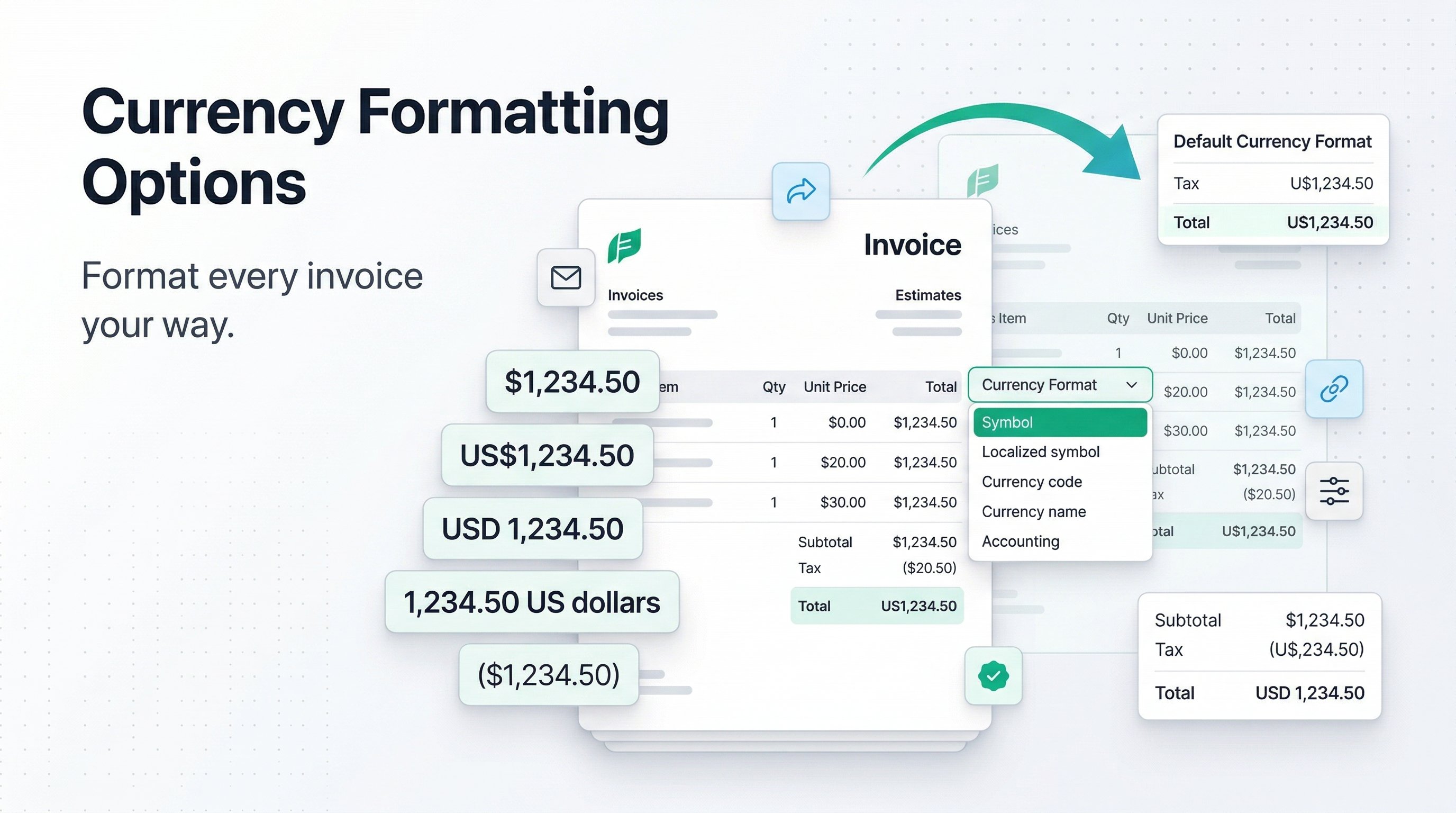
Smarter Currency Formatting

We've split formatting into two distinct modes:

FormatterUsed ForBehavior
Unit pricePer-item pricesPreserves all meaningful decimals (e.g., $0.025)
Currency totalSubtotals, tax, grand totalStandard 2-decimal currency format (e.g., $125.00)

This means a line item priced at $0.025 x 4,000 now shows the unit price as $0.025 and the total as $100.00 — each formatted appropriately for its context.

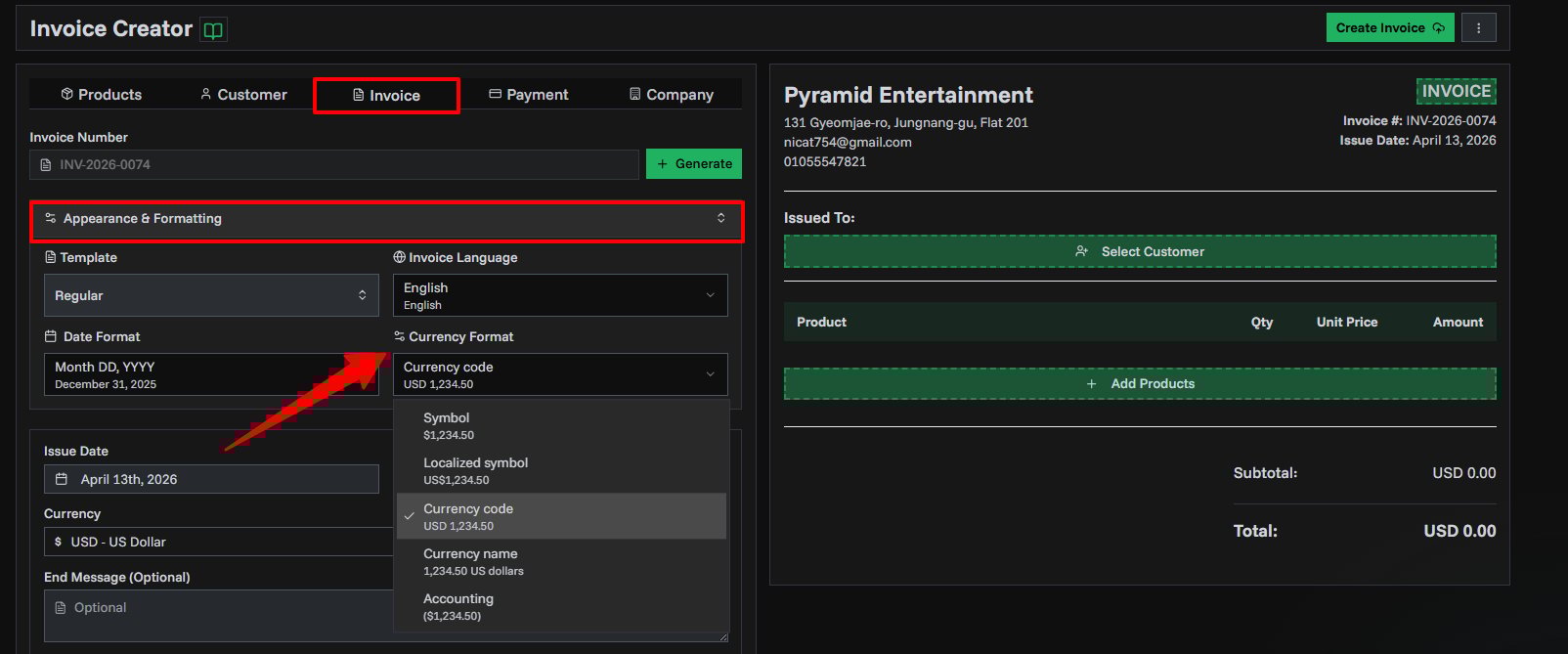
The improved formatting applies across invoice detail pages, estimate detail pages, recurring invoice details, the product list, and the PDF output.

Multi-line End Messages

The end message field on invoices and estimates now supports multi-line text. Add line breaks for payment instructions, thank-you notes, or legal disclaimers — and they'll render exactly as written in both the preview and the final PDF.

2 min read
PT
PineBill Team
Improvement

Improved Basic Analytics

Improved Basic Analytics

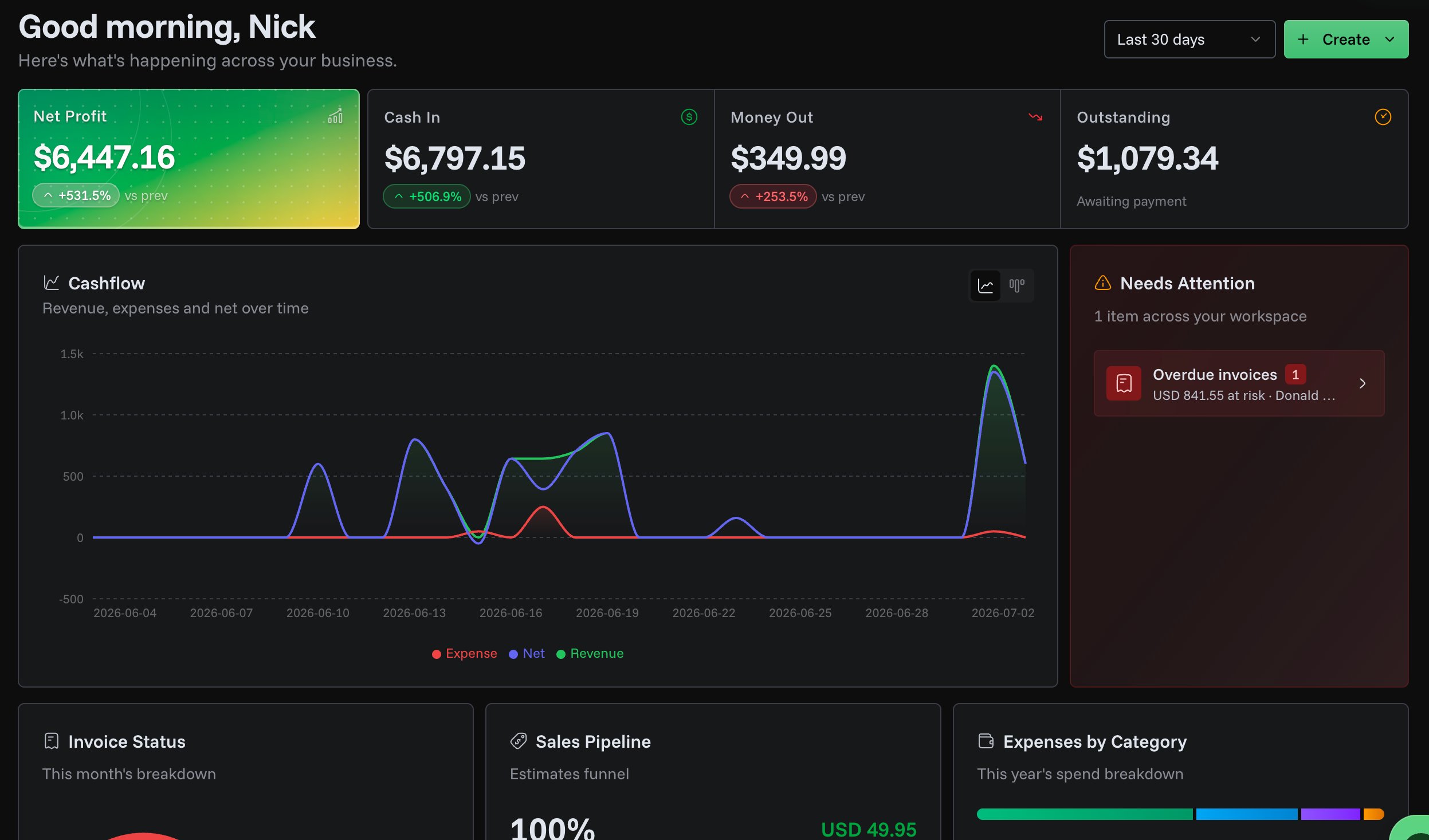
We've improved our Basic Analytics UI/UX to give you clearer insights into your business performance. The updates focus on making your data easier to understand and act upon.

Better Data Visualization

We've enhanced how data is displayed throughout the analytics dashboard:

Improved Analytics Dashboard
  • Clearer tooltips - Hover over charts and metrics to see detailed information with improved formatting
  • Better date display - Dates are now shown in a more readable format, making it easier to track your performance over time
  • Improved color handling - Charts now use colors that make data easier to distinguish at a glance

We're continuously working to make PineBill's analytics more useful for your business. Stay tuned for more improvements!

1 min read
PT
PineBill Team