Custom Product Properties
Define custom attributes for your products like weight, color, material, and filter products by any property
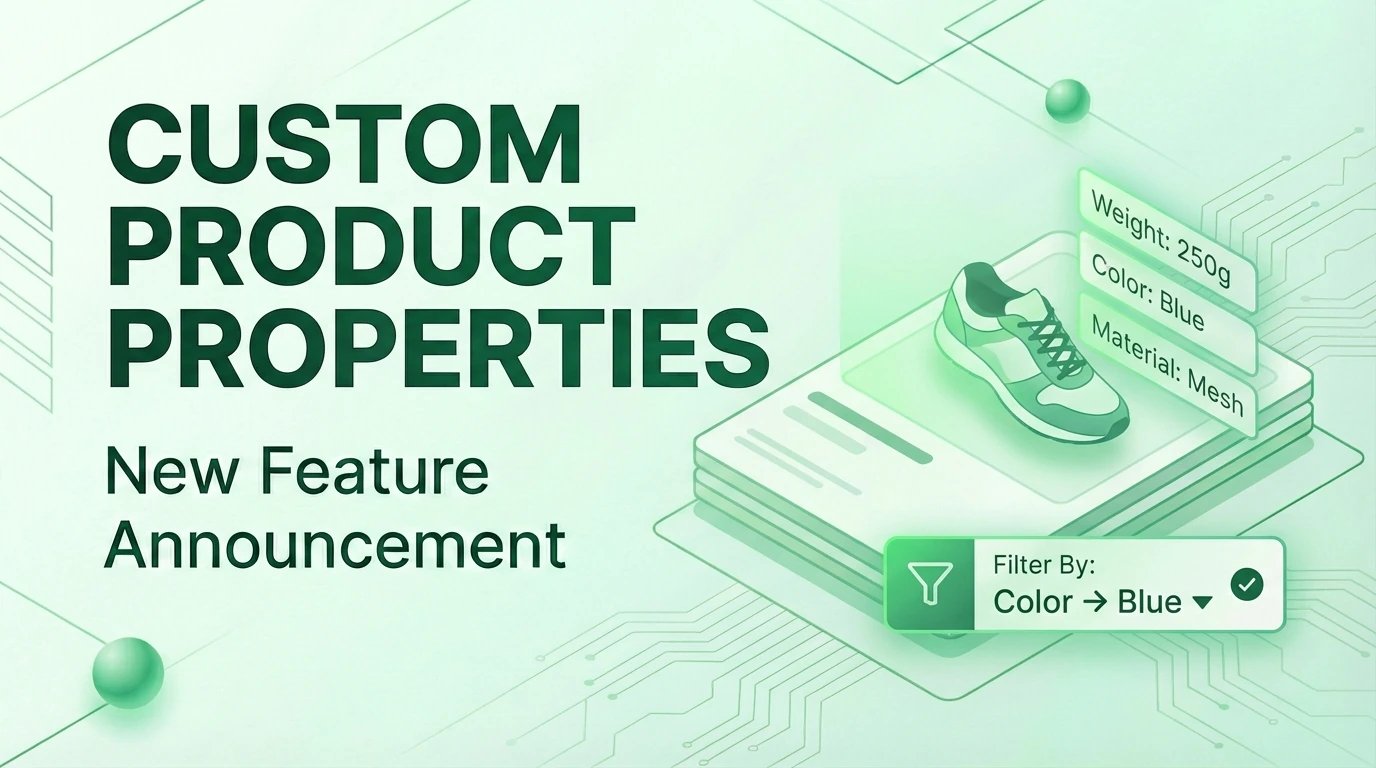
Every business has unique product attributes that matter. Now you can define custom properties for your products and use them to organize, filter, and track your entire catalog.
Define Your Own Properties
Create property definitions that match your business needs. Navigate to Product Properties in your dashboard to set up custom attributes like:
- Weight with units (kg, lbs)
- Color with predefined options
- Material as free-form text
- Warranty Expiry dates
- In Stock toggles
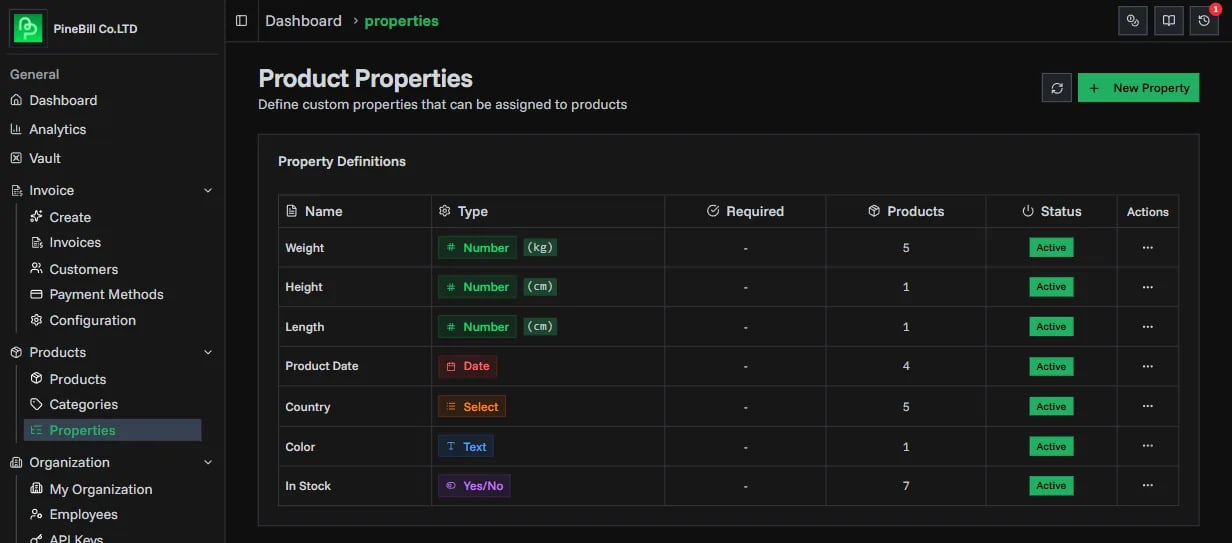
Each property can be marked as required, ensuring your team captures essential product information consistently.
Five Flexible Property Types
Choose the right data type for each attribute:
| Type | Best For | Example |
|---|---|---|
| String | Free-form text | Brand, SKU, Material |
| Number | Measurements with units | Weight (2.5 kg) |
| Select | Predefined choices | Color: Red, Blue, Green |
| Boolean | Yes/No attributes | In Stock, Fragile |
| Date | Temporal data | Warranty Expiry |
Filter Products by Properties
The real power comes from filtering. Use property filters on the Products page to find exactly what you need:
- Search text properties for keywords
- Set min/max ranges for numbers
- Select multiple options for dropdowns
- Filter by date ranges
- Toggle boolean filters
Combine property filters with category and status filters for precise product searches.
Get Started
- Go to Product Properties in your dashboard
- Click New Property to create your first definition
- Open any product and assign property values
- Use property filters to search your catalog
Check out the Product Properties documentation for detailed guides and best practices.