Recurring Invoices: The Complete Guide to Automating Your Billing in 2026
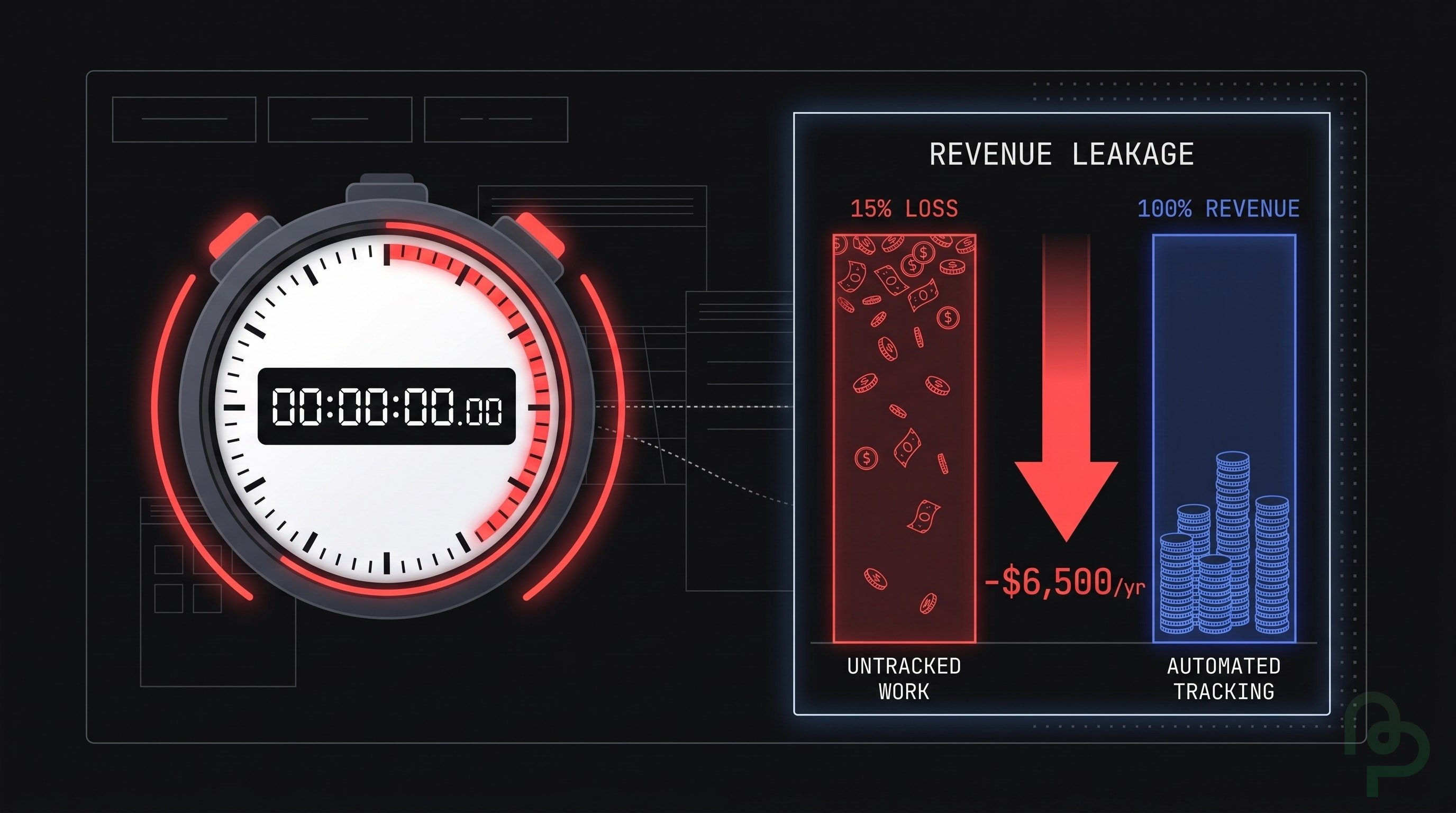
If you bill the same clients every month, you already know the drill: open a template, update the date, double-check the amounts, send the email, and hope you didn't forget anyone. Studies show that 71% of freelancers experience late payments, with an average delay of 21 days. Meanwhile, manually creating each invoice eats 5 to 15 minutes of admin time — time that compounds quickly when you have a growing roster of repeat clients.
Recurring invoices eliminate that cycle entirely. In this guide, you'll learn exactly what recurring invoices are, who benefits from them, how to set them up, and the best practices that keep your cash flow steady and your clients happy. If you're still mastering the basics, start with our guide on how to create an invoice.
What Is a Recurring Invoice?
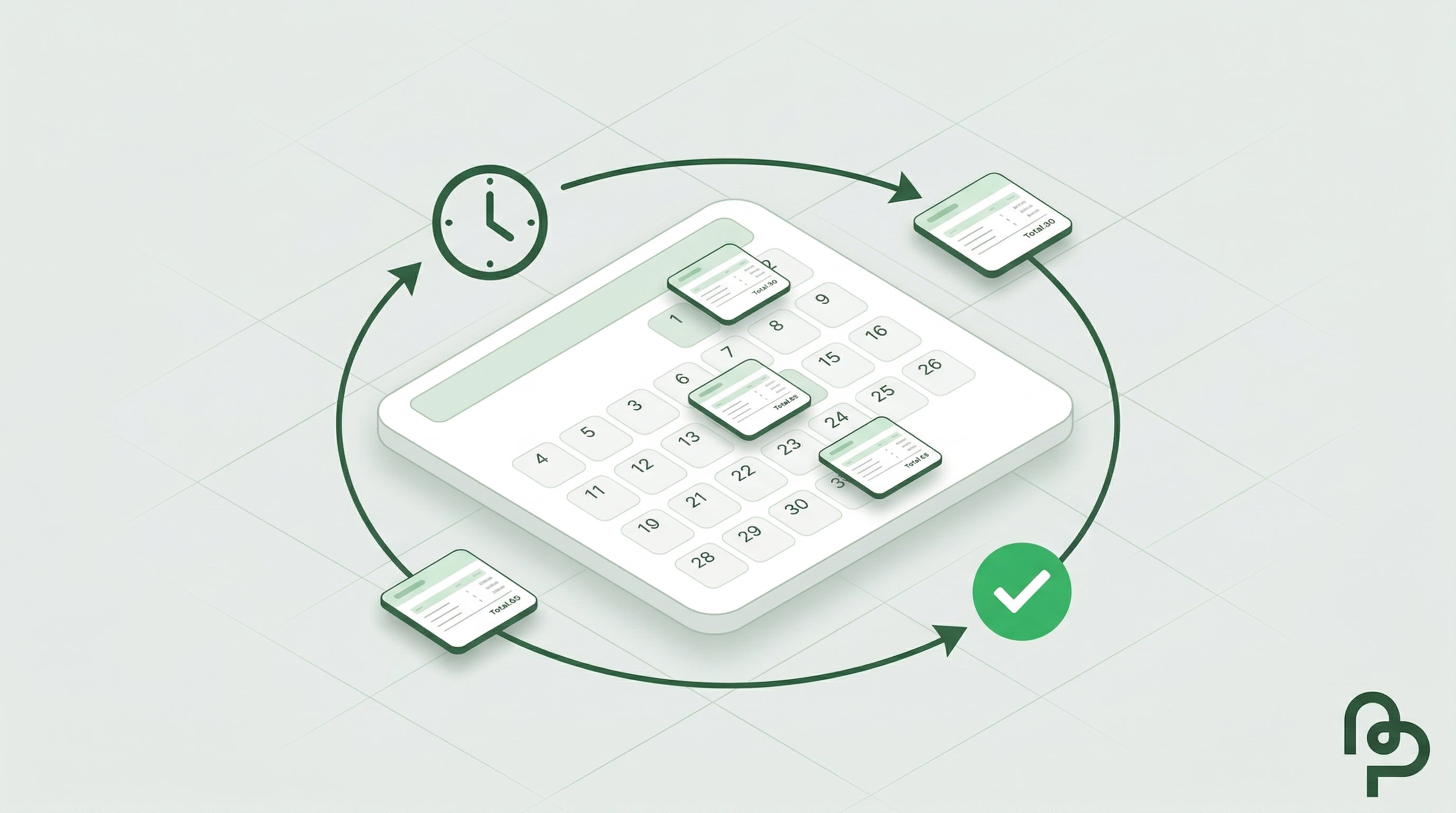
A recurring invoice is an invoice that is automatically generated and sent to a customer on a predefined schedule — weekly, monthly, quarterly, or at any interval you choose. Instead of manually creating a new invoice each billing cycle, you configure the details once and let the system handle the rest.
Recurring Invoices vs. Subscription Billing
These two concepts are often confused, but they serve different purposes:
| Feature | Recurring Invoice | Subscription Billing |
|---|---|---|
| Payment trigger | Customer receives invoice and pays manually | Customer's card is charged automatically |
| Amount flexibility | Can vary between cycles | Usually fixed or usage-based |
| Best for | Services, consulting, retainers, rent | SaaS, memberships, streaming |
| Customer action | Required — customer must process payment | None — payment is automatic |
| Control | Customer decides when to pay (within terms) | Provider controls the charge timing |
If your clients prefer to review an invoice before paying — common in B2B, consulting, and professional services — recurring invoices are the right tool.
Who Needs Recurring Invoices?
Recurring invoices are valuable for any business or freelancer that bills the same client repeatedly for the same (or similar) services. Here are the most common use cases:
| Industry / Role | Use Case | Typical Frequency |
|---|---|---|
| Freelancers | Monthly retainers, ongoing projects | Monthly |
| Marketing agencies | SEO, social media, or ad management fees | Monthly |
| IT consultants | Managed services, support contracts | Monthly / Quarterly |
| Property managers | Rent, utilities, maintenance fees | Monthly |
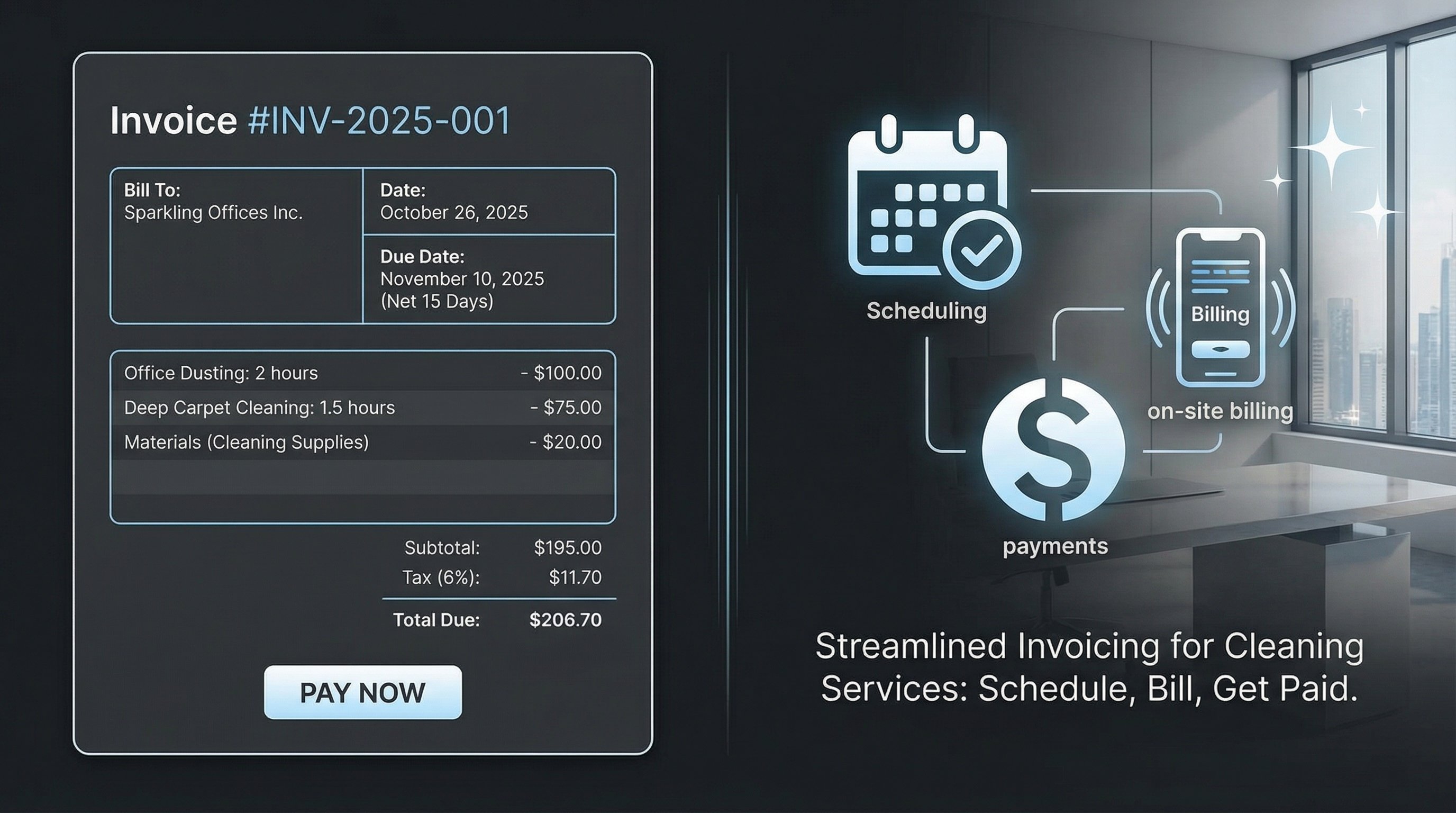
| Cleaning services | Scheduled cleaning contracts | Weekly / Biweekly |
| Coworking spaces | Desk or office rentals | Monthly |
| Accounting firms | Bookkeeping, payroll processing | Monthly / Quarterly |
| SaaS companies | Software licenses (B2B invoiced) | Monthly / Yearly |
| Gyms & studios | Membership dues | Monthly |
| Legal firms | Retainer fees | Monthly |
If your billing follows a pattern, there is no reason to recreate that invoice by hand every cycle.
7 Benefits of Recurring Invoices

1. Save Hours of Admin Time
Setting up a recurring invoice takes minutes. After that, every billing cycle is handled automatically. For businesses with 20+ repeat clients, this can save several hours per month — time better spent on actual client work.
2. Predictable Cash Flow
When invoices go out on the same day every cycle, payments come in on a predictable rhythm. This makes it far easier to forecast revenue, plan expenses, and avoid the cash flow gaps that plague project-based businesses.
3. Fewer Billing Errors
Manual invoicing introduces typos, wrong amounts, and duplicate entries. Automated recurring invoices use the same validated data every cycle, drastically reducing errors that lead to payment disputes or delays.
4. Faster Payments
Clients who receive invoices on a consistent schedule build payment into their own routines. Paired with automatic email delivery, recurring invoices reduce the average time-to-payment compared to ad-hoc billing.
5. Professional Consistency
Every invoice your client receives looks the same — same branding, same format, same terms. This consistency reinforces your professional image and reduces client confusion.
6. Effortless Scalability
Adding five new retainer clients shouldn't mean five times the admin work. Recurring invoices scale linearly: set up each client once, and your billing workload stays flat regardless of how many clients you serve.
7. Built-in Audit Trail
Every generated invoice is logged with a timestamp, status, and delivery record. Come tax season or audit time, you have a complete history of every invoice sent — no digging through email threads or spreadsheets.
How to Set Up Recurring Invoices: Step by Step
Here's how to create a recurring invoice in PineBill — from schedule to activation:
Set the Schedule
Pick a frequency (weekly, biweekly, monthly, quarterly, or yearly), select your anchor days, and choose a time and timezone. Set how long the schedule should run and the due date offset (e.g., Net 30).
Add Products and a Customer
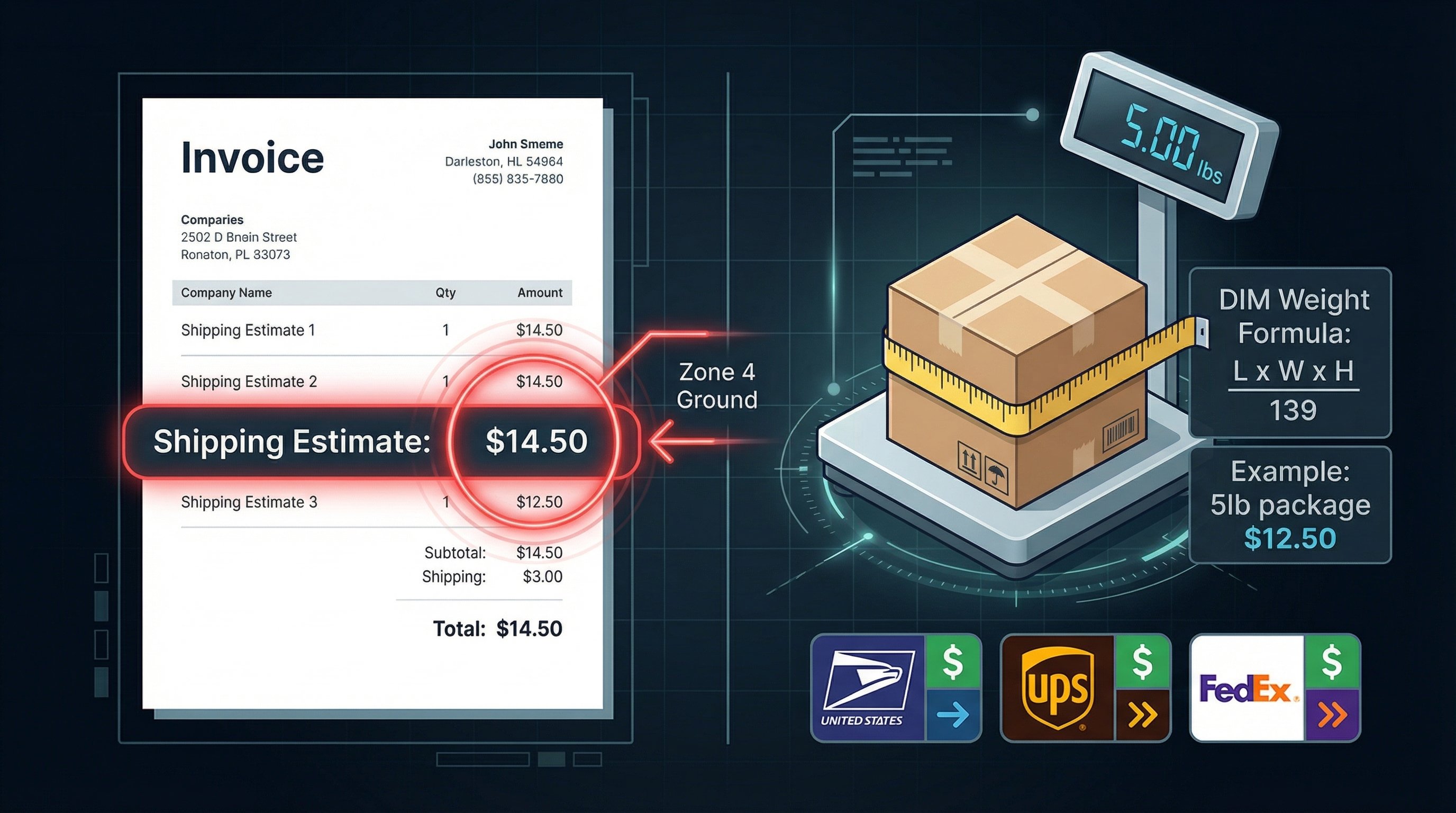
Add products or services from your catalog (or create temporary line items), then assign a customer. Configure tax, discount, and shipping if needed.
Configure Payments and Details
Select payment methods (bank transfer, PayPal, crypto, or custom), set the currency, template, and terms, and enable auto-send so invoices are emailed automatically.
Review and Activate
Check the summary sidebar — customer, totals, and next 6 scheduled dates. Click Create Recurring Invoice to activate. The first invoice generates at the next scheduled time.
For a detailed walkthrough of every field and option, see the full Creating Recurring Invoices documentation.
Recurring Invoices vs. One-Time Invoices: When to Use Each
Not every billing scenario calls for automation. Here's a quick decision framework:
| Criteria | Recurring Invoice | One-Time Invoice |
|---|---|---|
| Billing pattern | Same client, same (or similar) amount | Unique project or deliverable |
| Frequency | Regular schedule | As needed |
| Setup effort | Higher upfront, zero ongoing | Low per invoice |
| Best for | Retainers, subscriptions, rent | Project milestones, one-off services |
| Modification | Edit once, applies to future cycles | Each invoice is independent |
| Admin overhead | Minimal after setup | Scales with invoice volume |
Rule of thumb: if you'll invoice the same client more than three times for the same service, set up a recurring invoice. For everything else, a standard one-time invoice works perfectly.
Key Takeaways
- Recurring invoices automatically generate and send invoices on a schedule you define — weekly, monthly, quarterly, or yearly.
- They are different from subscription billing: recurring invoices require the client to pay; subscriptions auto-charge.
- Any business with repeat clients and predictable billing benefits from recurring invoices — freelancers, agencies, property managers, and more.
- The top benefits are time savings, consistent cash flow, fewer errors, and effortless scalability.
- Setup involves defining a schedule, adding products, assigning a customer, configuring payments, and enabling auto-send.
- Best practices include matching billing dates to client AP cycles, monitoring run history, and pausing (not deleting) when work is on hold.
- Use recurring invoices when you'll bill the same client more than three times for the same service.
- Tools like PineBill make setup straightforward with flexible scheduling, auto-send, pause/resume, and a complete audit trail.
Ready to Automate Your Billing?
Stop spending hours recreating the same invoices every month. PineBill lets you set up recurring invoices with flexible scheduling (including multiple anchor days per cycle), automatic email delivery, pause and resume controls, and a full run history so you never miss a beat.
Get started for free or explore the Recurring Invoices documentation to see every feature in detail.