How to Track Time Efficiently: Stop Losing Freelance Revenue
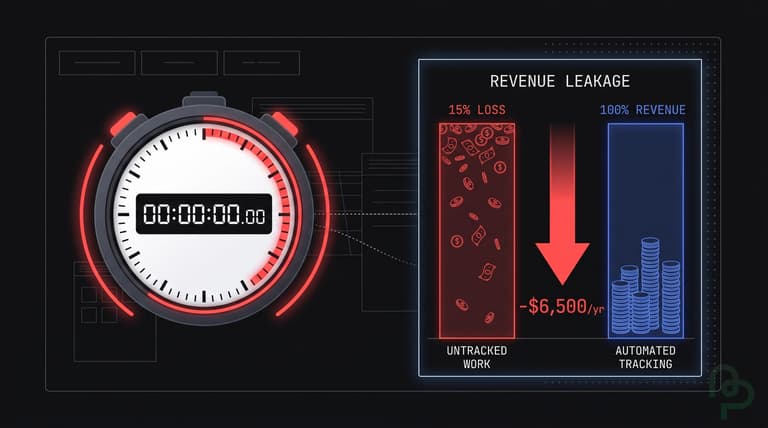
Untracked work costs professional services firms an estimated $7.4 billion per day in lost productivity (Harvard Business Review, 2024). For a solo freelancer billing $100 per hour, failing to log just 15 minutes of daily admin work results in $6,500 of lost revenue annually. This guide provides the systems needed to recover those hours and maximize your effective hourly rate.
The Real Cost of Billable Time Leakage
Most freelancers rely on "reconstructive logging," which involves trying to remember what they did at the end of the day or week. This method is mathematically flawed. Humans underestimate the time spent on small tasks like emails, Slack messages, and file exports by up to 25% (Accelo, 2024). When you don't track in real-time, you're essentially giving your clients a 20% discount that they didn't ask for and you didn't agree to.
Time leakage doesn't just happen during the work itself. Context switching—moving from a design project to an invoicing task—creates a cognitive drain that delays focus. It takes an average of 23 minutes and 15 seconds to return to a task after being interrupted (University of California, Irvine, 2023). If you aren't tracking the "shadow work" of managing these transitions, you are underpricing your services.
Consider a scenario where you bill $5,000 for a project based on an estimated 50 hours of work. If you spend an additional 10 hours on unrecorded client communication and revisions, your hourly rate drops from $100 to $83. Over a year, these "invisible" hours can represent the difference between a struggling practice and a profitable business.
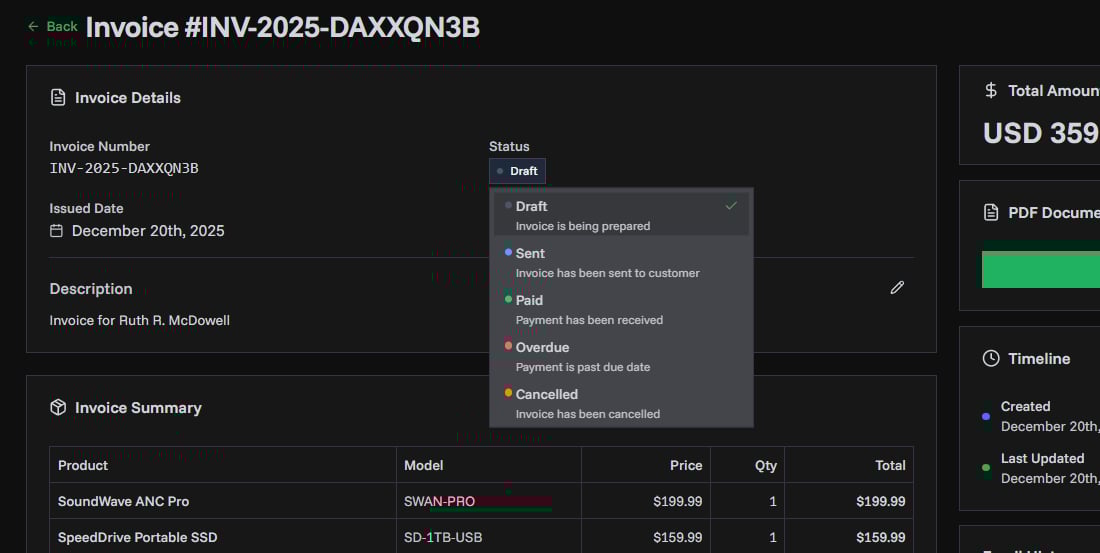
Tracked hours only pay off once they're billed. You can turn them into hourly line items with PineBill's free invoice generator and download the invoice as a PDF.
Moving from Manual Entry to Passive Context
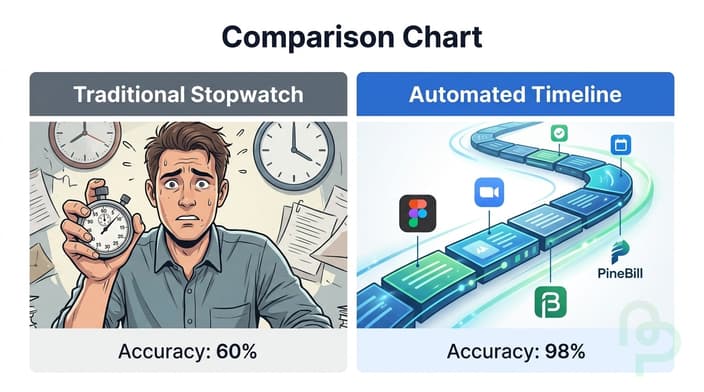
To track time efficiently, you must move away from the "start-stop" stopwatch mental burden. Studies show that 40% of employees who track time manually find it burdensome (Toggl, 2024). The friction of pressing a button every time you open a new tab is a productivity killer. Instead, you need a system that categorizes work based on the applications or documents being used.
Efficient tracking requires categorizing work by "Billable," "Internal Admin," and "Marketing." For instance, writing an invoice on PineBill would be categorized as Internal Admin, while designing a mockup in Figma would be Billable. By separating these, you can calculate your Utilization Rate: the percentage of your total working hours that actually generate revenue.
Sophisticated freelancers use "Time Blocking" in conjunction with tracking. By dedicating 9:00 AM to 11:00 AM solely to a specific client, you reduce the number of entries you need to record. This creates cleaner data for your invoices and reduces the mental load of trying to parse out which 5-minute Slack message belonged to which project at the end of the month.
How to Build a Frictionless Tracking System
Audit Your Daily Activity
Before choosing a tool, spend three days manually noting everything you do in 15-minute increments. This baseline helps you identify where your biggest time leaks are. Most freelancers find that "quick checks" of email consume 20% more time than they previously estimated (HubSpot, 2023).
Set Standardized Billing Increments
Decide if you will bill to the nearest 6, 10, or 15 minutes. Billing in 15-minute increments is standard. If a task takes 7 minutes, you bill for 15. This accounts for the context-switching cost mentioned earlier and ensures you are compensated for the mental energy required to pivot between clients.
Link Tracking to Your Bank Feed
Integrate your business management tools. Tools like PineBill sync bank feeds automatically, allowing you to see exactly when a client payment hits relative to when the time was tracked. This helps you identify which clients are "high-maintenance" (lots of hours, slow payments) versus those that are high-margin.
Review and Adjust Weekly
Every Friday, spend 10 minutes reviewing your tracked hours versus your revenue. If you worked 40 hours but only billed 20, you have a 50% utilization rate. Your goal should be to keep this above 70% by delegating admin work or raising your rates to account for non-billable time.
Comparison of Time Management Strategies

| Strategy | Accuracy | Effort Level | Revenue Impact |
|---|---|---|---|
| Manual Weekly Logging | Low (approx. 50-60%) | Low | High Leakage |
| Daily Stopwatch | Medium (approx. 85%) | High | Moderate |
| Automated App Usage Tracking | High (approx. 95%+) | Low | Minimum Leakage |
| Time Blocking + Tracking | Very High | Medium | Maximum Efficiency |
Source: Business.com Data Analysis, 2024
Identifying High-Cost Pitfalls in Freelance Billing
A common mistake is failing to account for the "Administrative Overhead" of a project. While the core work is billable, the time spent setting up project folders, managing passwords, and sending follow-up emails for unpaid invoices is often ignored. If you bill $5,000 for a web build but spend 6 hours chasing payments, your net profitability drops significantly.
Furthermore, according to the Freelancers Union, 71% of freelancers struggle with late payments at some point in their careers (Freelancers Union, 2023). If your time tracking isn't directly tied to your invoicing system, the delay between completing work and sending the bill increases. For every day you wait to send an invoice after completing work, the likelihood of a late payment increases by 2.5%.
Key Takeaways
- Stop guessing—untracked time can cost a freelancer upwards of $6,500 per year in unbilled revenue.
- Bill for transitions—always include the time spent on client-specific communication, even if it feels "too short" to track.
- Use 15-minute increments—this captures the cognitive cost of context switching and stabilizes your hourly rate.
- Monitor Utilization—aim for a 70% billable-to-admin ratio to ensure your business remains sustainable.
- Sync with Invoicing—ensure your recorded hours move directly into your billing tool to avoid manual entry errors.
Frequently Asked Questions
Frequently Asked Questions
What is the best billing increment for freelancers?
Most freelancers use 15-minute increments. This ensures that even short 5-minute requests are captured proportionately to the interruption they cause. For example, a $100/hour freelancer would bill $25 for any task that falls within that 15-minute window.
Should I track time for fixed-fee projects?
Yes, tracking time on fixed-fee projects is essential for calculating your project profitability. If you bill $2,000 for a project but it takes 40 hours, you are making $50/hour. Without tracking, you won't know if your fixed prices need to increase for future clients.
How do I handle clients who question my hours?
Clear documentation is the best defense. By using a system that provides timestamps and task descriptions, you offer transparency. Providing a detailed log alongside your invoice reduces payment friction and builds trust with long-term clients.