Invoicing Jargon Buster: Terms Every Freelancer Should Know
Nearly half of all B2B invoices become overdue, causing severe cash flow disruptions for independent professionals (altLINE, 2025). Clarifying your payment language ensures you aren't waiting months for a $5,000 project fee. This guide breaks down the essential jargon you'll encounter to help you get paid faster.
Understanding Core Payment Terms
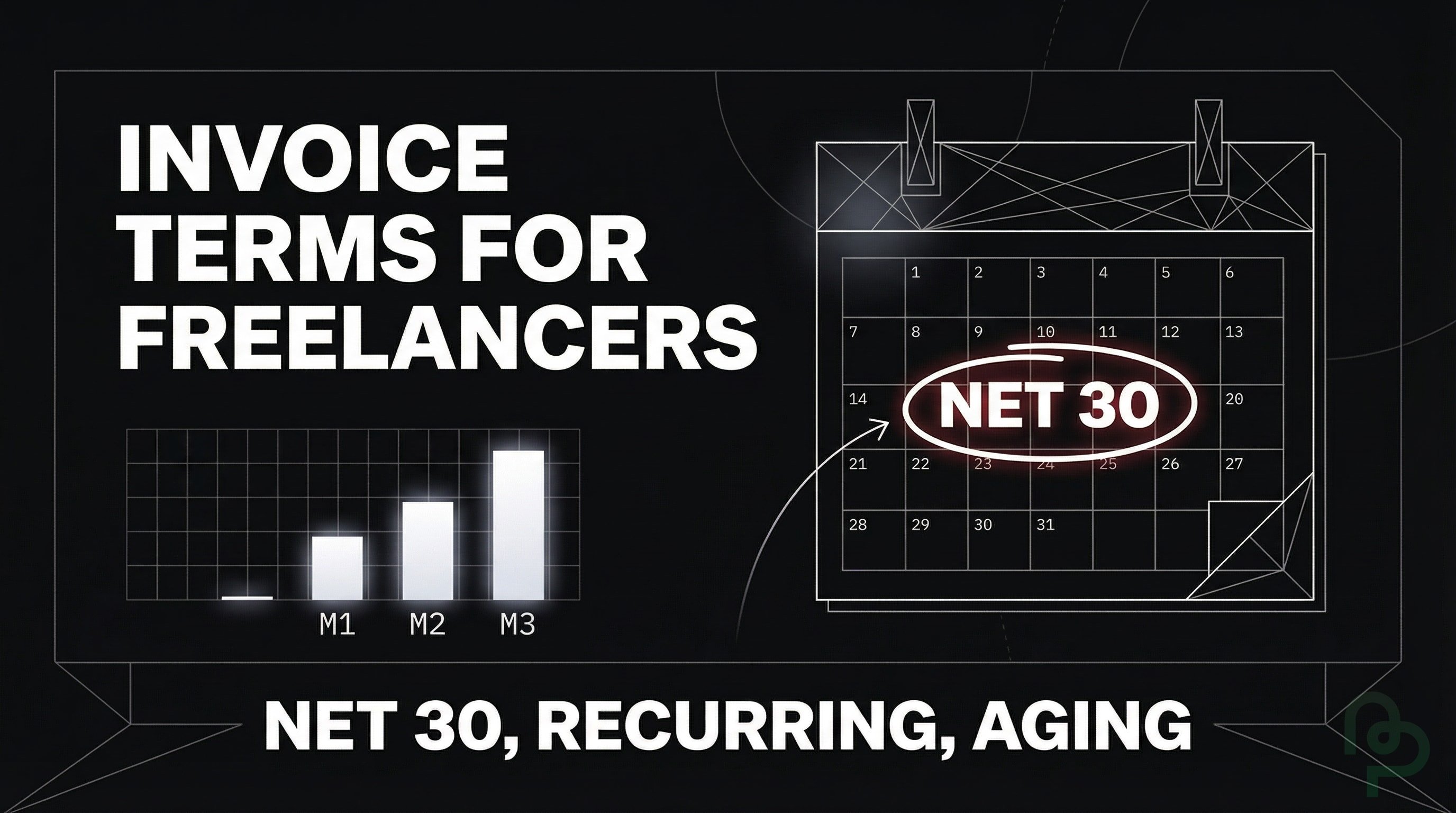
Net terms are the most frequent jargon you'll see on a contract. These designate how many days a client has to pay after receiving your invoice. If you're working on a $12,000 contract, agreeing to "Net 90" means you won't see that cash for three months, which can be an impossible wait for many small shops.
| Payment Term | Definition | Impact on Cash Flow |
|---|---|---|
| Due Upon Receipt | Payment is expected immediately when the client opens the file. | Fastest available cash injection. |
| Net 15 | Payment is due within 15 calendar days of the invoice date. | Moderate speed; good for small recurring tasks. |
| Net 30 | Payment is due within 30 calendar days. | Standard industry baseline; requires a cash buffer. |
| Net 60/90 | Extended payment windows of 60 or 90 days. | Enterprise clients often demand this; plan accordingly. |
| 2/10 Net 30 | 2% discount if paid within 10 days; otherwise due in 30 days. | Incentivizes early payment; improves cash velocity. |
| EOM (End of Month) | Payment is due by the last day of the current month. | Predictable monthly collection cycles. |
| 15 MFI | Due by the 15th of the month following the invoice date. | Gives clients a clear calendar date. |
| 50% Upfront | Half the fee is paid before work begins. | Reduces risk on large creative projects. |
| COD (Cash on Delivery) | Payment required when the goods or services are delivered. | Zero credit risk; common for new client relationships. |
Source: altLINE, 2025
By using PineBill to track your Net 30 terms, you'll always know exactly when your bank balance will grow.
The Power of Recurring Billing
Recurring billing is an automated system where your client is charged on a fixed schedule—often weekly or monthly. Automating your billing cycles through recurring invoices can save your business over 10 hours of manual data entry every week. It's especially useful for retainers where the scope and fee remain consistent.
Platforms like PineBill allow you to set these recurring cycles once, ensuring you don't forget to bill for month-long projects. It turns your unpredictable freelance revenue into a steady, predictable salary.
Managing Your Invoice Aging
Invoice aging is a method of tracking how long your bills have been outstanding. Businesses monitor invoice aging by grouping unpaid documents into 30, 60, and 90-day categories to prevent unpaid work from becoming permanent "bad debt". If an invoice hits the 61-day mark, it's a signal to pause work until the client pays.

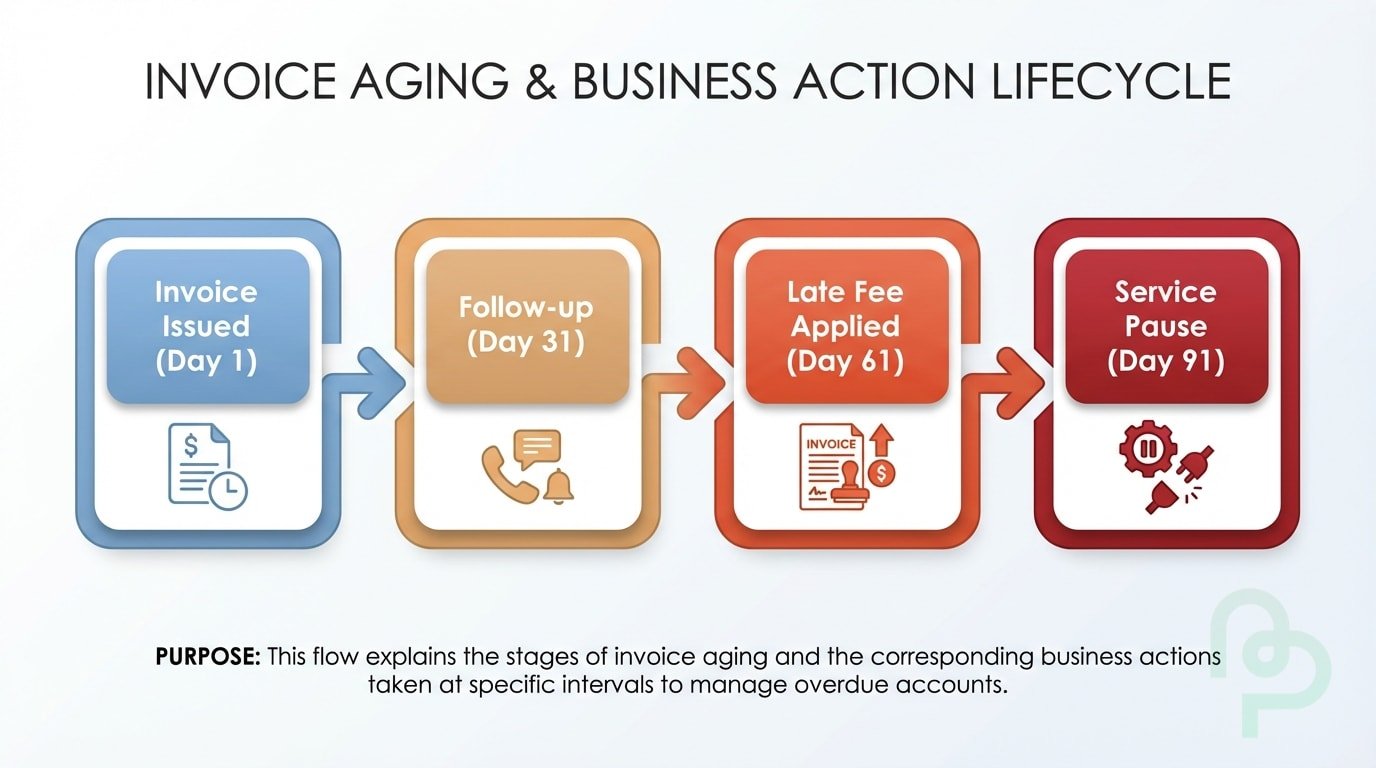
Managing this manually is tedious, while tools such as PineBill generate aging reports automatically. You'll instantly see which clients consistently ignore their deadlines, allowing you to adjust their future terms to "Due Upon Receipt."
Types of Invoices You'll Encounter
Not every invoice serves the same purpose. Understanding the different types helps you choose the right document for each situation and communicate professionally with clients.
Proforma Invoice
A proforma invoice is a preliminary bill of sale sent before work begins. It's essentially a quote or estimate that outlines the expected costs, giving your client a clear picture of what they'll owe (FreshBooks, 2025). Unlike a standard invoice, a proforma is not legally binding and doesn't demand immediate payment—it's a professional way to confirm project scope and pricing before you start.
Use proforma invoices when:
- A client needs cost approval from their finance department
- You're working with international clients who need documentation for customs or import permits
- You want to formalize a verbal agreement before commencing work
Interim Invoice
For large projects spanning several months, waiting until the end to invoice can devastate your cash flow. An interim invoice breaks the total project cost into milestone-based payments. If you're building a $15,000 website, you might send three interim invoices: one at project kickoff, one at design approval, and one at launch.
This approach protects both parties—you maintain steady income while the client pays only for completed work.
Credit Note (Credit Memo)
A credit note reduces the amount a client owes you. You issue one when there's been an overcharge, a partial refund is due, or services weren't delivered as expected (Stripe, 2025). Unlike a refund that returns cash, a credit note typically applies the balance toward future work.
For example, if you billed $2,000 but only delivered $1,700 worth of services, you'd issue a $300 credit note rather than sending a completely new invoice.
Accounts Receivable vs. Accounts Payable
These two terms form the foundation of your business finances—understanding them is critical for managing cash flow effectively.
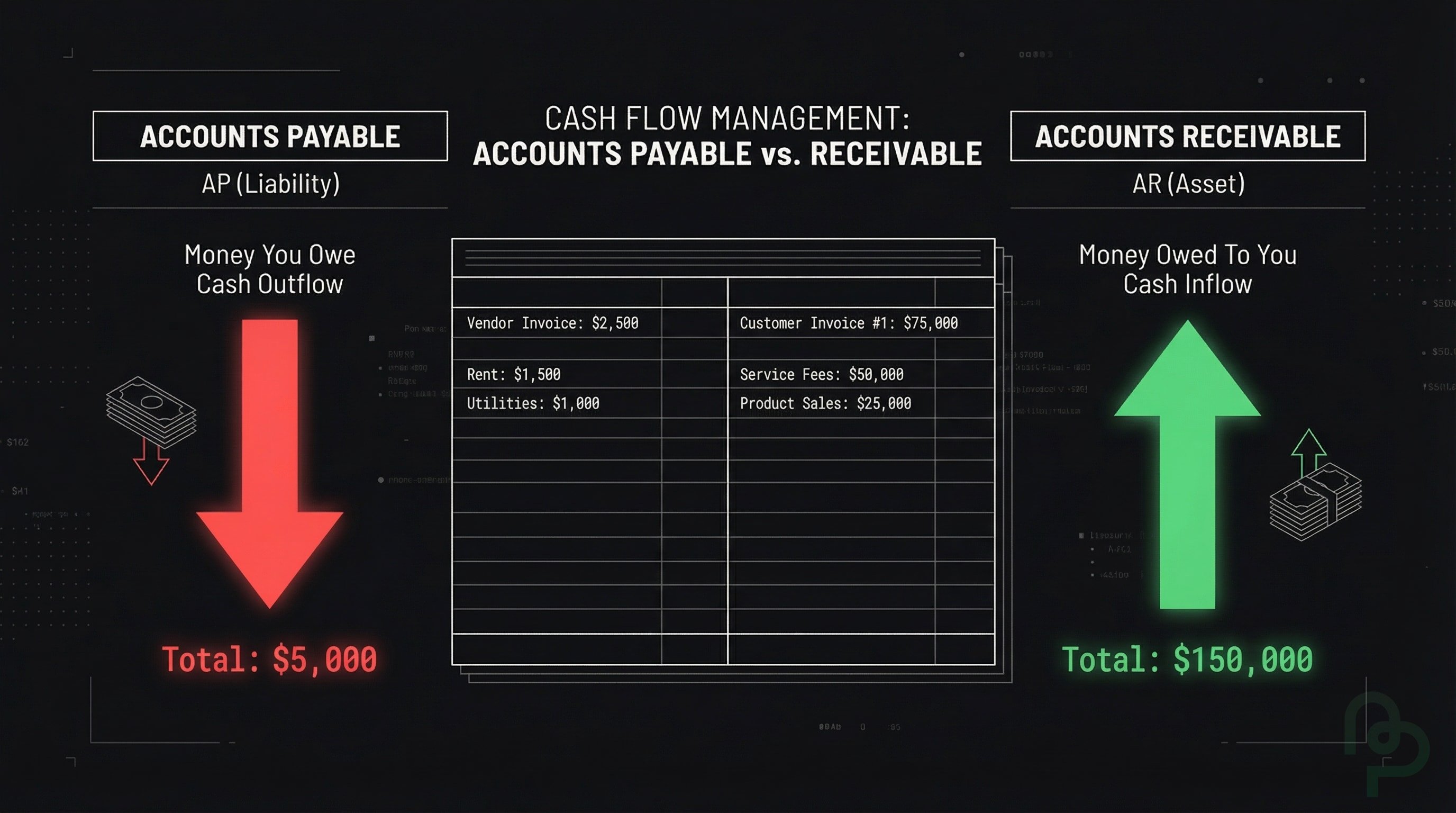
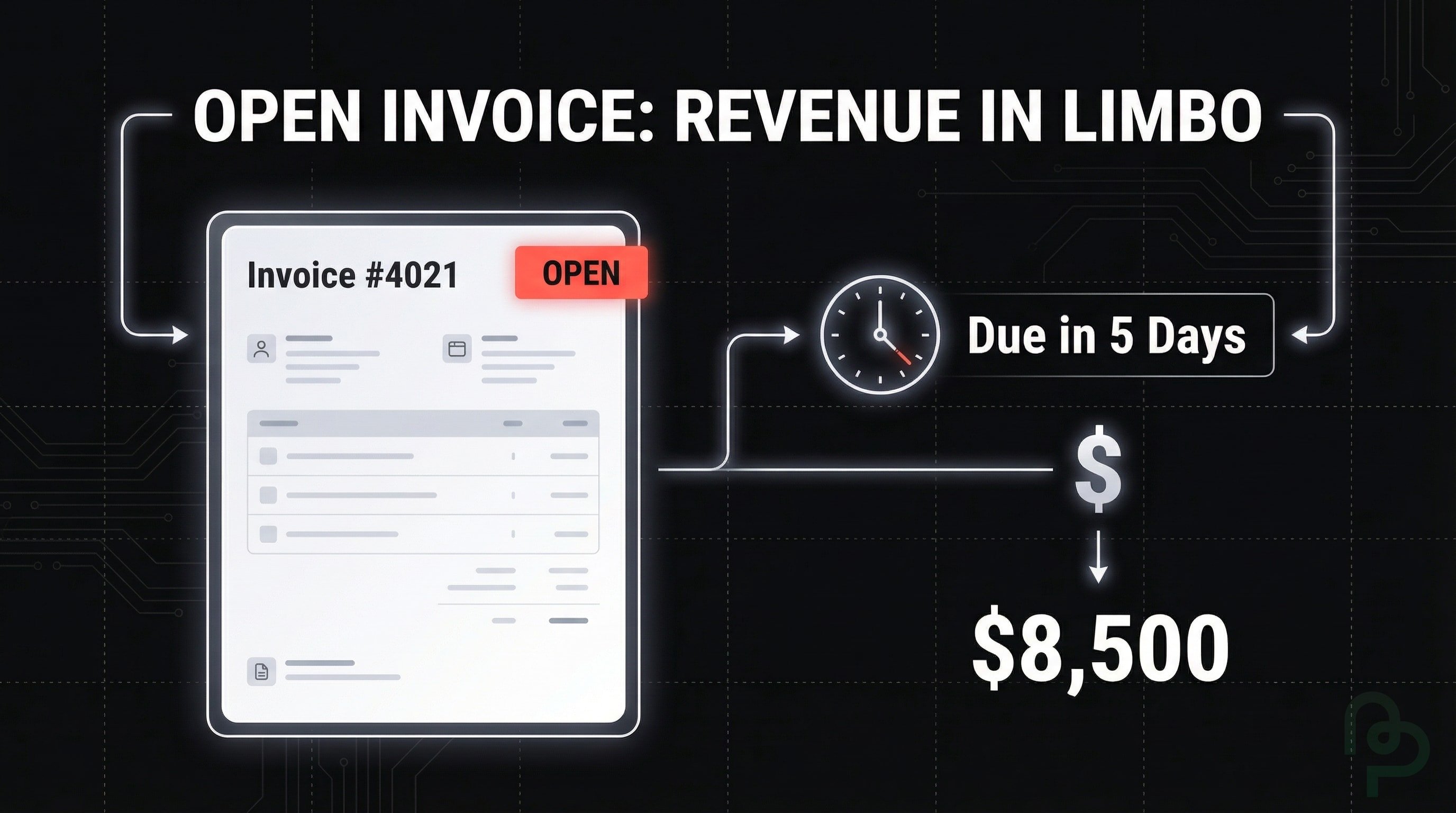
Accounts Receivable (AR) is money owed to you by clients for work you've already completed. Every unpaid invoice sitting in your inbox is part of your accounts receivable. It's an asset on your balance sheet because it represents future cash you're entitled to collect (PayPal, 2025).
Accounts Payable (AP) is the opposite—money you owe to others. This includes software subscriptions, contractor payments, or equipment purchases you've received but haven't paid for yet. It's a liability because it represents cash that will leave your account.
| Term | Direction | What It Represents | On Your Books |
|---|---|---|---|
| Accounts Receivable | Money coming in | Unpaid client invoices | Asset (good) |
| Accounts Payable | Money going out | Bills you owe to vendors | Liability (owed) |
The relationship between these two determines your cash flow health. If your receivables far exceed your payables but clients are paying slowly, you might have impressive revenue on paper while struggling to cover next month's expenses.
Purchase Orders and Their Role
A purchase order (PO) is a formal document issued by a buyer before any work begins, confirming their intent to purchase your services at an agreed price (Adobe, 2025). Large corporations and government agencies almost always require POs before approving vendor payments.
Here's the typical workflow:
- Client issues a PO with a unique number, budget allocation, and project details
- You accept the PO, making it a legally binding agreement
- You complete the work and send an invoice referencing the PO number
- Client's accounts payable matches your invoice to the PO and processes payment
Why this matters for freelancers: If a corporate client mentions they need a PO, don't skip this step. Without a valid PO number on your invoice, their payment system may reject it entirely—no matter how clearly you delivered the work.
Invoice Financing: Getting Paid Faster
Sometimes you can't afford to wait 60 days for a $10,000 invoice to clear. Invoice factoring offers a solution: you sell your unpaid invoices to a financing company that pays you immediately—typically 70% to 90% of the invoice value (QuickBooks, 2025).
The factoring company then collects payment directly from your client. Once paid, they release the remaining balance minus their fee (usually 1% to 5%).
| Pros | Cons |
|---|---|
| Immediate cash access (often within 24 hours) | Fees reduce your overall earnings |
| No debt added to your books | Client may interact with the factoring company |
| Simple qualification requirements | Long-term contracts may lock you in |
This option works best for freelancers with reliable enterprise clients who pay slowly but consistently. It's less ideal for one-off projects or clients with questionable credit.
Understanding Invoice Statuses
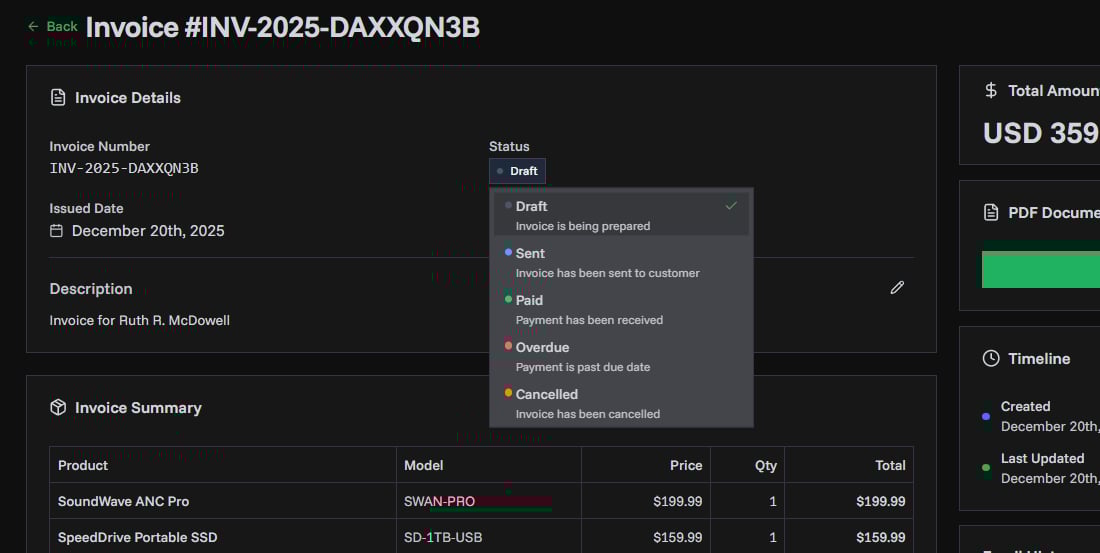
Every invoice moves through specific stages. Knowing these statuses helps you track what needs attention and identify bottlenecks in your payment cycle.
| Status | Meaning | Action Required |
|---|---|---|
| Draft | Invoice created but not yet sent to the client. | Review and send when ready. |
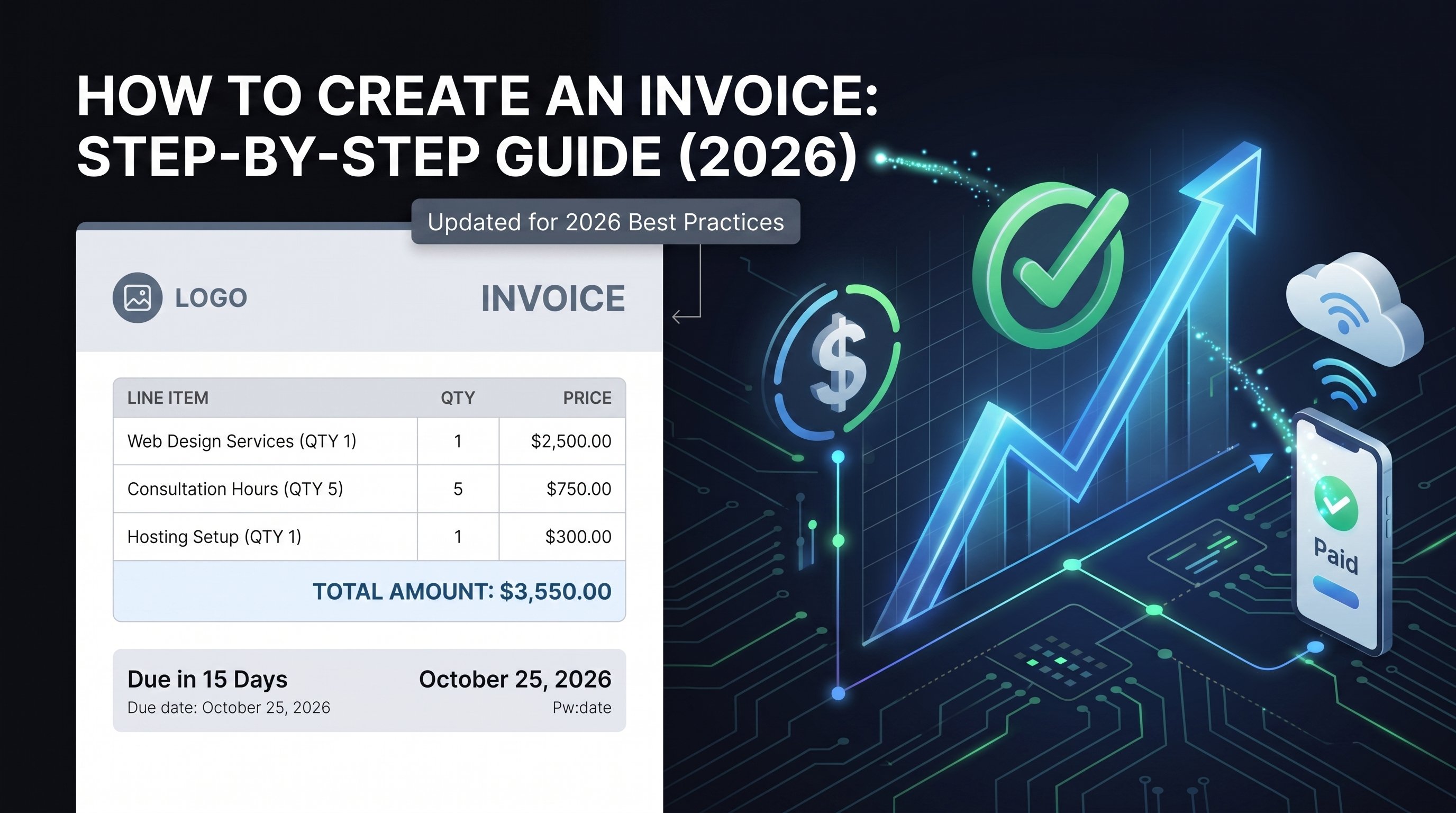
| Sent/Pending | Invoice delivered; awaiting client payment. | Monitor for the due date. |
| Viewed | Client has opened the invoice (if tracking is enabled). | Follow up if no payment after a few days. |
| Partially Paid | Client has paid some but not all of the amount owed. | Send a reminder for the remaining balance. |
| Overdue | Payment deadline has passed without full payment. | Initiate collection follow-up immediately. |
| Paid | Full payment received; invoice is closed. | Archive for records. |
| Void | Invoice cancelled; no payment expected or required. | Document reason for auditing purposes. |
PineBill automatically tracks these statuses, alerting you the moment an invoice crosses from "Pending" into "Overdue" territory.
Key Takeaways
- Use Specific Net Terms—Net 15 or Net 30 provides a clear legal deadline for payment. Consider offering 2/10 Net 30 discounts to accelerate cash flow.
- Automate Recurring Payments—Save over 10 hours of admin time weekly by scheduling retainer invoices.
- Track Your Aging Reports—Identify invoices lingering in the 60+ day range before they become uncollectible.
- Get Deposits Upfront—Securing 50% before starting a $5,000 project protects your time and expenses.
- Standardize Your Reminders—Use automated systems to follow up as soon as a Net deadline passes.
- Use Interim Invoices for Large Projects—Break multi-month projects into milestone payments to maintain steady cash flow.
- Always Reference PO Numbers—Corporate clients require purchase order numbers on invoices; missing them delays payment.
- Monitor Your AR/AP Ratio—Keep accounts receivable collection times shorter than your accounts payable obligations.