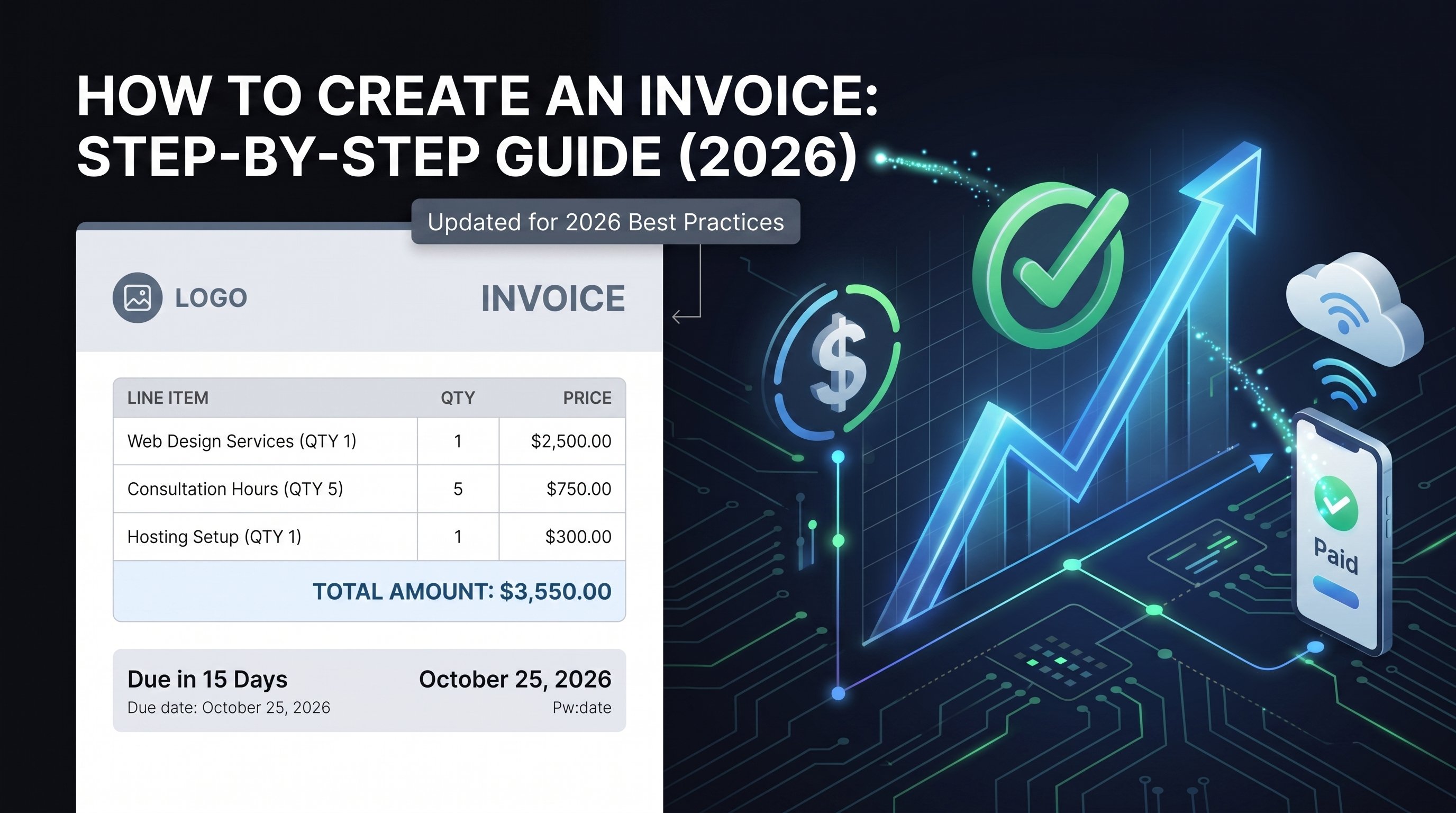
How to Invoice as a Freelancer for Faster Payments
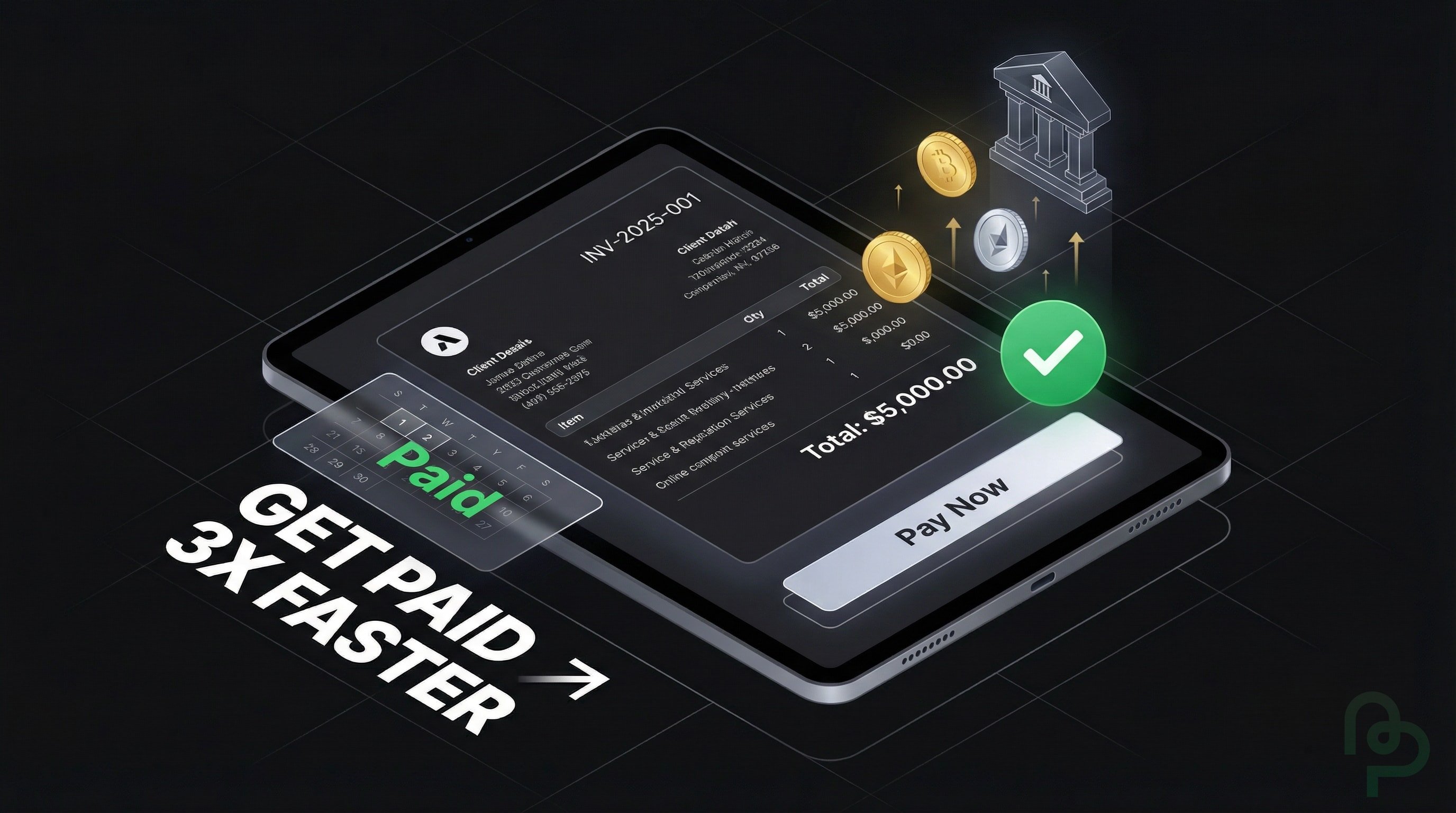
46.7% of the global workforce is currently self-employed (Invoicera, 2025). This shift toward independent work leaves billions of professionals responsible for their own accounts receivable. This guide provides the tactical framework for creating professional invoices that clear bank accounts 3x faster than manual methods—and shows you exactly how to set up a streamlined billing system using PineBill in under 5 minutes.
The High Cost of Administrative Inefficiency
Freelancers often view billing as a secondary task, but administrative delays directly correlate with payment friction. Approximately 27% of invoices are paid late, creating significant cash flow gaps for small operators (QuickBooks, 2024). When you delay sending an invoice by even two days, you aren't just pushing back your payday; you're signaling to the client that your billing process is informal, which often leads to them deprioritizing your payment in their own accounts payable cycle.
The financial impact is measurable. For a contractor billing $8,500 for a web development project, a 21-day payment delay—the current industry average (QuickBooks, 2024)—means that capital is unavailable for reinvestment or tax obligations. You'll find that without a rigorous system, you're essentially providing an interest-free loan to your clients. This lack of liquidity often forces freelancers to rely on high-interest credit lines to cover personal expenses while waiting for client checks to clear.
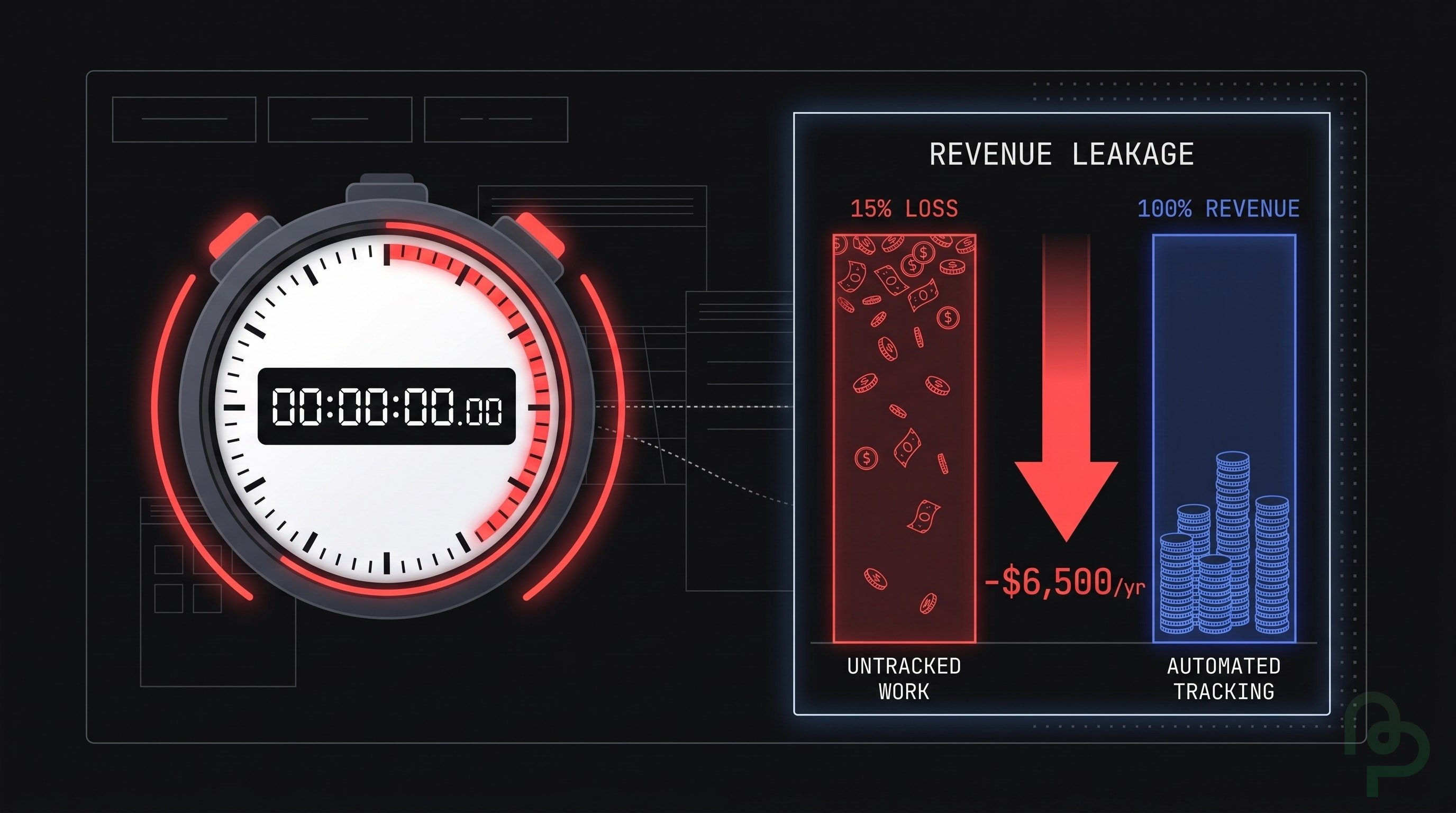
You won't maintain a sustainable business if you're spending 20% of your billable week chasing signatures. The mental overhead of tracking ten different clients across various email threads leads to "invoice fatigue." This fatigue causes missed line items, such as failing to bill for a $500 revision or a $400 consulting call, which directly erodes your hourly realized rate.
The solution isn't to work harder at invoicing—it's to eliminate the manual work entirely. Modern invoicing platforms like PineBill automate the entire process from invoice creation to payment collection, letting you focus on billable work instead of administrative tasks. For a step-by-step primer that applies to any business, see our guide on how to create an invoice.
Essential Components of a Professional Invoice
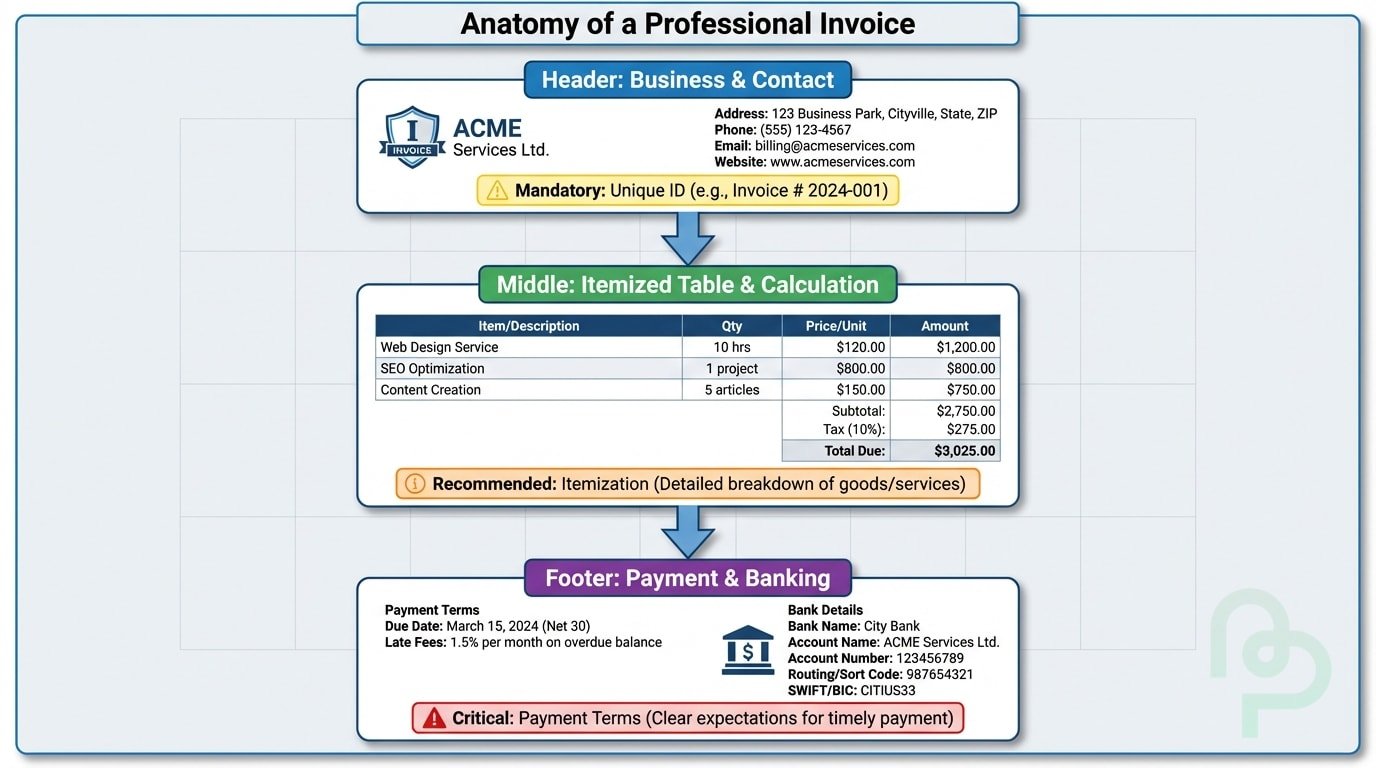
A professional invoice acts as a legal record and a branding tool. It must contain your legal business name, contact information, and a unique invoice number. Smart numbering (e.g., INV-2025-001) prevents confusion and helps you track payments during tax season. If you're using tools like PineBill, these numbers are generated automatically to ensure you never duplicate a record or lose track of a sequence.
Detailed line items are non-negotiable for preventing client disputes. Instead of writing "Social Media Work—$5,000," you should break it down into specific deliverables: "30 Social Media Posts—$3,000," "Community Management (20 hours)—$1,500," and "Ad Spend Management—$500." This transparency makes it much harder for a client's accounting department to question the total amount. It also provides you with a clear history of what work was performed should you need to reference it for future projects. PineBill makes this easy with its intuitive line item editor that auto-calculates totals, taxes, and discounts as you type.
Payment terms and methods should be prominent. Including a "Pay Now" link rather than just bank details can drastically improve turnaround. You'll notice that online invoices that offer one-click payment options are settled much faster than those requiring manual bank transfers. For a freelancer handling a $2,400 monthly retainer, getting that payment on day 1 versus day 30 is the difference between meeting a mortgage deadline and incurring late fees.
How to Create Your First Invoice with PineBill
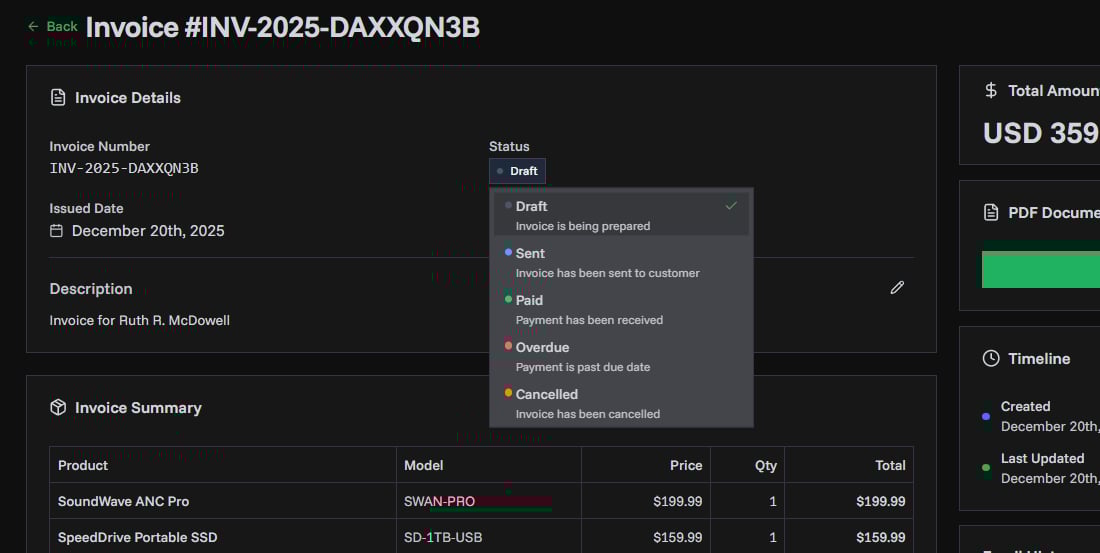
Let's walk through the exact process of creating a professional invoice with PineBill. The entire workflow takes less than 2 minutes once your account is set up.

Sign Up and Set Up Your Business Profile
Create your free PineBill account and add your business details—name, address, logo, and default payment terms. This information auto-populates on every invoice you create, eliminating repetitive data entry.
Create a New Invoice
Click "New Invoice" from your dashboard. PineBill automatically generates a unique invoice number and sets today's date. Select your client from your saved contacts or add a new one on the fly.
Add Line Items and Set Terms
Enter your services with quantities, rates, and descriptions. PineBill calculates subtotals, applies tax rates, and shows the total in real-time. Set your due date (Net 15 is recommended) and add any notes or payment instructions.
Send or Share Your Invoice
Hit "Create Invoice" to generate a professional PDF. Share it instantly via a secure link, download it for email attachment, or copy the shareable URL. Your client receives a clean, branded invoice they can view on any device.
That's it. No complicated setup, no learning curve. PineBill is designed to get you from "I need to bill this client" to "Invoice sent" in under 2 minutes.
Comparing Invoicing Methods for Freelancers
Choosing the right method for your billing depends on your volume and the complexity of your services. While a new freelancer might start with manual templates, the risks of human error and late payments grow as the business scales through different revenue tiers.
| Method | Setup Time | Risk of Errors | Avg. Payment Speed | Cost | Best For |
|---|---|---|---|---|---|
| Word/Excel Templates | 30 mins | High | Slow (15-30 days) | Free | One-off projects |
| Email Invoicing (PDF) | 10 mins | Medium | Moderate (10-20 days) | Free | Low-volume freelancers |
| PineBill | 2 mins | Low | Fast (1-7 days) | Free | Freelancers & SMBs |
| Enterprise Software | 2+ hours | Low | Fast (5-10 days) | $15-50/mo | Large teams with accountants |
| Custom API Integration | 10+ hours | Low | Very Fast (3 days) | Variable | High-volume agencies |
Payment speed data: Stripe, 2025
Why Freelancers Choose PineBill
PineBill was built specifically for freelancers and small businesses who need professional invoicing without the complexity of enterprise software. Here's what sets it apart:
- Free to Start: Create unlimited invoices without a subscription. No credit card required.
- Clean, Professional Templates: Your invoices look polished and branded, building client trust from the first bill.
- Multi-Currency Support: Bill international clients in their preferred currency with automatic formatting.
- Shareable Invoice Links: Send a secure link instead of attachments—clients can view invoices on any device.
- PDF Downloads: Generate print-ready PDFs for clients who prefer traditional documentation.
- No Learning Curve: If you can fill out a form, you can create an invoice. It's that simple.
Frequently Asked Questions
Ready to Get Paid Faster?
Stop chasing payments and start running a professional billing operation. PineBill makes freelance invoicing effortless—create your first invoice in under 2 minutes, completely free.