Calendar
Calendar Settings
Configure the calendar for your organization, including the day the week starts on.
Quick Start
Go to Dashboard -> Setup -> Calendar Settings.
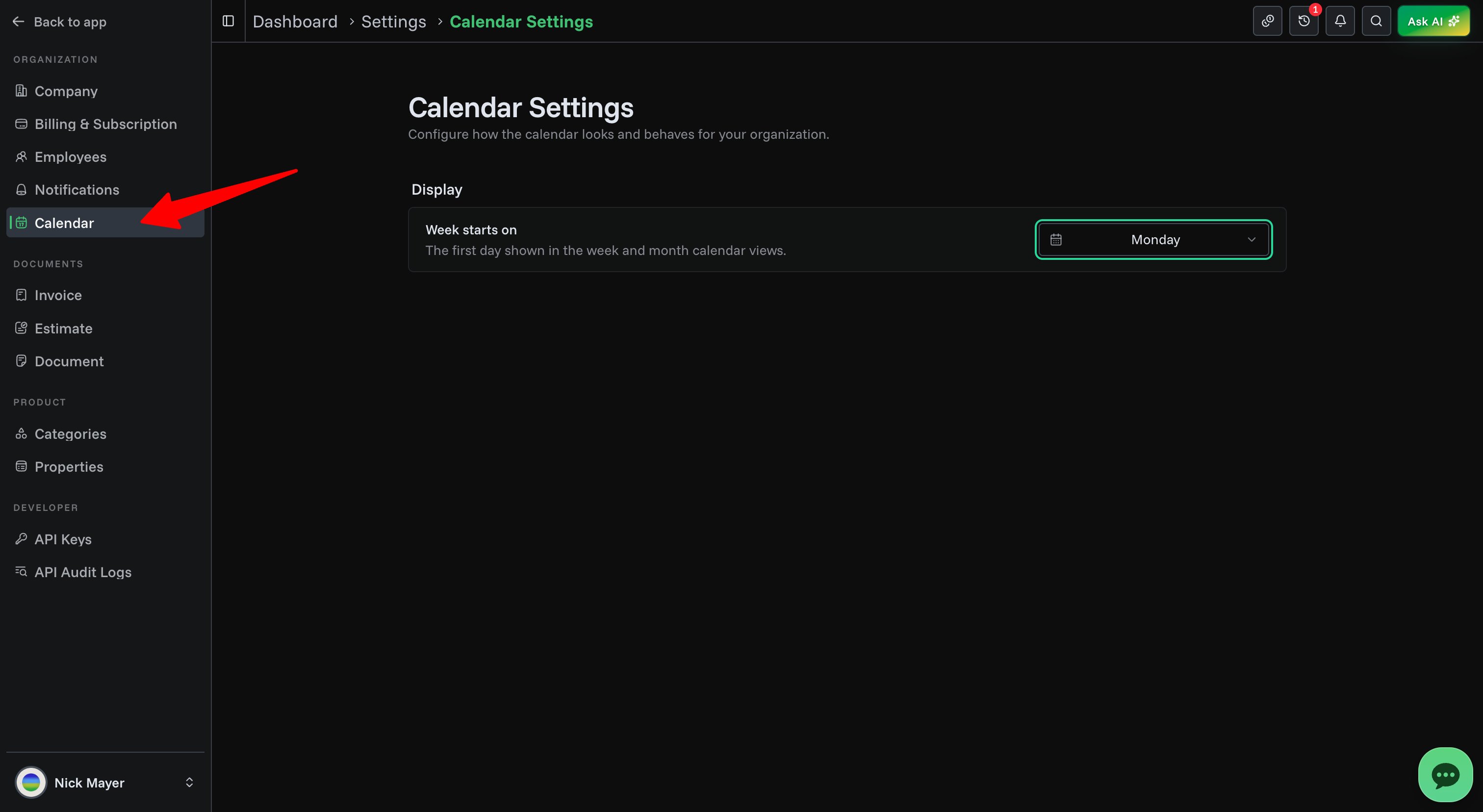
Settings
| Setting | Options | Notes |
|---|---|---|
| Week starts on | Sunday, Monday, or Saturday | Sets the first column in the Week and Month views |
Only the organization owner can change calendar settings. When you make a change, a save bar appears — click Save changes to apply it.