Calendar
Views & Navigation
Switch between Month, Week, Day, and Agenda views, move through time, and filter which sources appear on the calendar.
Views
Switch views from the toolbar. Each shows a different span of time.
| View | Shows |
|---|---|
| Month | A full month grid — best for an overview |
| Week | Seven days with an hourly time grid |
| Day | A single day with an hourly time grid |
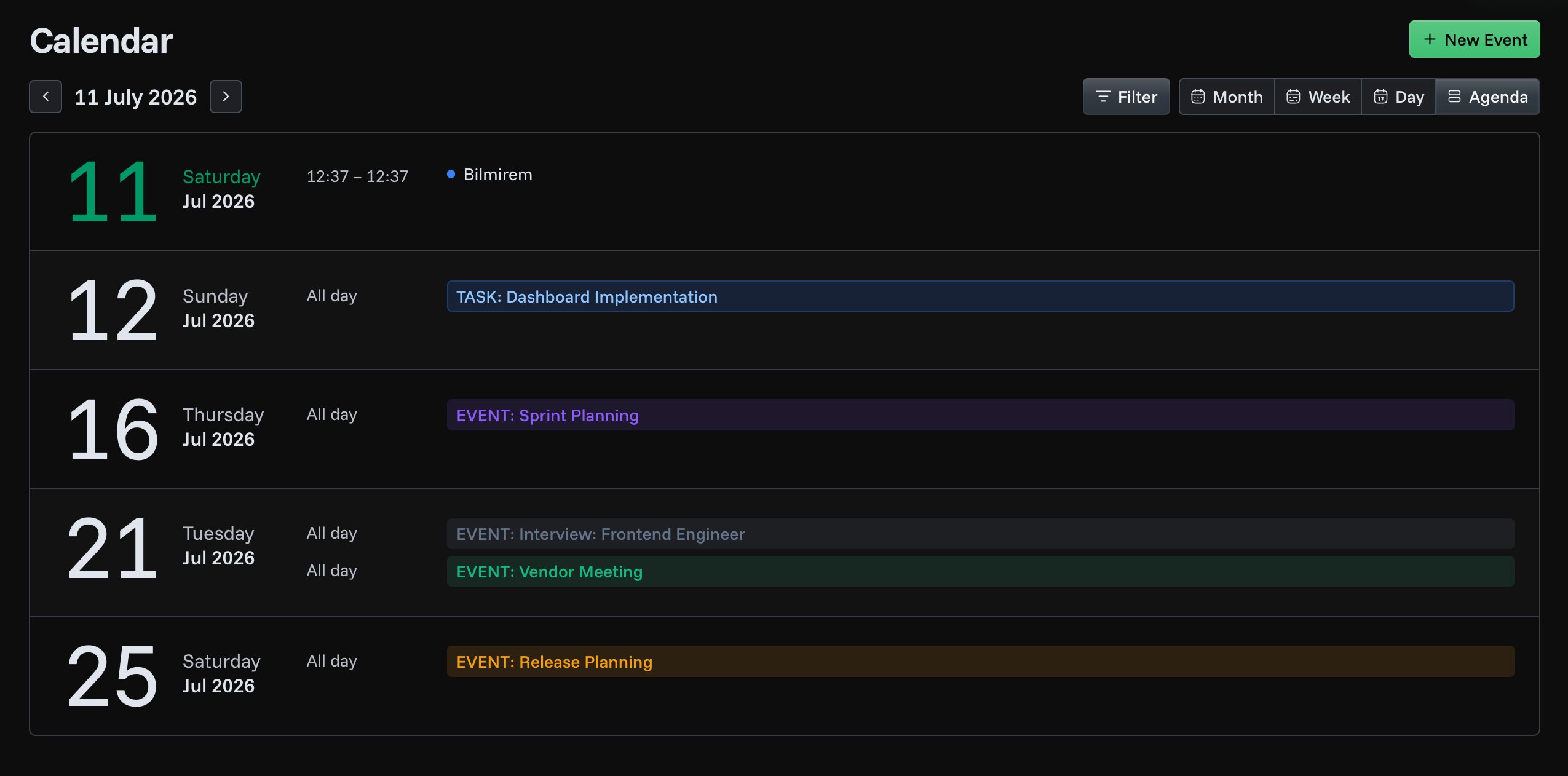
| Agenda | A scrolling list of what's scheduled over the next 30 days |
Expenses are not listed in the Agenda view.
Moving around
- Previous / Next arrows move by one month, week, or day, depending on the current view.
- The date label in the toolbar lets you jump to a specific date.
- Scroll over the month grid to move to the next or previous month.
- The calendar opens on today each time.
Filtering
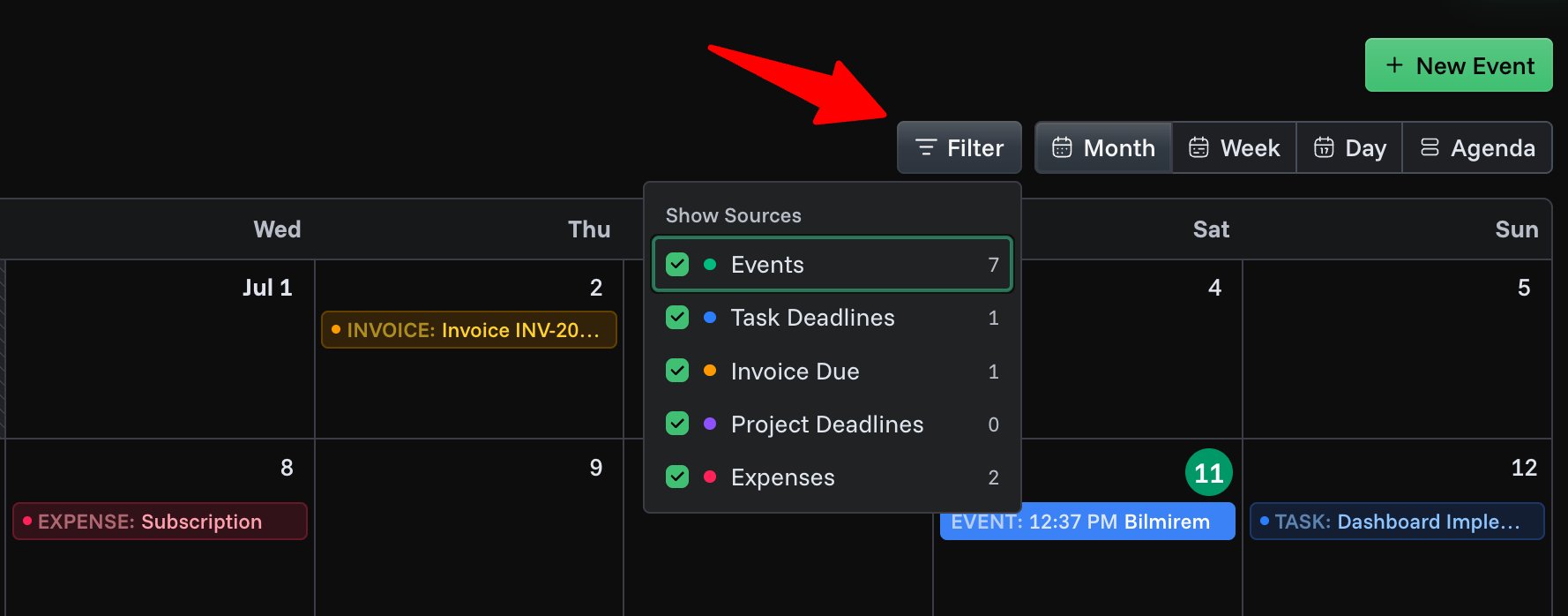
Click Filter in the toolbar to choose which sources appear. Each source shows a live count for the current period. When something is hidden, a badge on the Filter button shows how many sources are turned off.