Recurring Invoices
Automate your billing with scheduled, repeating invoices that generate and send themselves
|1 min read|
PT
PineBill Team.webp)
Stop creating the same invoice every month. Define a schedule once, and PineBill generates and emails invoices automatically.
What's New
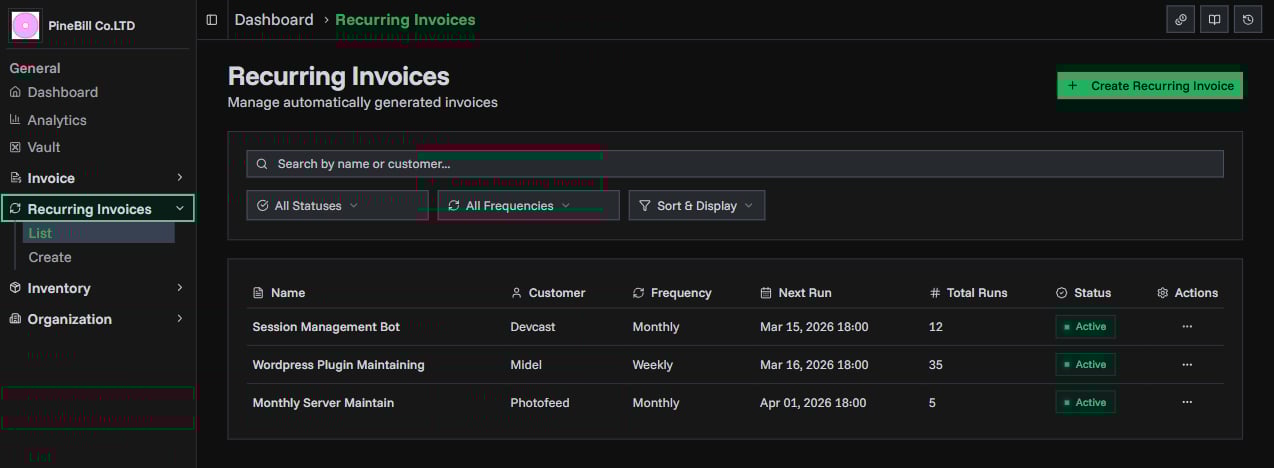
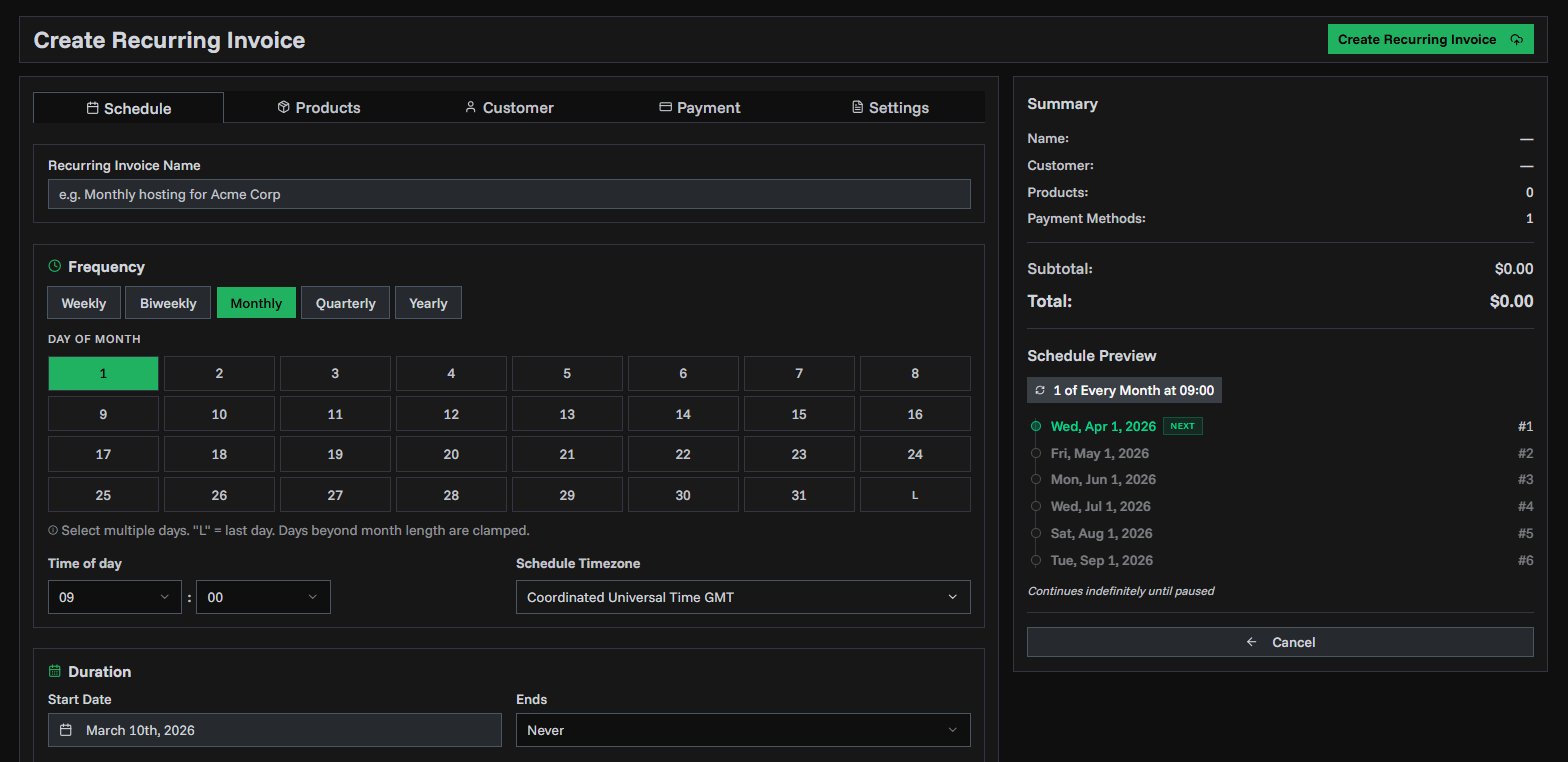
- Flexible scheduling — weekly, biweekly, monthly, quarterly, or yearly with multi-day anchors and precise time/timezone control
- Auto-send email — generated invoices are emailed to your customers automatically
- Pause & resume — temporarily halt billing without losing your configuration
- Duration controls — run indefinitely, until a date, or for a set number of invoices
- Run history — full audit trail with success, failed, and skipped statuses for every run
- Full invoice config — products, customer, payments, tax, currency, templates, employee assignment, and more via a 5-tab generator
Get Started
- Go to Recurring Invoices → Create in the sidebar
- Configure schedule, products, customer, and payment methods
- Click Create Recurring Invoice
Read the full guide for detailed instructions.
invoicesautomationscheduling