Projects & Tasks
Organize work into projects, create tasks with built-in time tracking, and convert tracked hours into invoices
|2 min read|
PT
PineBill Team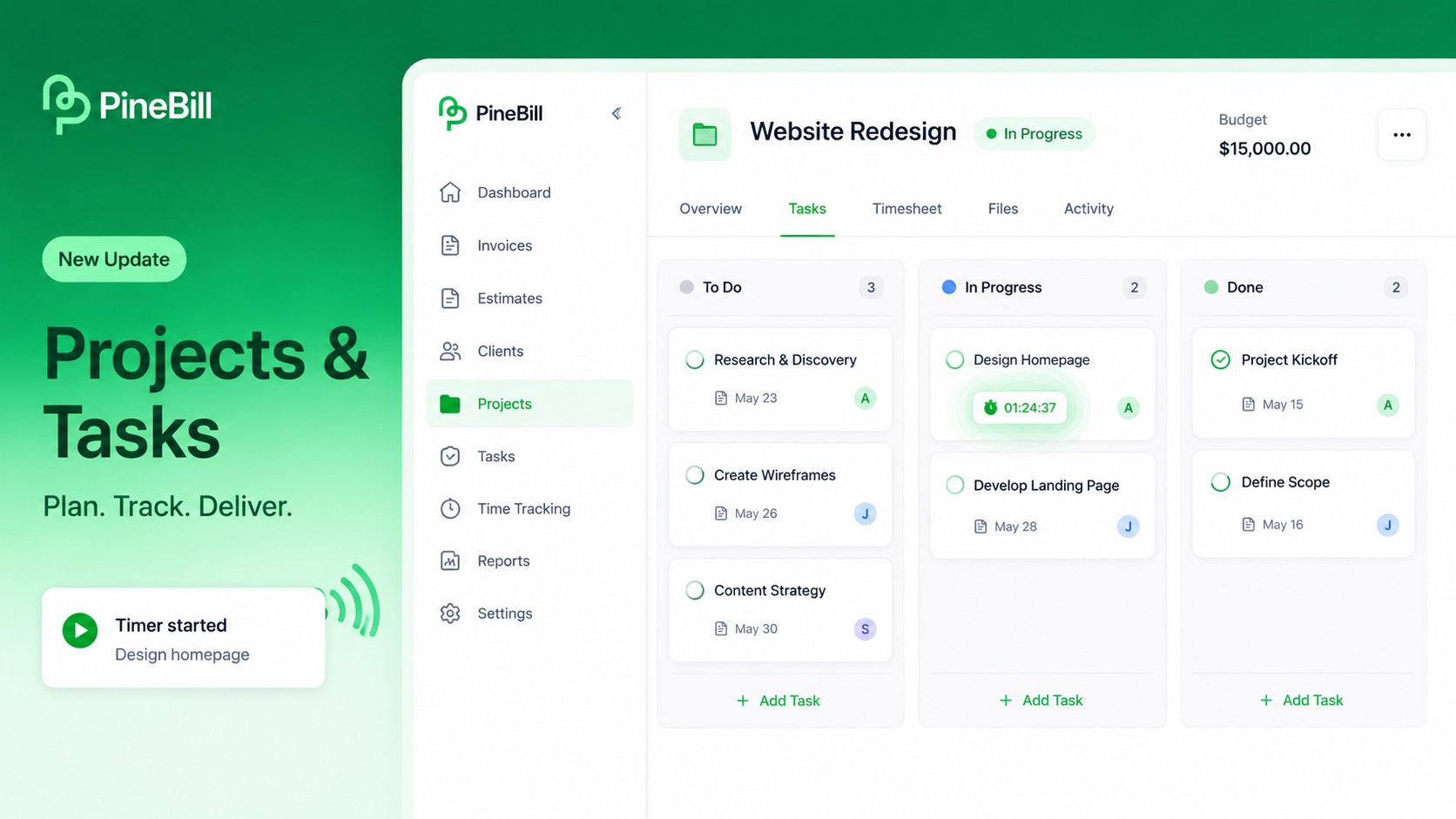
Projects and Tasks are now available in PineBill. Group your work into projects with budgets and timelines, break them into tasks, track time with built-in timers, and convert completed hours into invoice line items.
What's New
Projects
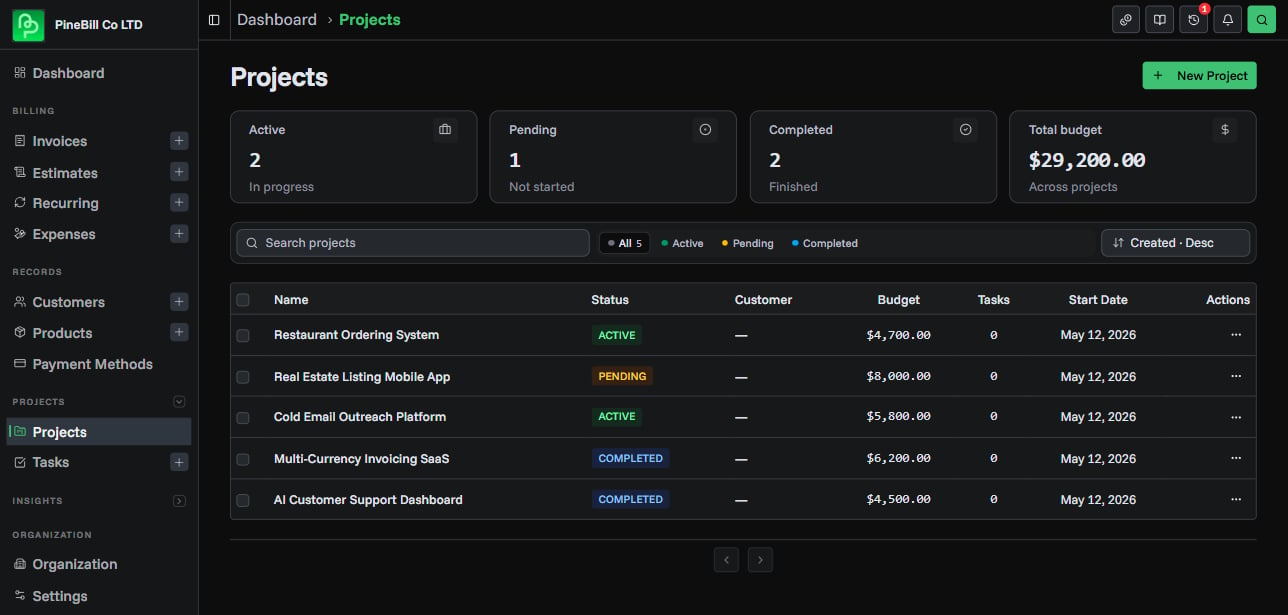
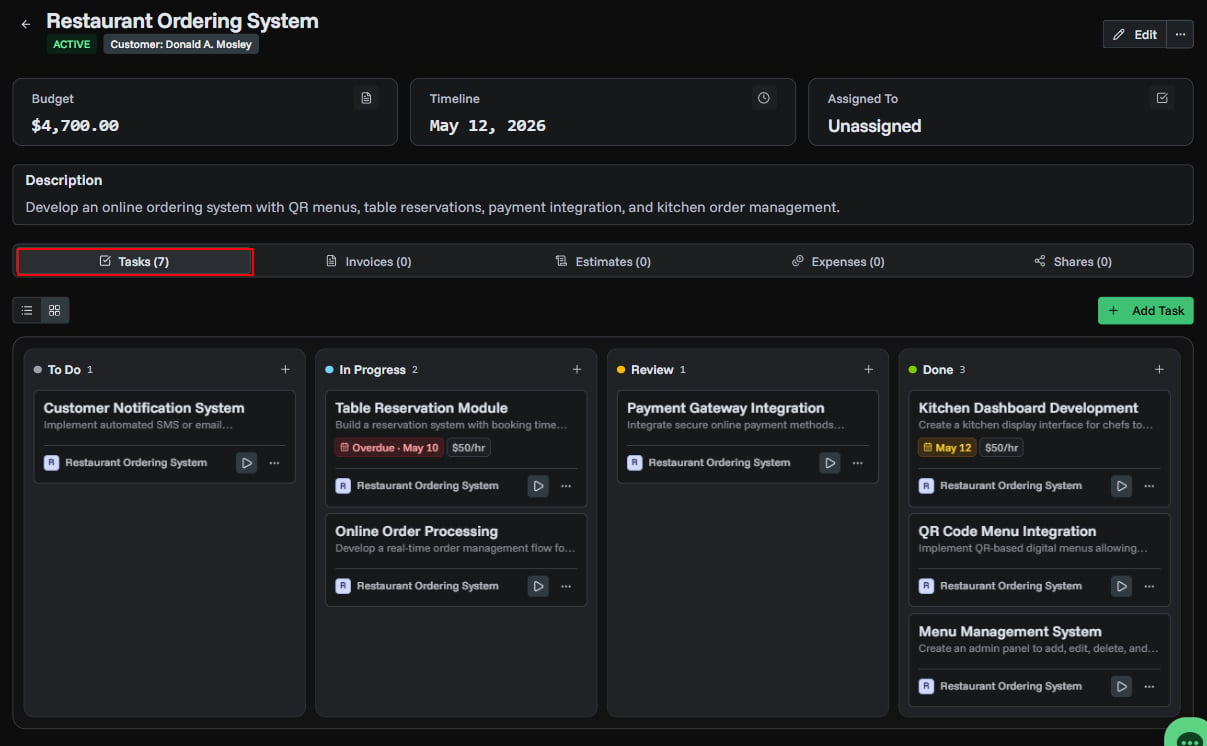
- Project workspace — group tasks, invoices, estimates, and expenses under one project with budget, timeline, and team assignment
- Project detail page — five tabs for Tasks, Invoices, Estimates, Expenses, and Shares with quick linking and unlinking
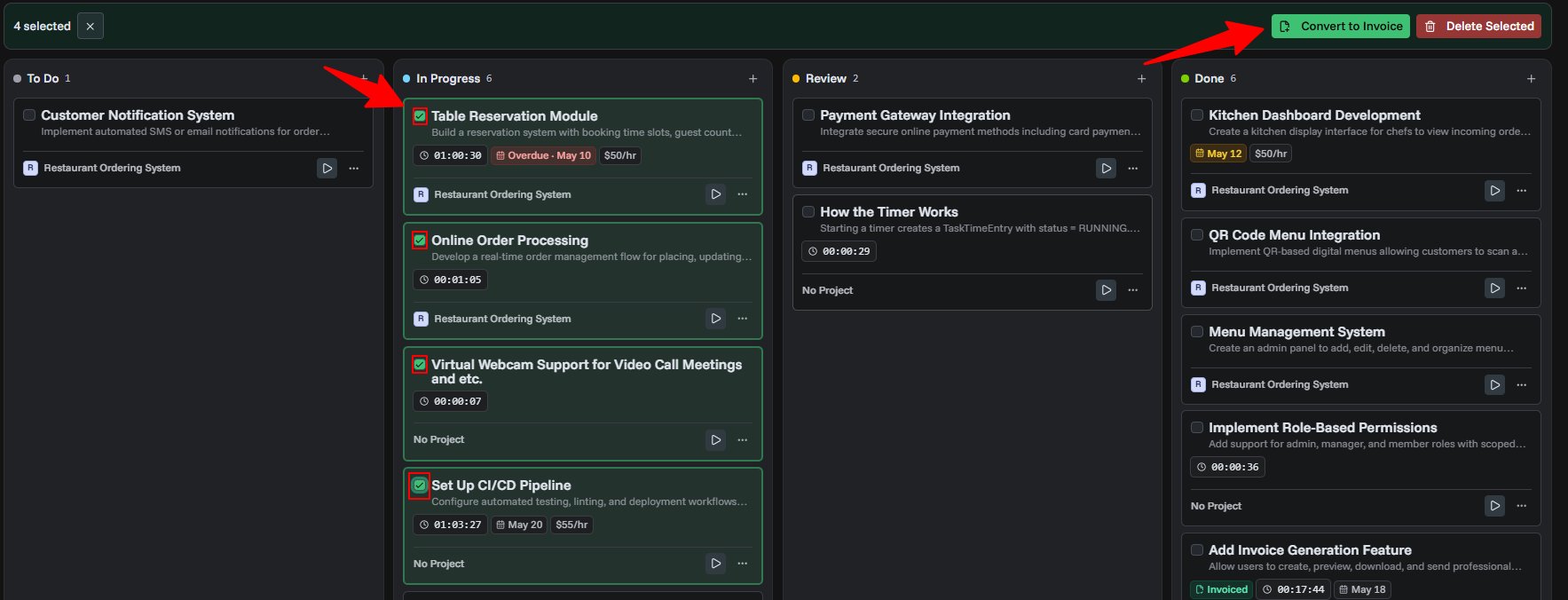
- Kanban board — drag-and-drop tasks between To Do, In Progress, Review, and Done columns directly inside a project
- Project sharing — generate password-protected, time-limited share links so clients can view project progress and task status
- Filter and sort — search by name or description, filter by status, and sort by date, budget, or name
Tasks
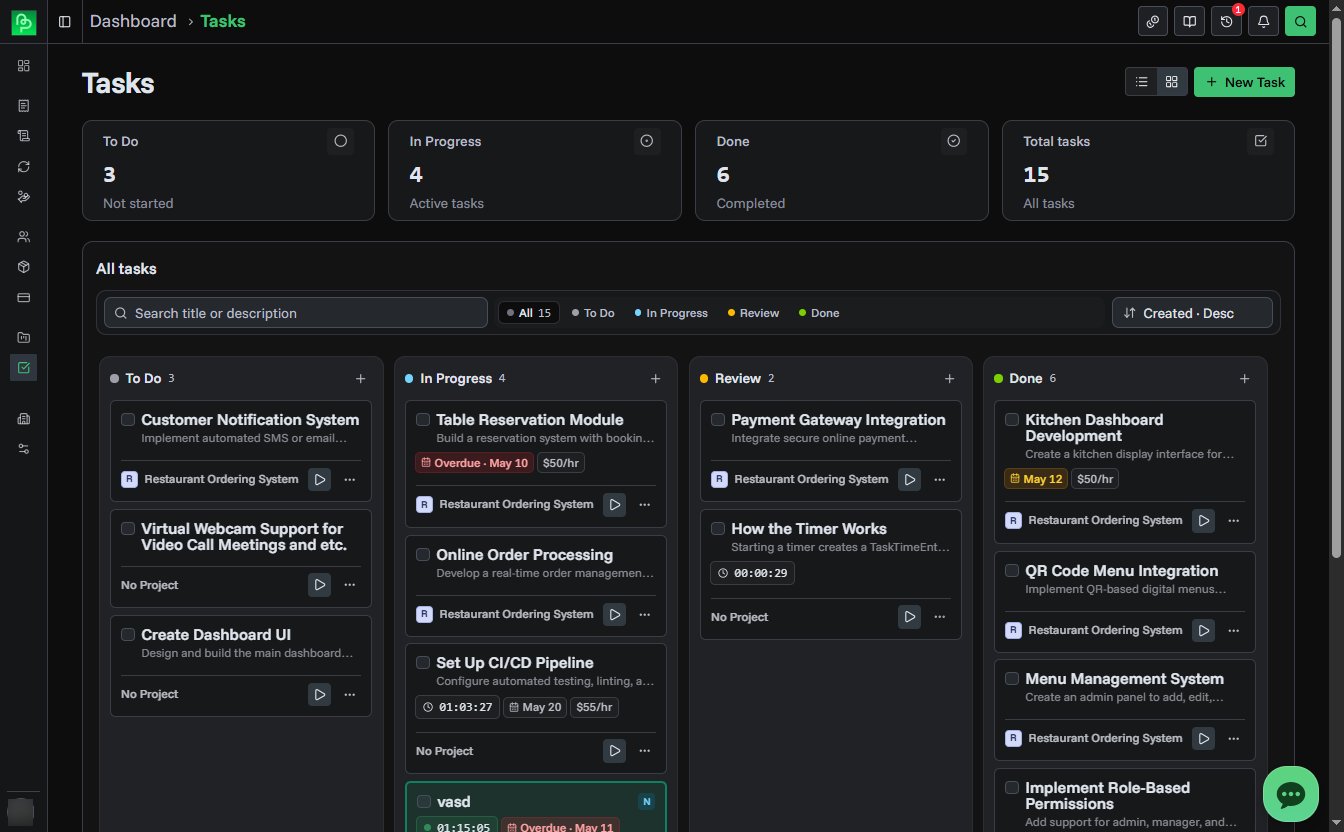
- Task management — create tasks with titles, descriptions, due dates, hourly rates, and team assignments
- Built-in timer — start, pause, resume, and stop timers to log hours automatically with second-level precision
- Live timer display — running timers show live elapsed time on task cards and in the detail sidebar
- Manual time entry — add or remove time manually with notes for adjustments
- Timer history — full audit trail of every timer session with user, duration, and timestamp
- File attachments — upload up to 3 files per task (images, PDFs, documents, spreadsheets, and more)
- Two view modes — switch between Kanban board and sortable table list
- Due date urgency — color-coded due dates show overdue (red), due soon (amber), and normal (gray) at a glance
Convert Tasks to Invoices
Select one or more completed tasks and click Convert to Invoice. PineBill opens the invoice generator with each task as a line item, using the task title, date range, tracked duration, and hourly rate. Currency conversion is handled automatically when task and organization currencies differ.
projectstaskstime-trackinginvoices