Estimates & Quotes
Create professional estimates, share them with customers, and convert accepted quotes into invoices with one click
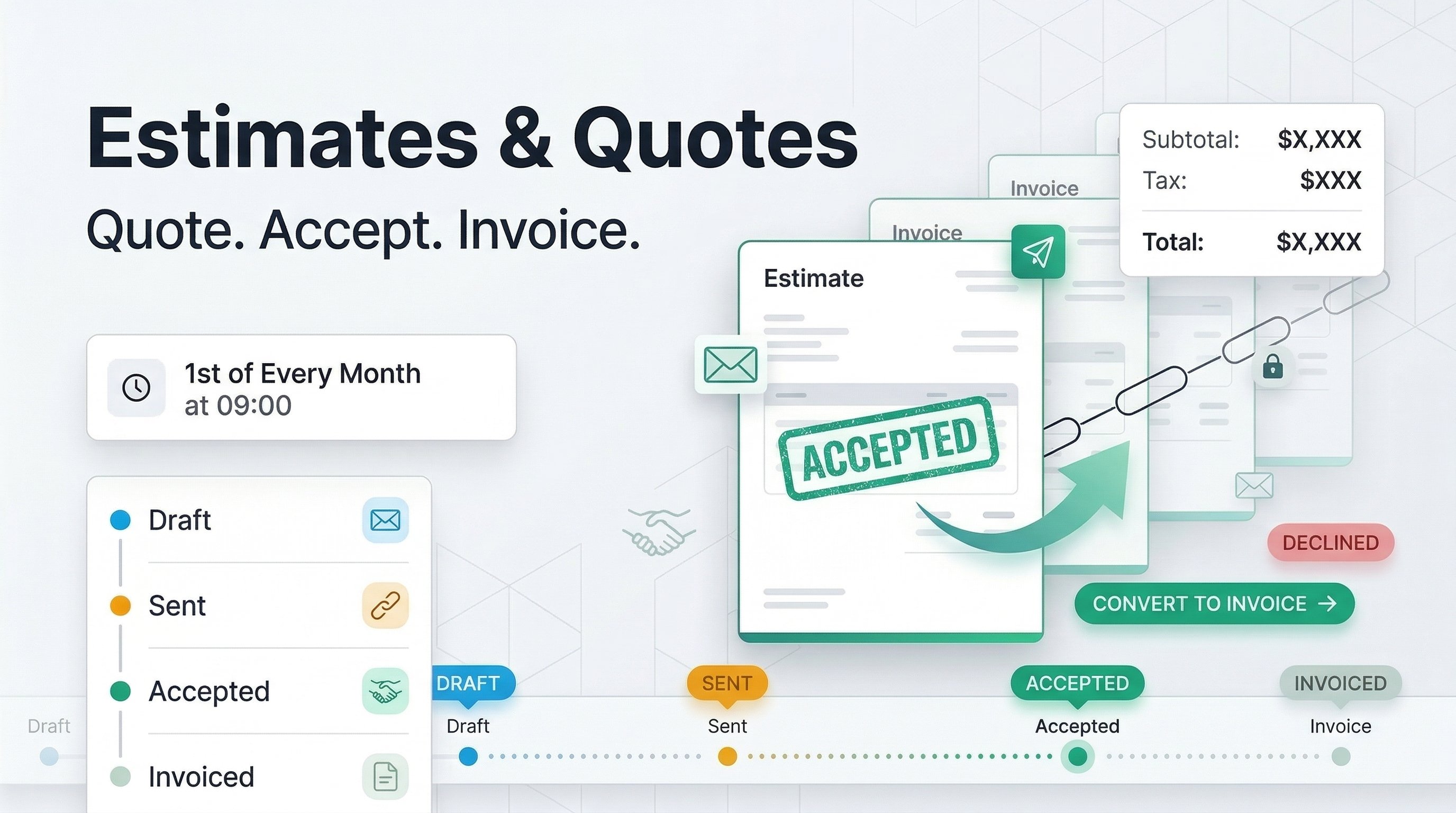
Not every job starts with an invoice. Sometimes you need to present pricing, negotiate terms, or get approval before any work begins. That's where estimates come in.
With PineBill's new Estimates & Quotes feature, you can build detailed, professional estimates using the same generator you already know from invoices — complete with products, customer info, payment methods, and your preferred template. Send them to your customers via email or a secure share link, track whether they've been accepted or declined, and when you get the green light, convert the entire estimate into an invoice with a single click. No re-entering data, no copy-pasting — everything carries over automatically.
What's New
- Estimate Generator — the same powerful generator you know from invoices, with products, customer info, payment methods, templates, and more
- Full estimate lifecycle — Create drafts, send to customers, track acceptance or decline, and follow up on expired quotes
- Convert to invoice — accepted estimates become invoices with one click, carrying over all items, pricing, customer details, and terms automatically
- Share with customers — send estimates via email or generate secure share links with optional password protection
How It Works
- Go to Estimates → Create in the Dashboard sidebar
- Add your products, customer, and terms using the estimate generator
- Send the estimate to your customer via email or share link
- Once accepted, click Convert to Invoice to create an invoice from it
Read the full guide for detailed instructions.