Rich Document Footers for Invoices & Estimates
Add a branded, rich-content footer to the bottom of every page on your invoices and estimates
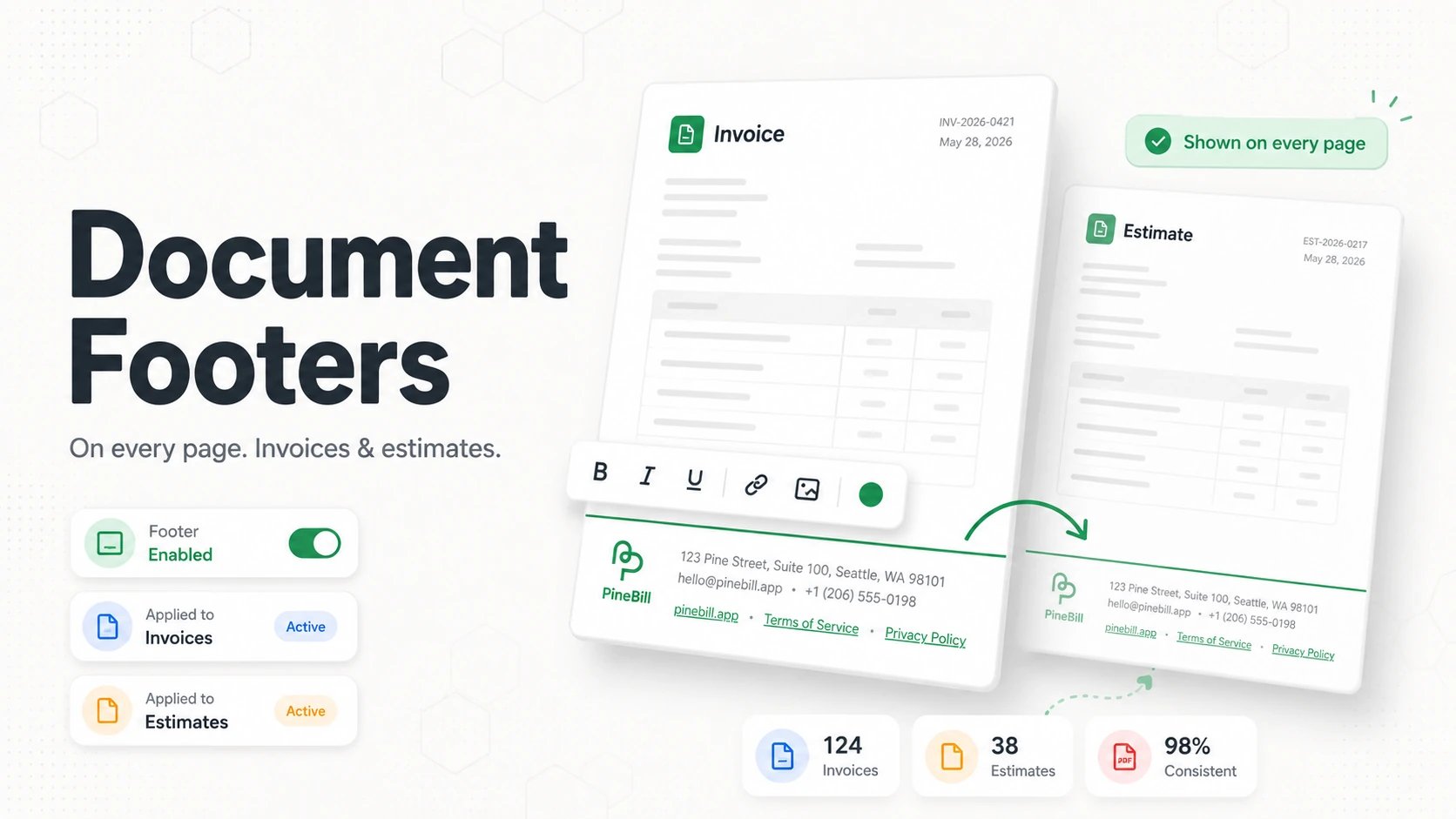
You can now add a rich footer to the bottom of every page on your invoices and estimates. Use it for legal disclaimers, return policies, bank or registration details, a thank-you note, or a small logo.
One footer system, shared across documents
The footer uses a single editor and a single set of defaults shared by both invoices and estimates — so your documents stay consistent without configuring the same thing twice.
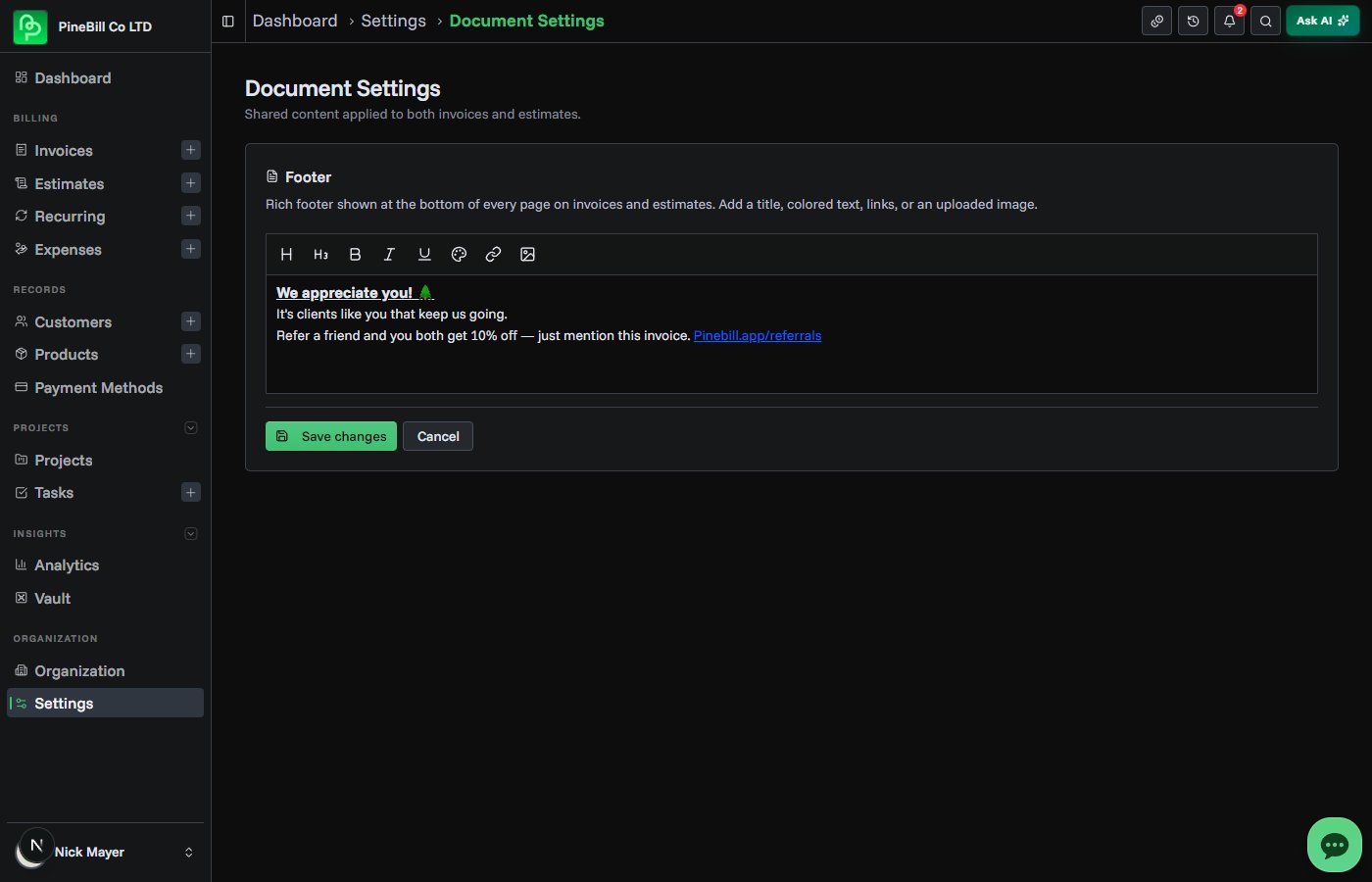
A proper rich-text editor
Footers aren't just plain text. The editor supports:
- Title and Subtitle headings
- Bold, Italic, and Underline
- Text color for fine print and emphasis
- Links — including
mailto:andtel: - Images — upload from the toolbar or paste/drag them straight in (PNG, JPEG, or WebP up to 2 MB), then drag the corners to resize with a locked aspect ratio
Set a default, override per document
There are two places to manage it, and they work together:
- Document Settings holds the default footer that's applied automatically to every new invoice and estimate.
- The Details section of the invoice and estimate generators lets you override the footer for a single document.
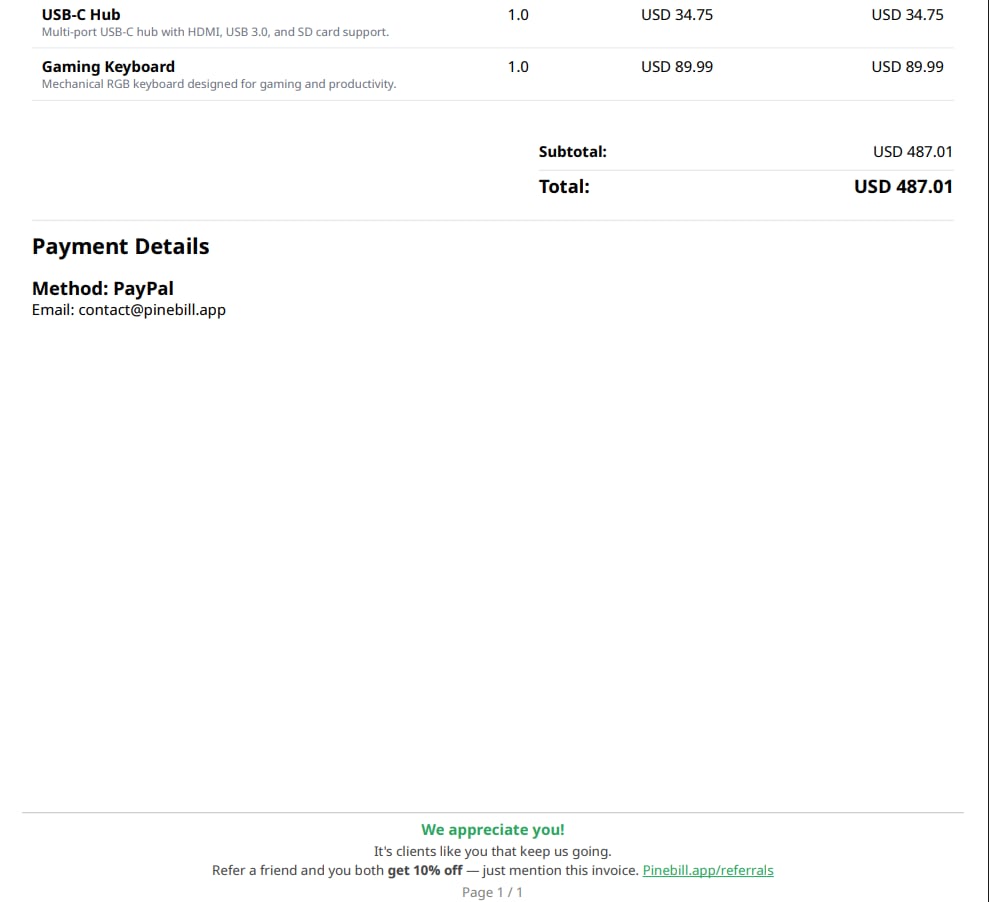
Built to look right on the page
The footer renders centered at the bottom of every page, and the bottom page margin automatically resizes to fit it — so your content never overlaps the footer or gets cut off. Footer content is sanitized before each PDF is generated, and uploaded images are stored securely on PineBill.