Calendar
See events, task deadlines, invoice due dates, project deadlines, and expenses on one calendar, and schedule your own events
|2 min read|
PT
PineBill Team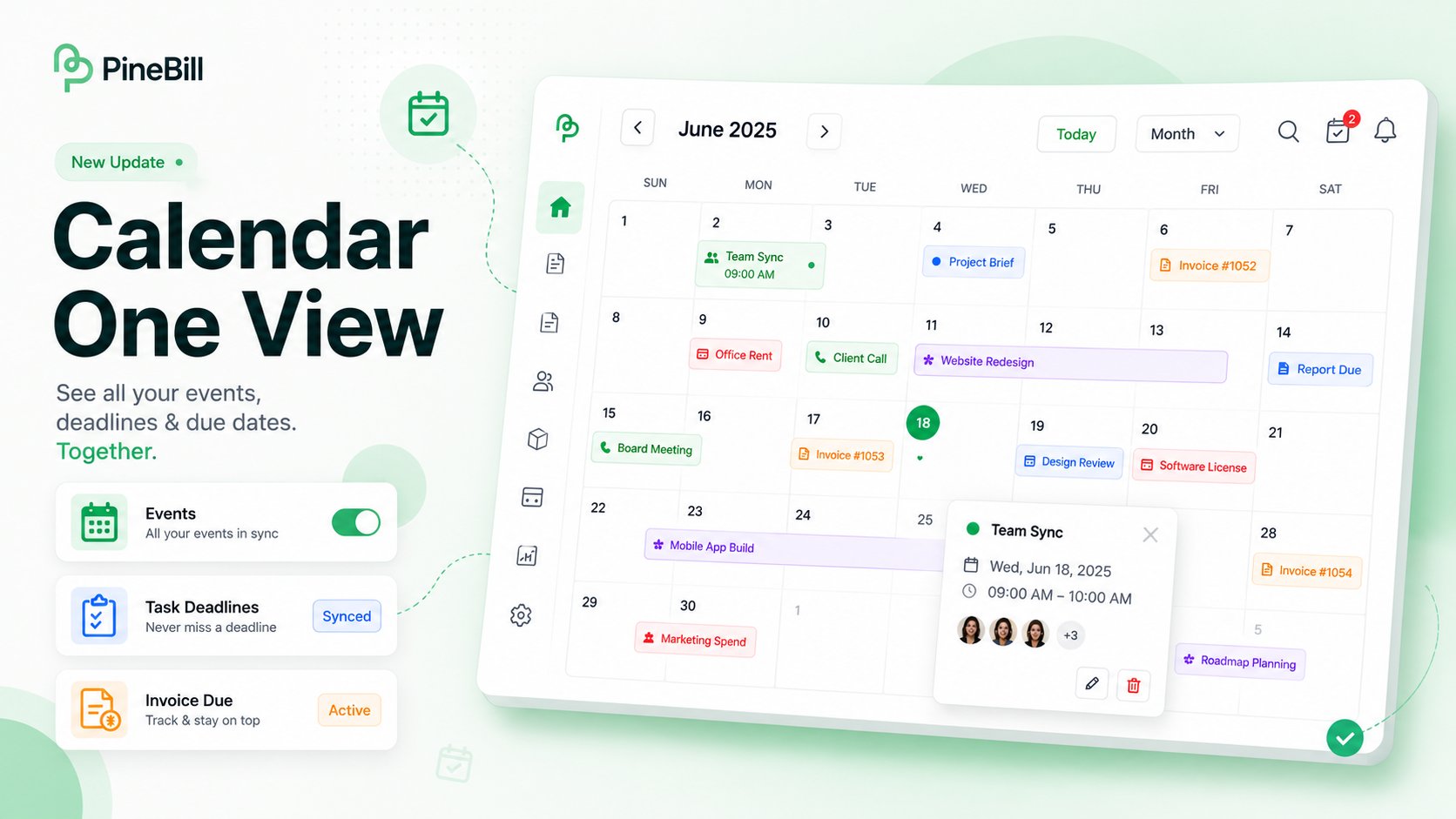
The Calendar is now available in PineBill. It brings everything with a date into one view — your own events plus deadlines and records pulled from across the app — so you can plan your week without jumping between pages.
What's New
Everything on one calendar
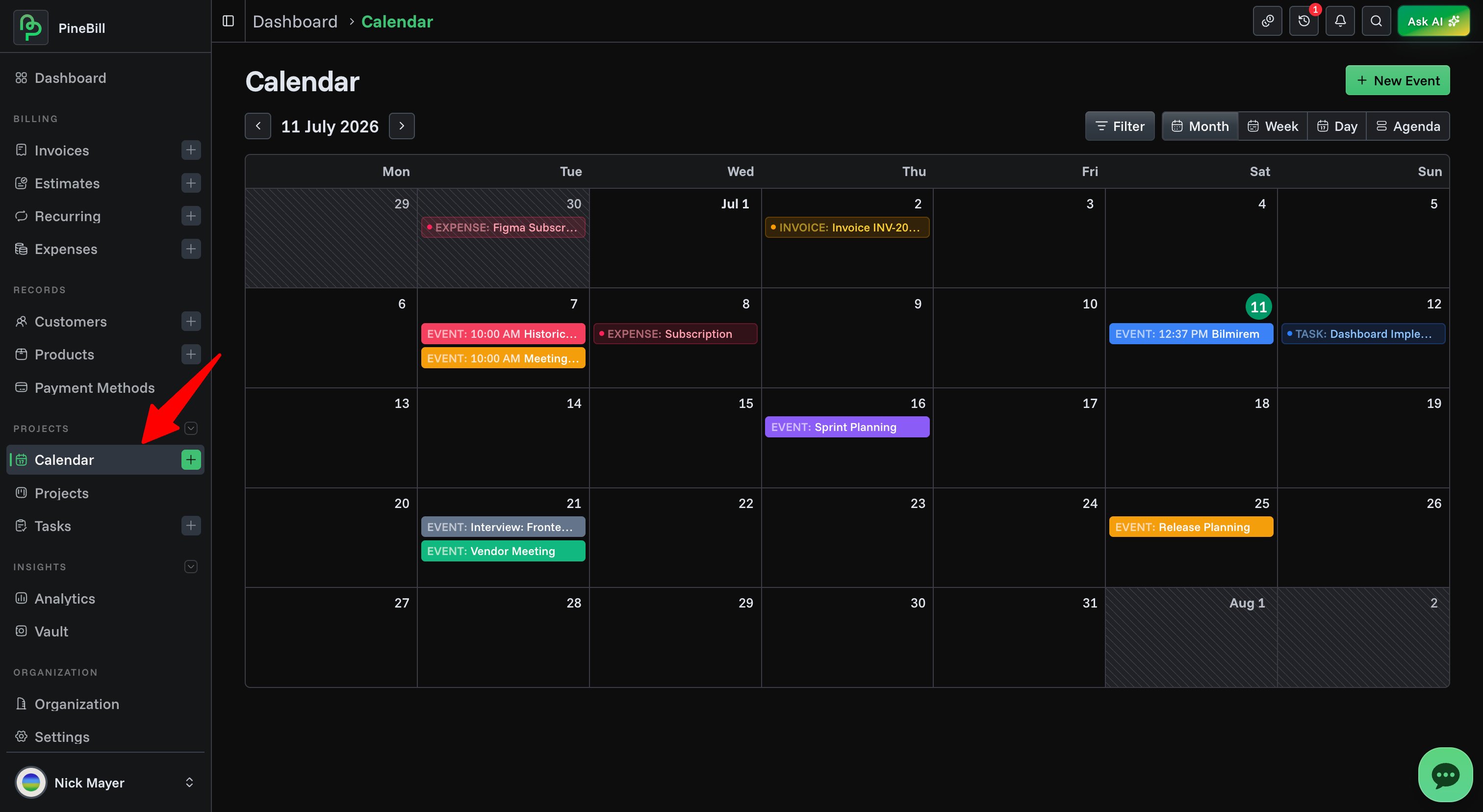
The calendar overlays five kinds of items, each with its own color:
- Events (emerald) — events you create directly on the calendar
- Task Deadlines (blue) — due dates of your tasks
- Invoice Due (amber) — invoice due dates
- Project Deadlines (violet) — project deadlines
- Expenses (rose) — expense dates
Click any item to open its details. Deadlines and records link straight to the source, so you can jump from a due date to the invoice, task, project, or expense behind it.
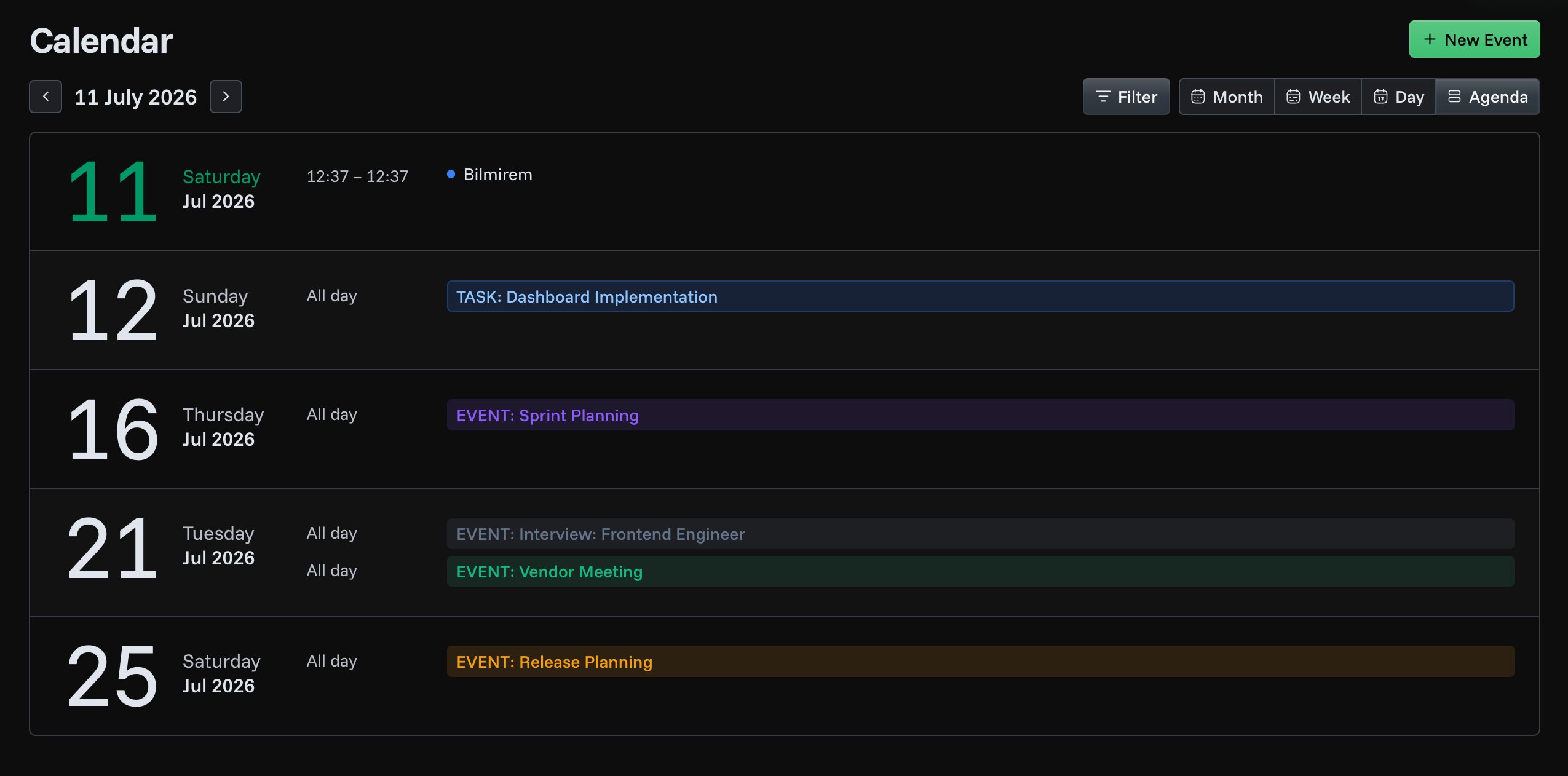
Four views
- Month — a full month grid for the big picture
- Week — seven days with an hourly time grid
- Day — a single day with an hourly time grid
- Agenda — a scrolling list of what's coming up over the next 30 days
Move by month, week, or day with the toolbar arrows, jump to any date, or scroll over the month grid to page through months.
Create and manage events
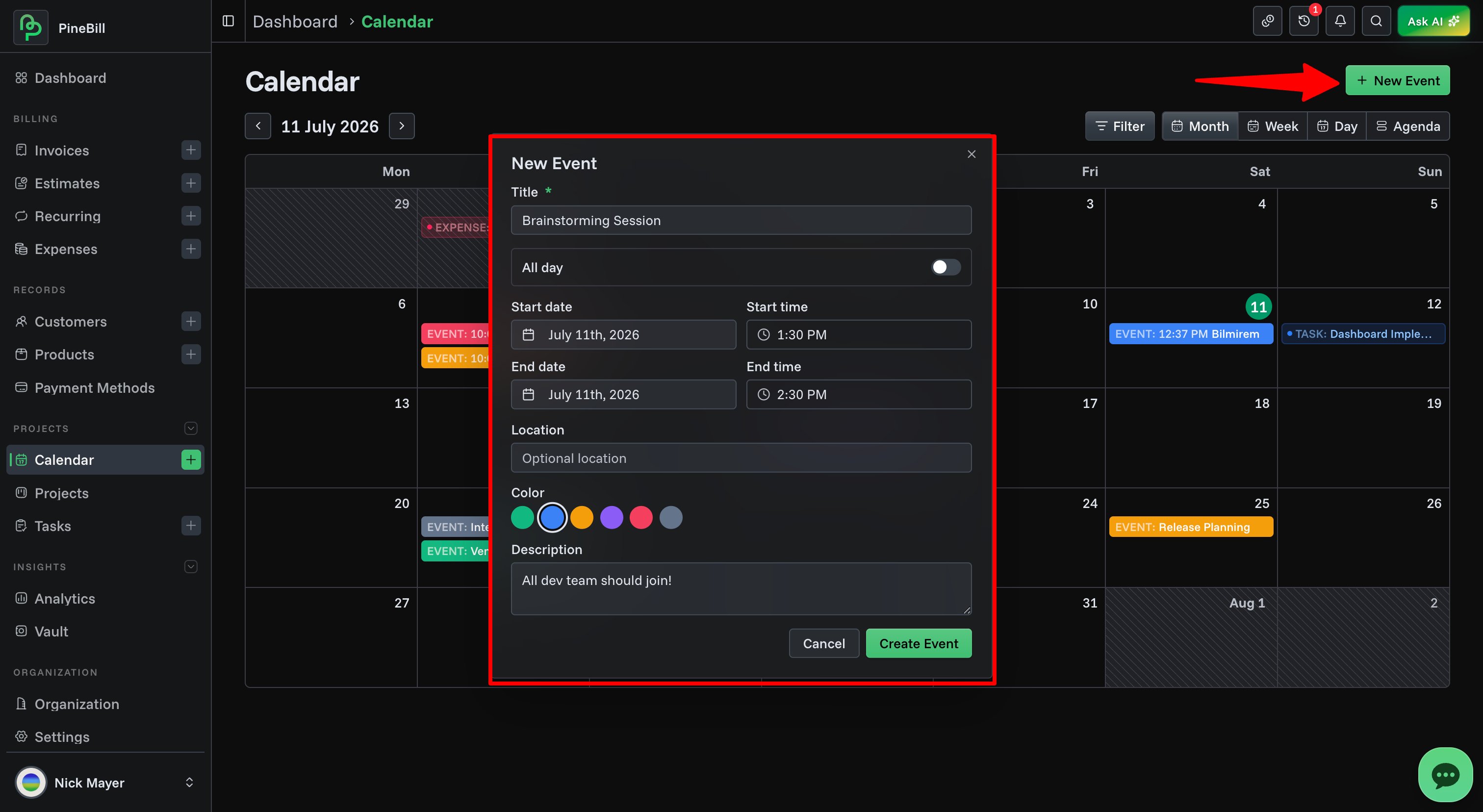
- Three ways to create — use the New Event button, click an empty day for an all-day event, or click a time slot for a one-hour timed event
- Full event form — title, all-day toggle, start/end dates and times, location, color, and description
- Drag to reschedule — drag any event to a new day or time slot and its duration is preserved
- Quick actions — edit and delete from the details view, or right-click an event for a fast delete
calendareventstasksinvoices