What Is a PO Number? Complete Guide for Invoicing and Procurement
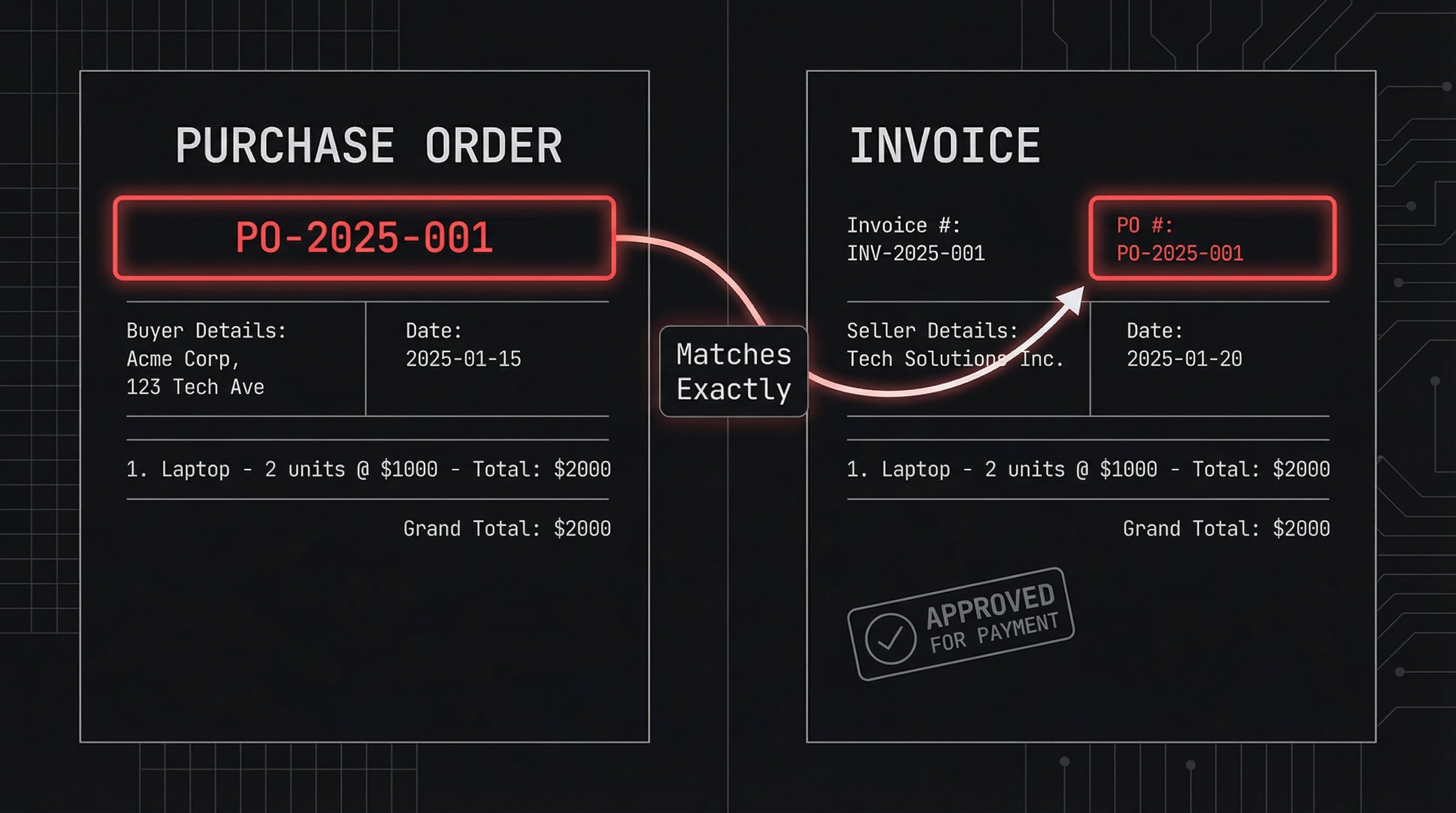
Struggling to match invoices to orders? A PO number—short for Purchase Order number—is the unique identifier that solves this problem.
Businesses issue purchase orders to vendors for goods or services. The PO number tracks everything from order placement to payment, reducing errors and speeding up approvals.
In this guide, learn what a PO number is, its role in invoicing, and how to use it effectively. For the bigger picture, see our complete guide on how to create an invoice.
What Is a PO Number?
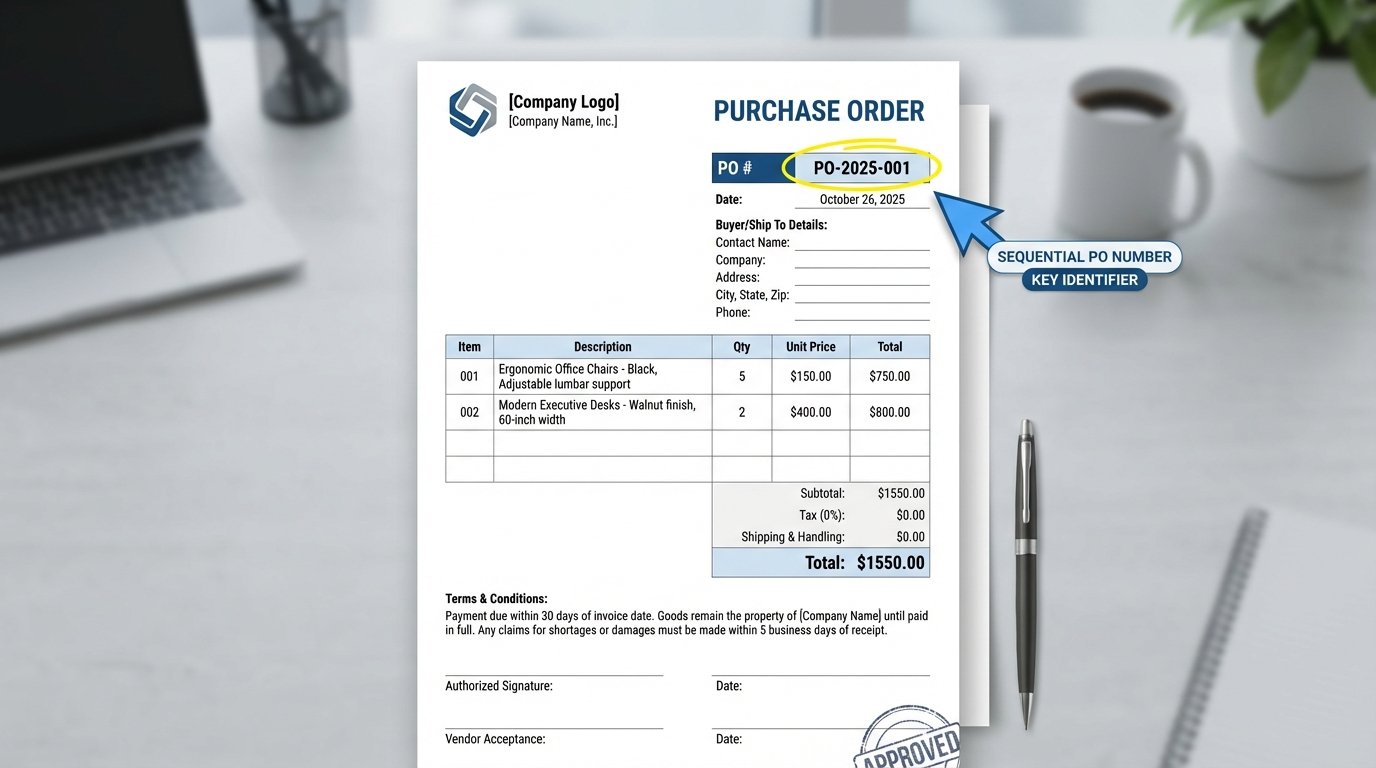
A PO number is an alphanumeric code assigned by the buyer to a specific purchase order. It acts as a reference throughout the procurement process.
For example, a PO number might look like PO-2025-001 or ABC123. Each one is unique, ensuring no confusion between multiple orders.
Purchase orders detail items, quantities, prices, and terms. The PO number links all related documents: the PO itself, packing slips, invoices, and receipts.
Why PO Numbers Matter in Business
Without PO numbers, accounts payable teams waste time verifying invoices manually. This leads to delays, errors, and frustrated vendors.
Key benefits include:
- Tracking and matching: Easily link invoices to original orders.
- Approval workflows: Finance teams approve payments faster with clear references.
- Dispute resolution: Reference exact terms if issues arise.
- Spend analysis: Track purchasing patterns by department or vendor.
- Compliance: Maintain audit-ready records.
Procurement experts note that consistent PO usage streamlines the entire order-to-pay cycle, minimizing back-and-forth communication.
PO Number vs. Invoice Number: Key Differences
Many confuse these terms. Here's a clear comparison:
| Aspect | PO Number | Invoice Number |
|---|---|---|
| Issued by | Buyer (customer) | Seller (vendor) |
| Purpose | Tracks purchase order | Tracks billing and payment |
| Format | Custom (e.g., PO-2025-001) | Sequential (e.g., INV-456) |
| Appears on | PO, invoice (as reference) | Invoice, statements |
| Who references it | Both parties for matching | Seller for follow-ups |
Use the buyer's PO number on your invoices to help them process payments quickly.
How to Generate PO Numbers: Best Practices
Create a consistent system to avoid duplicates and confusion.

- Choose a format: Include year, department, and sequence (e.g., PO-[YYYY]-[DEPT]-[###]).
- Make it sequential: Start from 001 for each year or category.
- Keep it short: 8-12 characters for easy reading.
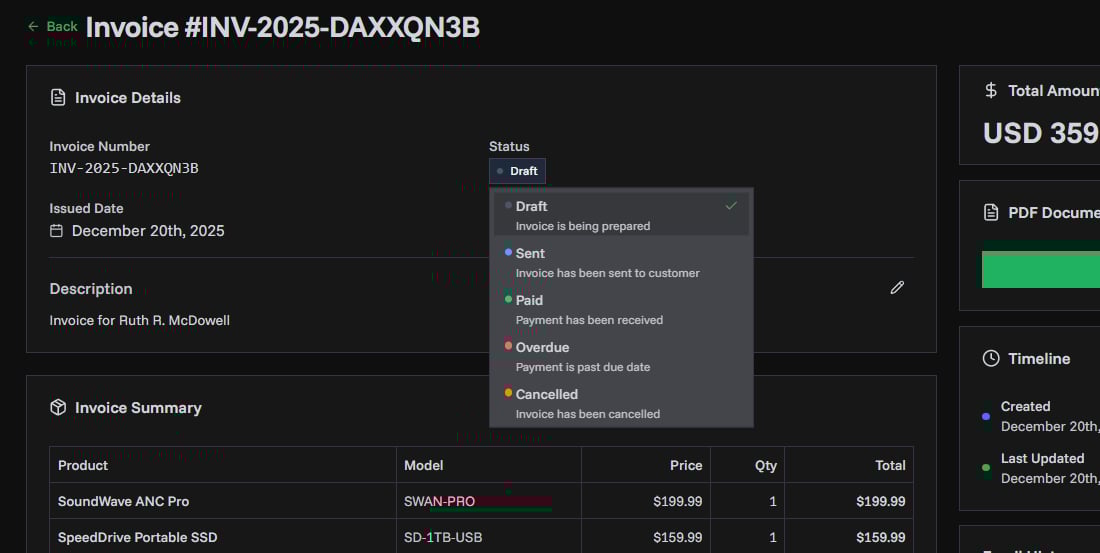
- Automate: Use invoicing tools like PineBill to generate and track them.
Example formats:
| Business Type | Example PO Number |
|---|---|
| Small Biz | PO-25123 |
| By Department | PO-MKT-2025-045 |
| With Vendor | PO-XYZCORP-001 |
How to Add a PO Number to Your Invoices
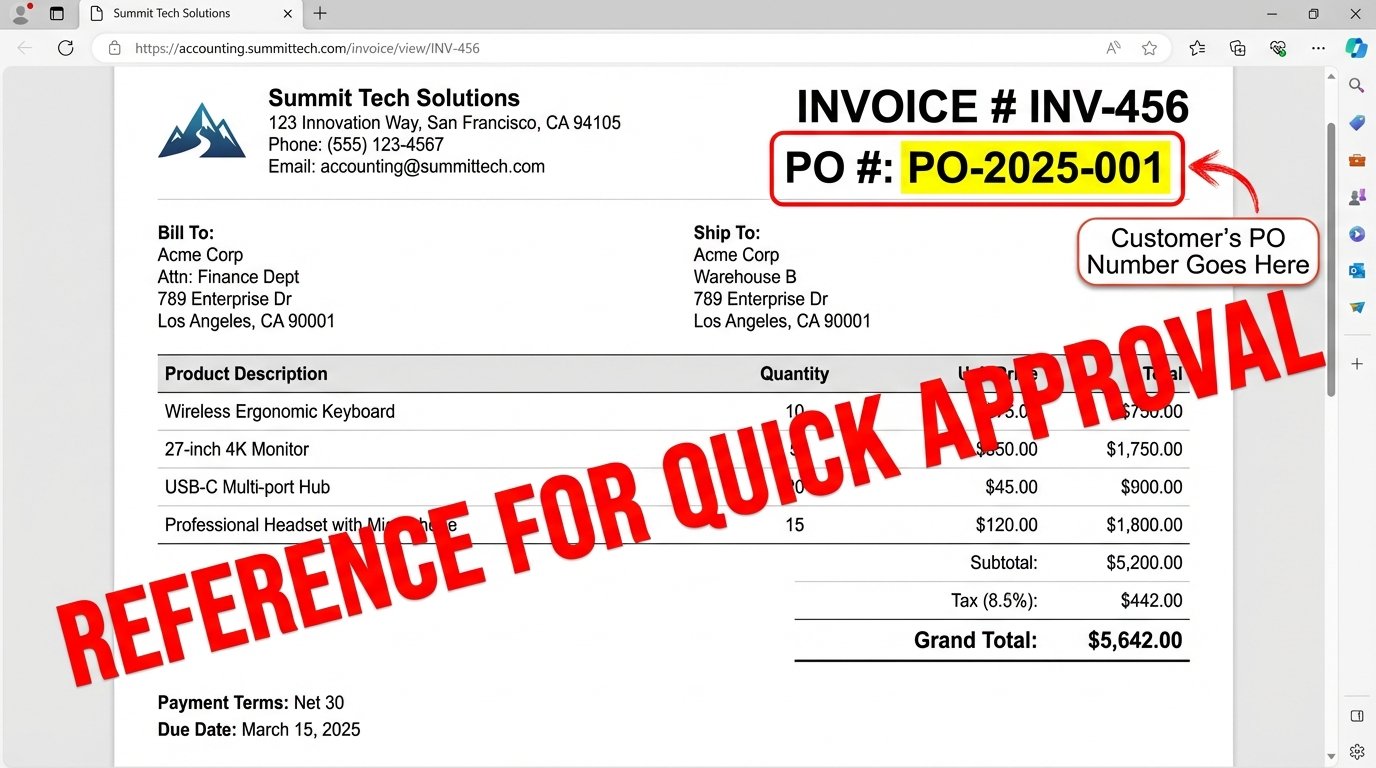
As a seller, always include the customer's PO number on your invoice. Place it prominently in the header or a dedicated reference field.
Gather the PO Number
Ask for it when receiving the order. Confirm via email or PO document.
Enter in Invoicing Software
In PineBill, add it to the invoice header under "Reference" or "PO Number" field. This auto-populates on PDFs.
Verify Matching
Double-check items, quantities, and prices against the PO before sending.
Send and Track
Email the invoice with PO visible. Monitor payment status linked to the PO.
This process ensures faster approvals—customers match your invoice to their PO in seconds.
Common Mistakes to Avoid
- Omitting the PO: Delays payments as buyers hunt for matches.
- Incorrect entry: Typos cause rejections.
- No system: Leads to duplicates over time.
- Ignoring on small orders: Even low-value purchases benefit from tracking.
Pro tip: Train your team and set PO numbers as mandatory in your invoicing workflow.
Key Takeaways
- A PO number uniquely identifies purchase orders for seamless tracking.
- Include customer PO numbers on every invoice header.
- Use consistent formats like PO-YYYY-### for scalability.
- Leverage tools like PineBill to automate PO matching and invoicing.
- Proper PO usage cuts payment delays and errors significantly.
Ready to simplify your invoicing? PineBill makes adding PO numbers effortless, with customizable templates and automated reminders.