Best Practices for Freelancer Invoicing in 2025
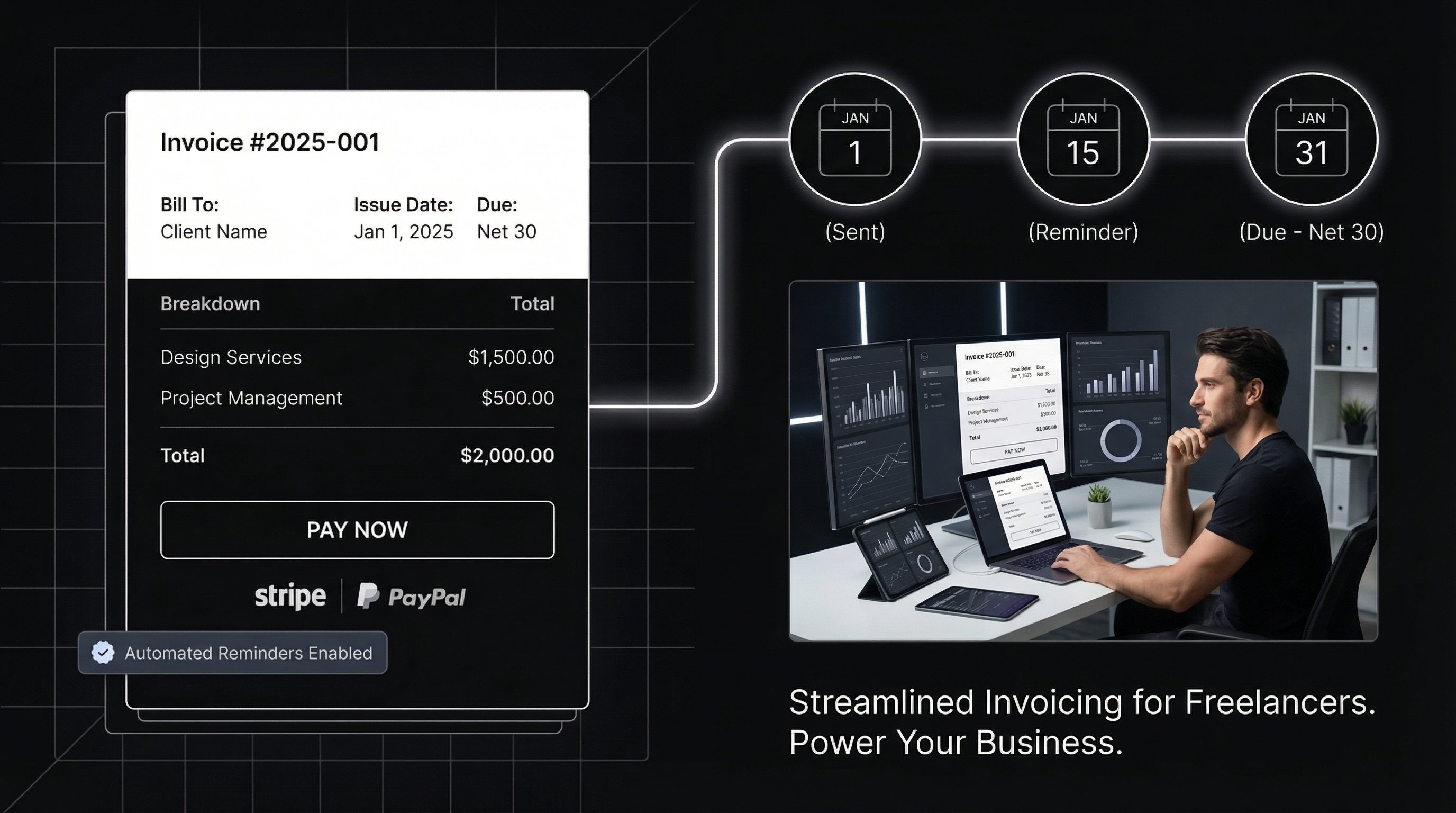
In 2025, the freelance economy is booming, with over 86.5 million freelancers in the US alone contributing to a market valued at $8.39 billion. Yet, many struggle with cash flow delays due to poor invoicing habits. Late payments can disrupt your workflow and financial stability. This guide covers best practices for freelancer invoicing in 2025 to help you get paid faster and more reliably.
By adopting these strategies, you'll minimize disputes, ensure compliance, and leverage emerging trends like AI-driven automation. Whether you're a graphic designer, writer, or consultant, professional invoicing sets you apart as a reliable business owner.
Ready to streamline your invoicing? PineBill offers free tools and professional invoice templates to help freelancers get paid faster—no credit card required. If you need the fundamentals first, read our complete guide on how to create an invoice.
Why Professional Invoicing Matters for Freelancers in 2025
Freelancers now make up 36% of the US workforce, with 70.4 million participating in the gig economy. However, 60% report payment delays as their top challenge. Effective invoicing isn't just administrative—it's a tool for building client trust and securing steady income.
Good invoicing practices reduce the average payment cycle from 45 days to under 30, according to recent industry reports. In 2025, with rising e-invoicing mandates and real-time payment options, freelancers who adapt will see faster settlements and fewer headaches.
Essential Elements of a Professional Freelance Invoice
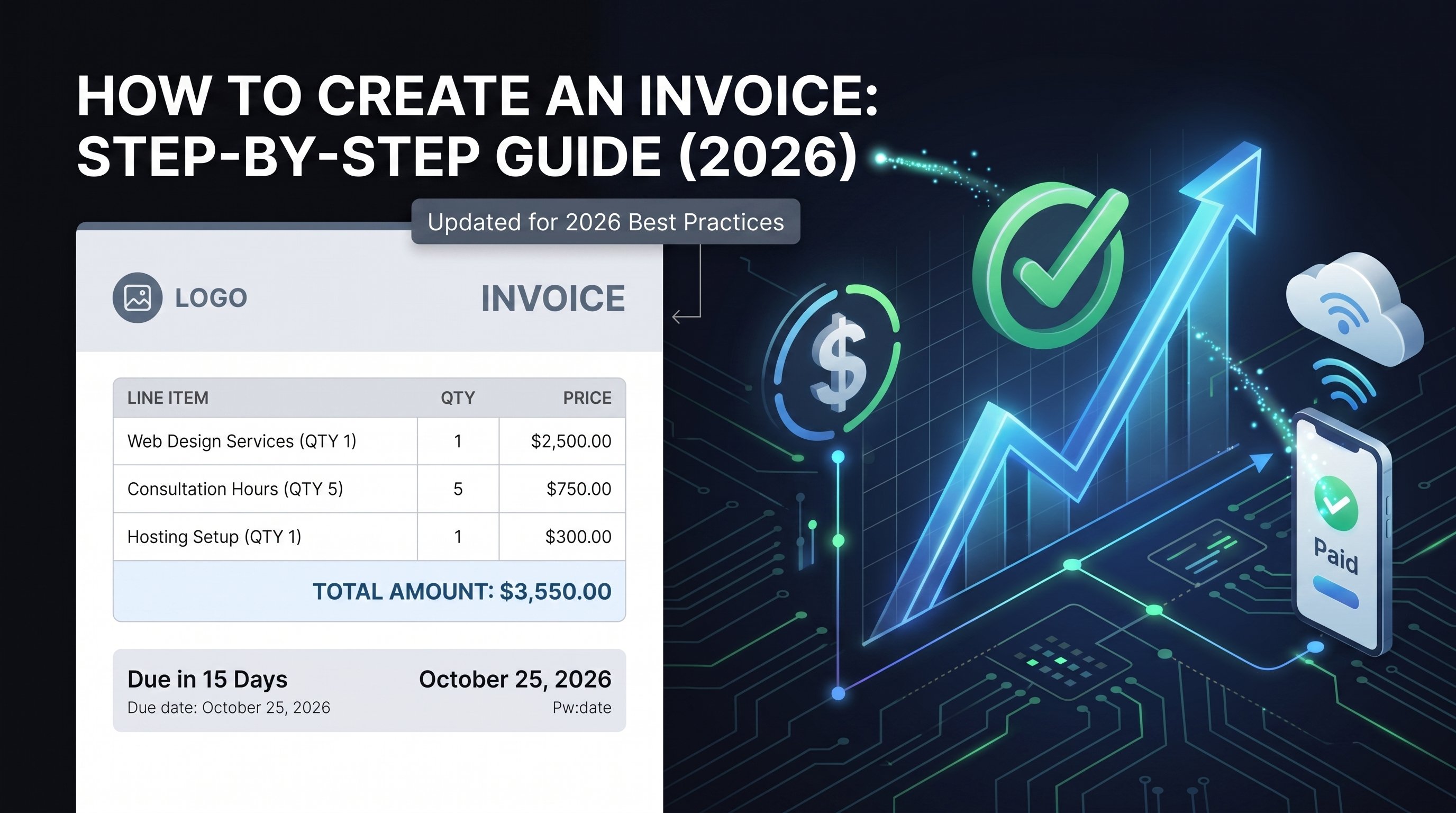
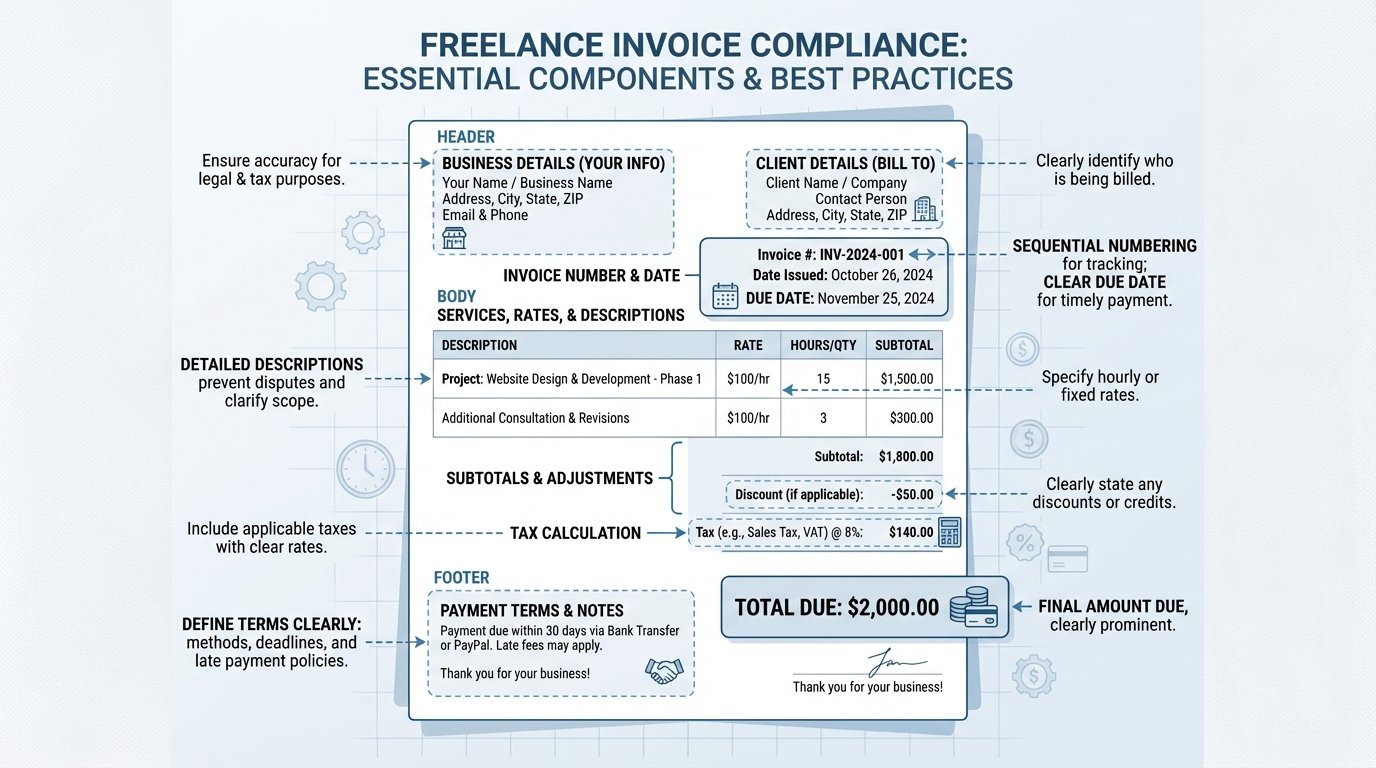
A complete invoice acts as a legal document and communication tool. Missing details can lead to confusion or non-payment. Always include these core components for clarity and compliance.
| Element | Description | Why It Matters |
|---|---|---|
| Your Business Details | Name, address, contact info, logo | Establishes professionalism and contact point |
| Client Information | Name, billing address, contact | Ensures accurate delivery and tax reporting |
| Invoice Number & Date | Unique sequential number, issue date | Tracks records; required for audits |
| Due Date | Specific payment deadline | Sets expectations for timely payment |
| Services Description | Detailed breakdown of work, hours/rates | Avoids disputes over scope |
| Subtotal, Taxes, Total | Line items with calculations | Prevents billing errors; includes applicable taxes |
| Payment Terms | Accepted methods, late fees | Encourages prompt payment |
| Terms & Conditions | Scope, revisions, intellectual property | Protects your rights legally |
Use customizable templates from PineBill to standardize this process and ensure you never miss critical details. For international clients, add currency details and VAT if applicable.
Optimal Timing and Frequency for Sending Invoices
Timing your invoices strategically prevents cash flow gaps. Invoice immediately upon milestone completion or at month-end for ongoing work. For project-based gigs, send partial invoices at 50% progress to maintain liquidity.
In 2025, trends show freelancers invoicing weekly for short-term projects to reduce risk. Always align with your contract—discuss terms upfront to avoid surprises.
Step-by-Step Process for Creating and Sending Invoices
Gather Project Details
Review your contract, time logs, and deliverables. Calculate hours or fixed fees accurately.
Use Invoicing Software
Input data into PineBill for automated calculations, professional formatting, and instant delivery.
Review for Accuracy
Double-check totals, dates, and descriptions. Add a personal note thanking the client.
Send and Track
Email the invoice with a clear subject line. Set up automated reminders for follow-ups.
This process takes under 10 minutes with automation, freeing you for billable work. Want to make it even faster? Create your first professional invoice with PineBill—completely free, with automated reminders and payment tracking built-in.
Setting Clear Payment Terms and Managing Late Payments
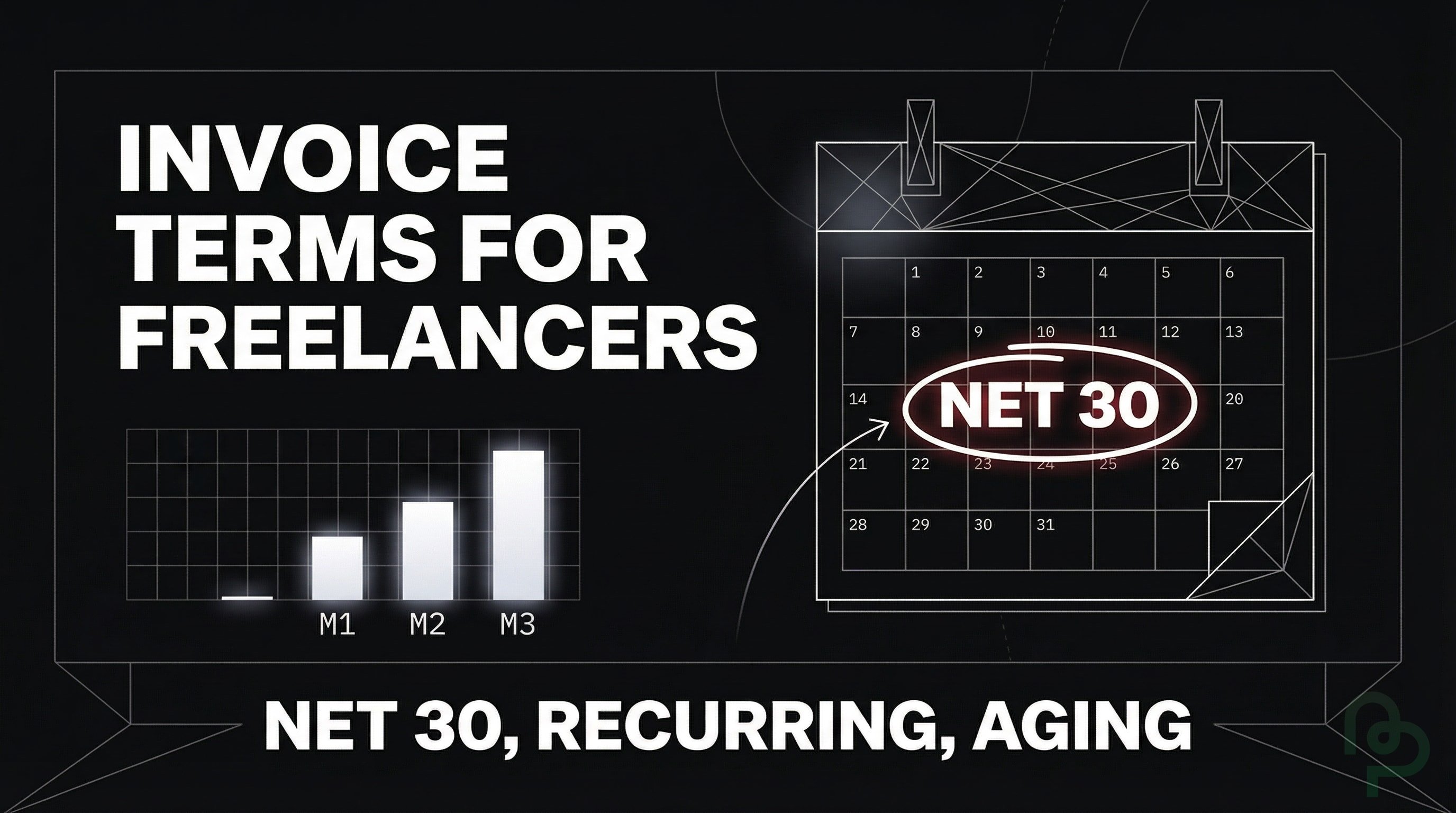
Define terms in your contract and repeat them on every invoice. Standard options include Net 15, Net 30, or Net 60, with 50% upfront for new clients. Not sure which payment terms to use? Try our free Net 30 Calculator or explore other payment term calculators to find what works best for your business.

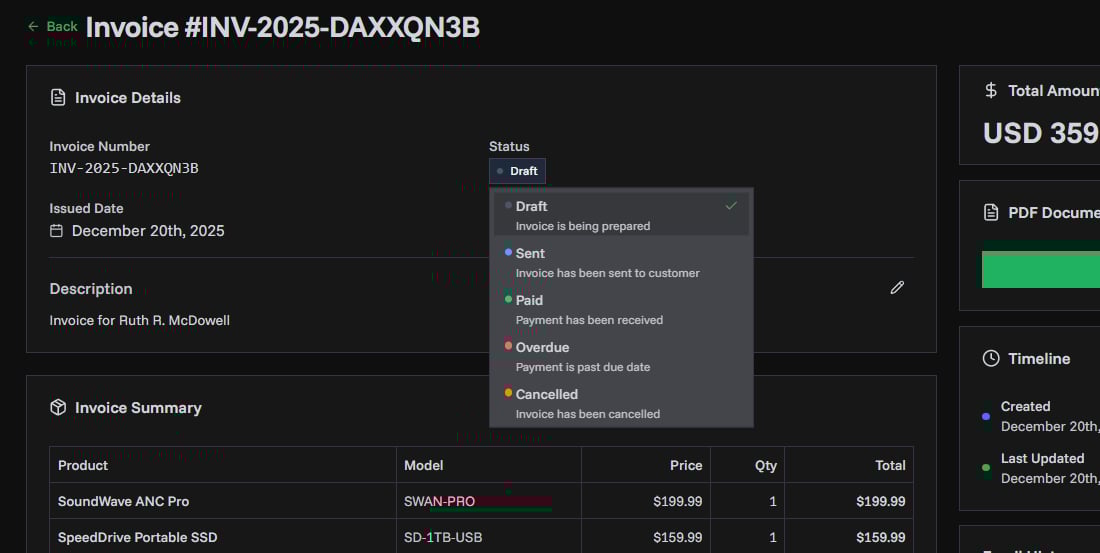
For late payments, include fees: 1-1.5% monthly interest is common and legal in most US states, but cap at local limits (e.g., 18% annually max). Calculate late fees automatically with our Late Payment Interest Calculator. In 2025, real-time payments via ACH or platforms like Stripe cut delays.
Offer multiple methods: bank transfer, credit cards, PayPal. Politely follow up after 7 days overdue, escalating to formal notices if needed.
Embracing Automation and Invoicing Tools in 2025
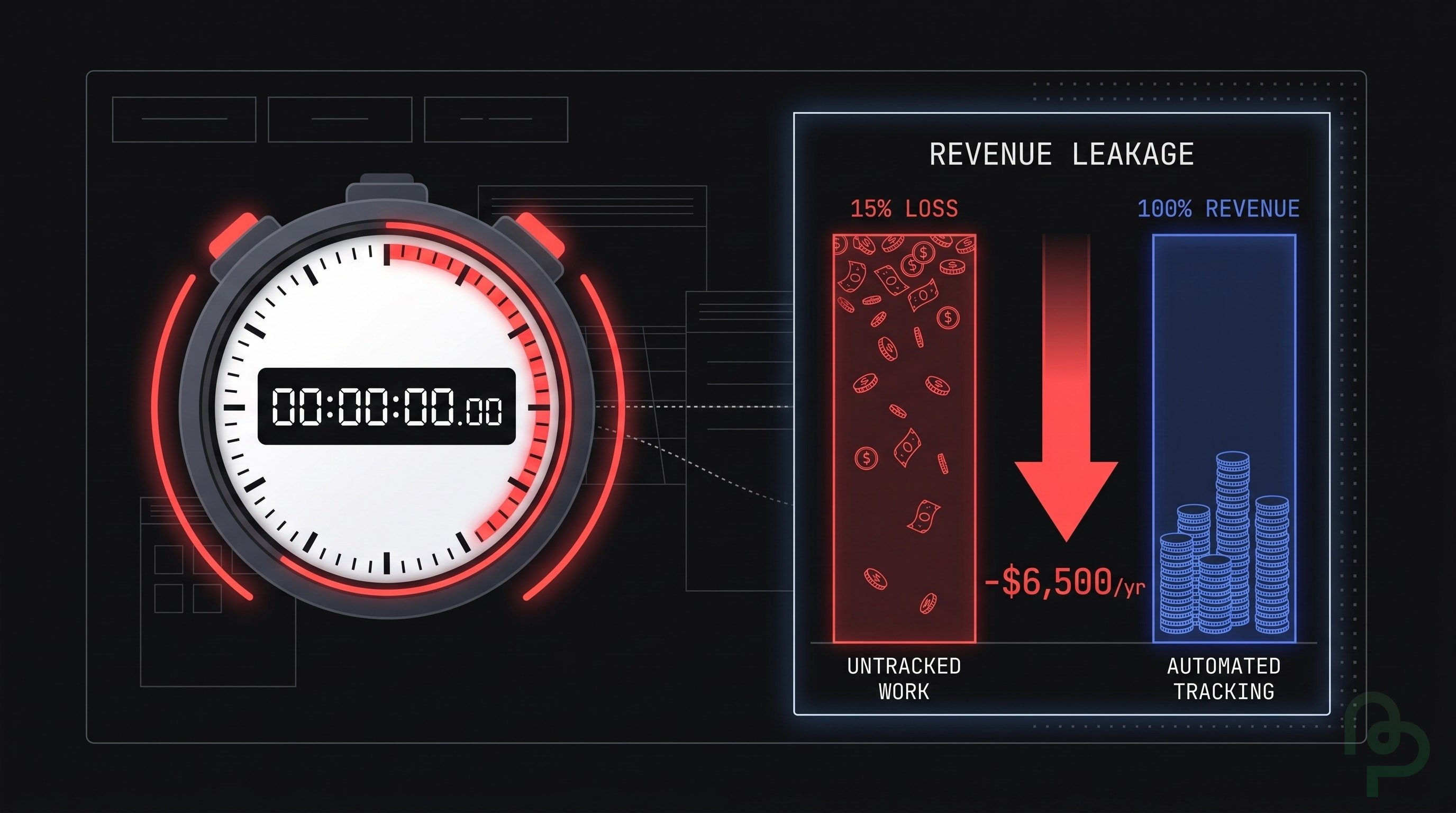
Automation is a game-changer, with 2025 trends focusing on AI for predictive reminders and e-invoicing compliance. Tools integrate time-tracking, expense logging, and payments in one dashboard.
PineBill offers seamless invoicing with automated workflows, instant invoice generation, and smart payment reminders—reducing your admin work by up to 80%. Benefits: 40% faster payments and reduced errors. Try it free with no credit card required.
Bonus: Use our free Freelance Rate Calculator to determine what to charge clients based on your desired income and expenses.
E-invoicing mandates in regions like the EU require digital formats—choose software that handles XML or PEPPOL standards.
Ensuring Tax Compliance and Proper Record-Keeping
Freelancers must track income for taxes. In the US, clients issue Form 1099-NEC for payments over $600 annually. Include your Tax ID on invoices for accurate reporting.
Keep records for at least 3-7 years: save invoices, receipts, and proof of payment. Use software to categorize expenses for deductions like home office or software subscriptions.
In 2025, with gig economy growth, expect stricter IRS scrutiny—automate reports to simplify filing. Consult a tax pro for state-specific rules, especially on sales tax for digital services.
Common Invoicing Mistakes Freelancers Should Avoid in 2025
Even seasoned freelancers slip up. Here's how to sidestep pitfalls:
-
Vague Descriptions: "Consulting services" won't cut it—specify "3 hours of SEO strategy at $100/hour."
-
No Payment Terms: Clients pay faster when terms are explicit. Always state due dates and methods.
-
Manual Calculations: Errors lead to disputes. Use software to avoid math mistakes.
-
Ignoring Follow-Ups: 40% of invoices go unpaid without reminders—automate them.
-
Overlooking Taxes: Forgetting VAT or sales tax can cost you. Check client location.
-
Inconsistent Numbering: Sequential numbers prevent duplicates and aid tracking.
-
Sending to Wrong Contacts: Verify billing emails to ensure delivery.
By avoiding these, you'll maintain professional relationships and steady revenue. PineBill's smart templates automatically handle calculations, sequential numbering, and tax compliance—eliminating these common errors.
Key Takeaways
- Include all essential invoice elements to build trust and ensure compliance.
- Invoice promptly at milestones or monthly to optimize cash flow.
- Set clear terms with late fees to encourage timely payments.
- Adopt automation tools like PineBill to save time and reduce errors.
- Prioritize tax record-keeping to avoid penalties in the growing freelance market.
- Learn from common mistakes to streamline your process in 2025.
Implementing these best practices will transform invoicing from a chore to a revenue booster. Start with a professional template today and watch your payments accelerate.
Ready to Get Paid Faster?
Stop losing money to late payments and manual invoicing errors. PineBill automates your entire freelance billing process—from creating professional invoices to sending automated payment reminders. Join thousands of freelancers who've improved their cash flow and reduced admin time by 80%.
Start Free Today — Create unlimited professional invoices, set up automated reminders, and get paid faster. No credit card required.
Free Tools for Freelancers
Before you go, check out these free calculators to optimize your freelance business:
- Freelance Rate Calculator - Determine your ideal hourly or project rate
- Net 30 Calculator - Calculate payment due dates for Net 30 terms
- Net 15 Calculator - Perfect for faster payment terms
- Late Payment Interest Calculator - Calculate late fees automatically
- All Payment Terms Calculators - Net 7, 10, 15, 30, 45, 60, 90 and more