Expenses
Track business expenses, attach receipts, review spending, and convert expenses into invoice drafts
|2 min read|
PT
PineBill Team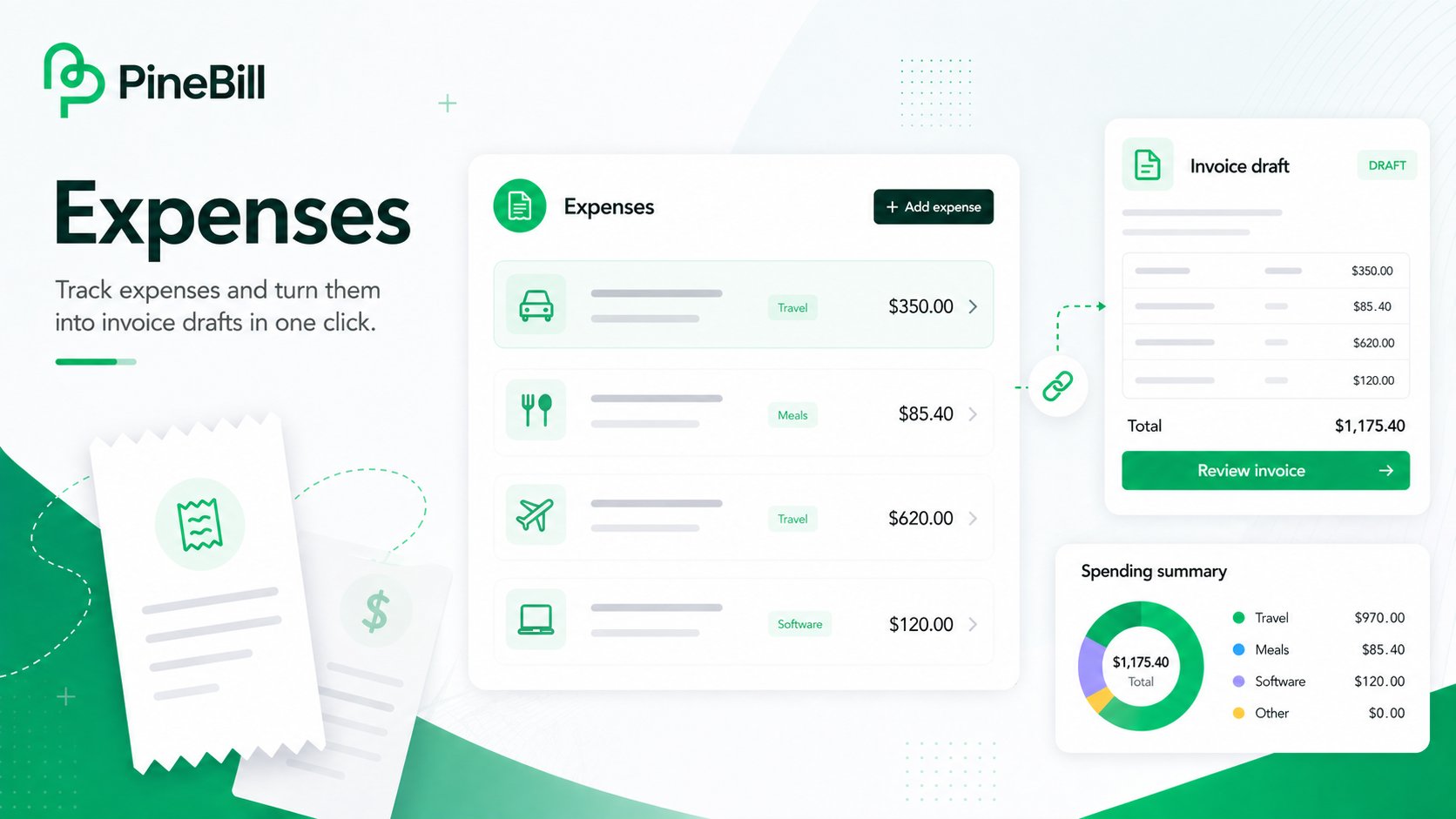
Expenses are now available in PineBill. You can record business costs, keep receipts attached, connect expenses to customers or invoices, and turn expenses into invoice draft line items when you need to bill them back.
What's New
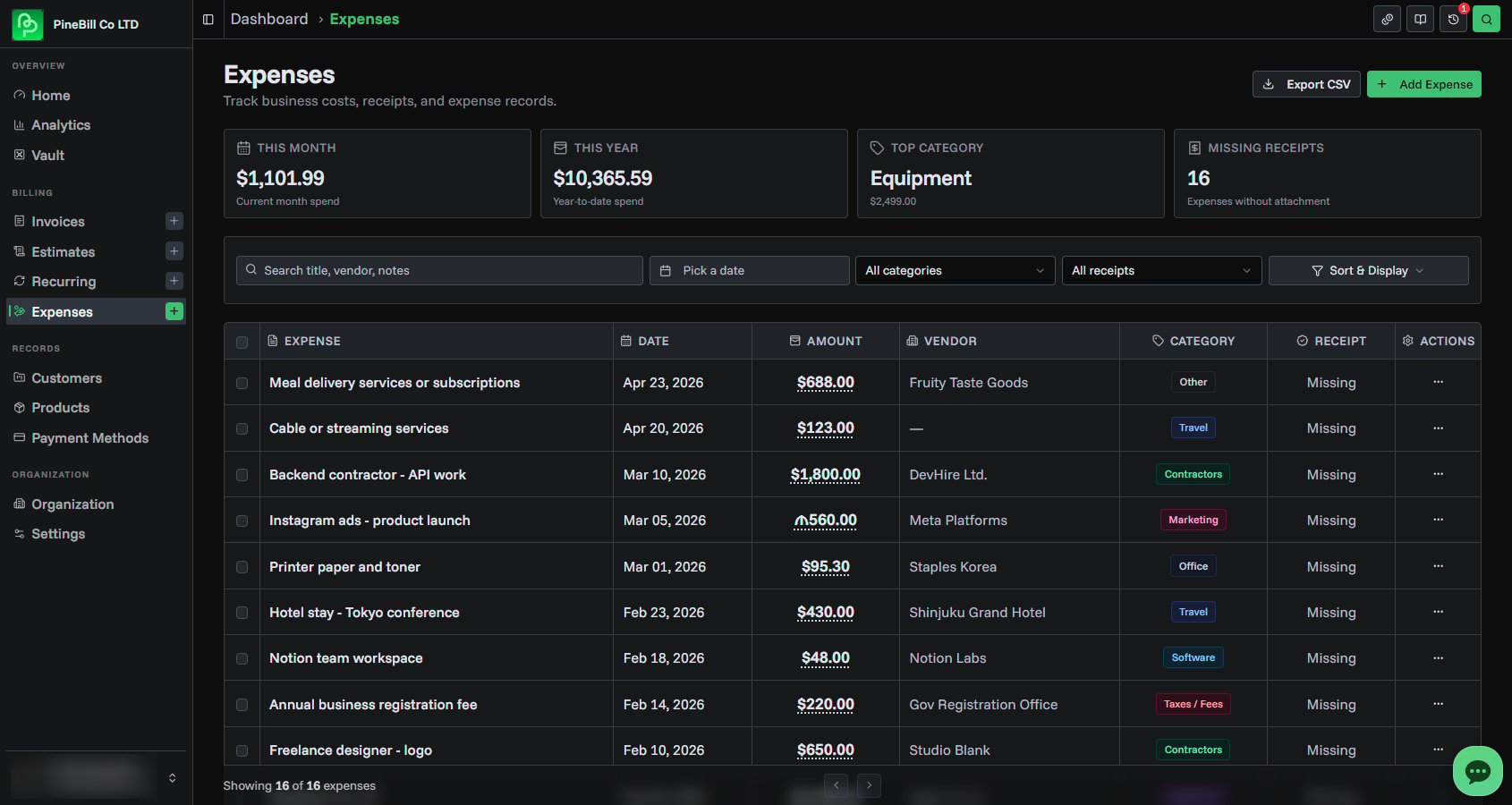
- Expense tracking — add expenses with amount, currency, date, category, vendor, payment method, customer, invoice, receipt, and notes
- Receipt attachments — upload image or PDF receipts and manage them from the expense form or detail page
- Expense list tools — search, filter, sort, paginate, export CSV, and delete expenses in bulk
- Summary cards — see current month spend, year-to-date spend, top category, and missing receipt count
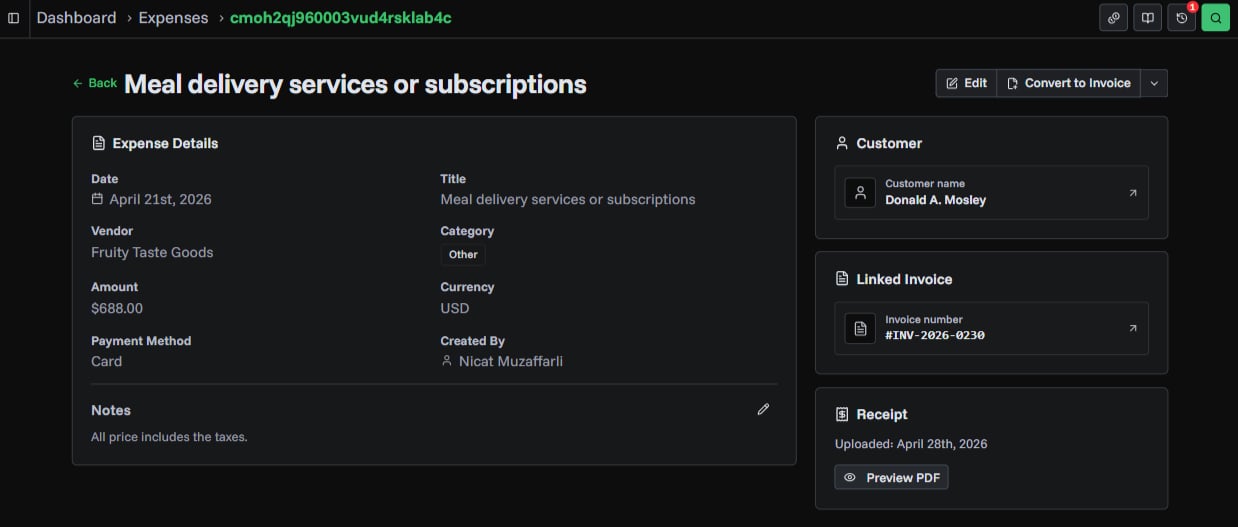
- Expense details — open a full expense page to review, edit, preview receipts, update notes, and manage linked records
- Convert to invoice — send one or more expenses into the invoice generator as draft line items
- Expense analytics — review spending trends from the Analytics dashboard
Convert Expenses to Invoices
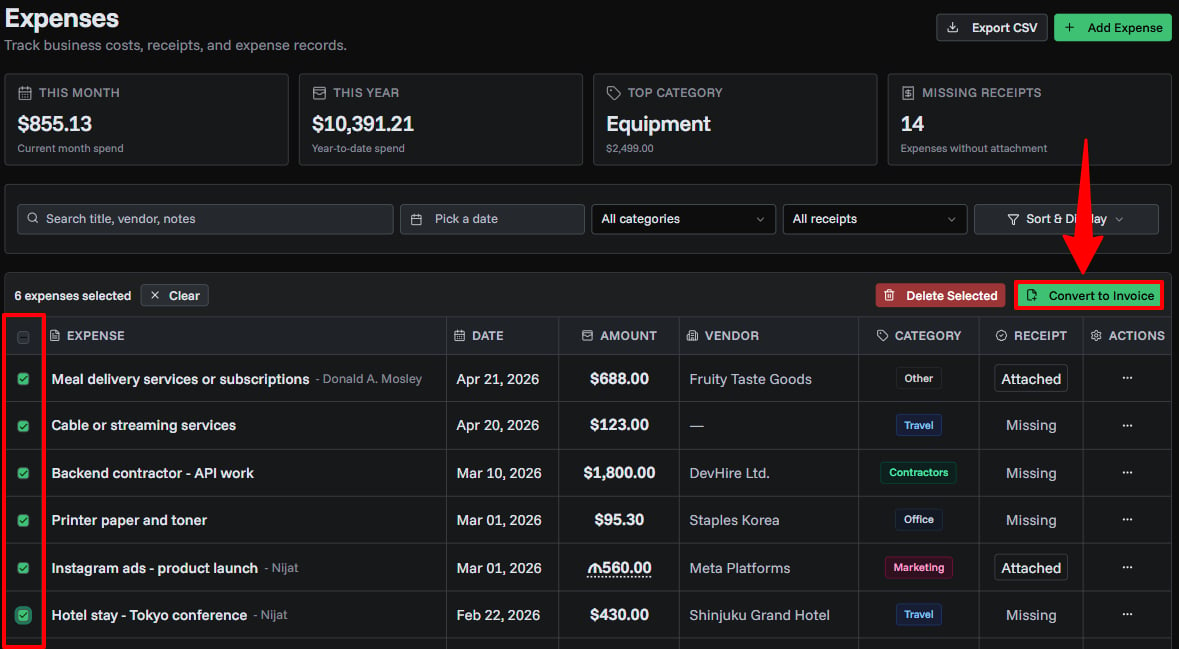
Use Convert to Invoice when an expense needs to be billed to a customer. PineBill opens the invoice generator with the selected expenses already added as line items.
If selected expenses share the same customer, PineBill also selects that customer in the invoice draft. After the invoice is created, the expenses stay linked to that invoice.
Documentation
Read the full guide for setup steps and details.
expensesreceiptsinvoicesanalytics