Getting Started
Creating Your Account
Sign up for PineBill and get started with professional invoice generation in minutes.
Overview
Sign up using email and password or Google OAuth for instant access.
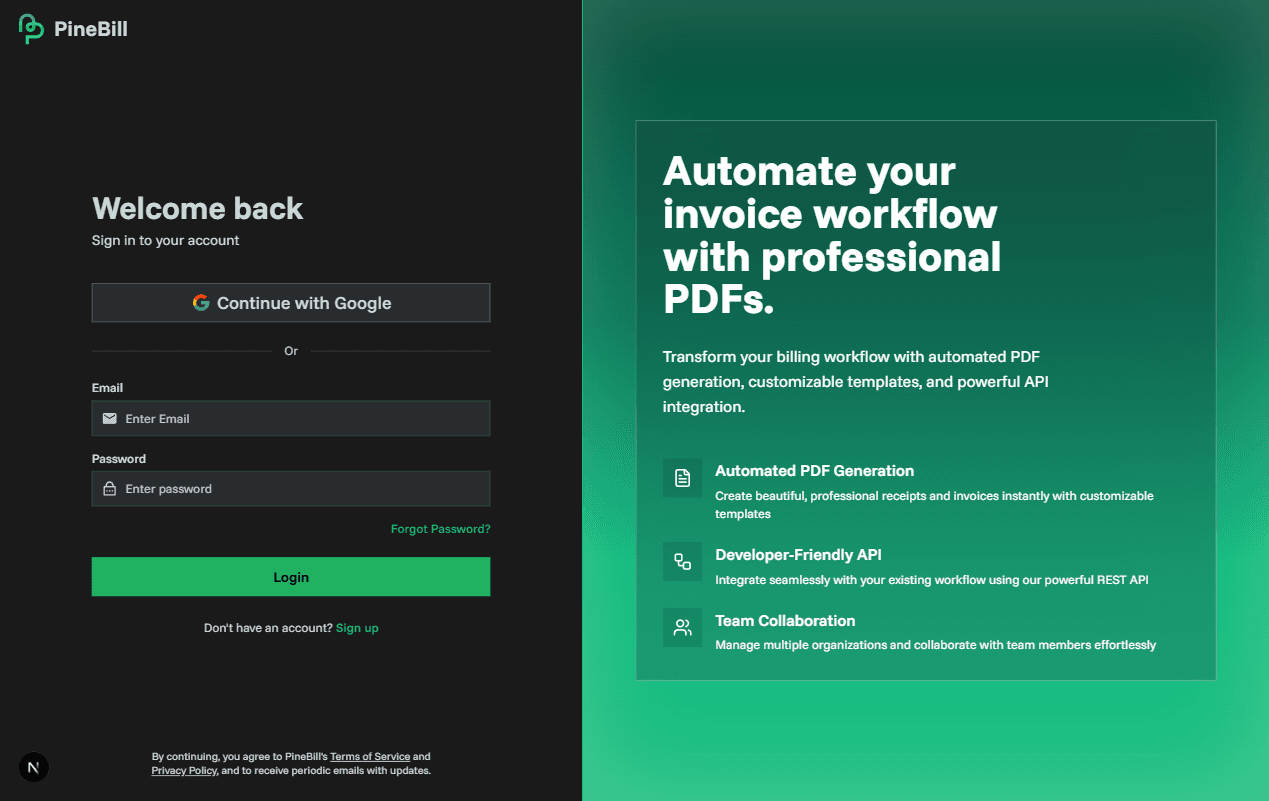
Sign Up Methods
Email and Password
Enter Information
- Email address
- Password (see requirements below)
- Confirm password
Submit
Click "Sign Up" to create your account
Google OAuth
Click "Sign up with Google"
On the sign-up page
Choose Account & Authorize
Select your Google account and grant permissions
Password Requirements
- Minimum 8 characters
- At least one uppercase letter (A-Z)
- At least one lowercase letter (a-z)
- At least one number (0-9)
Email Verification
After signing up, check your inbox for an email from noreply@pinebill.app and click the verification link.
Email not received?
- Check spam/junk folder
- Verify correct email address
- Sign in and click "Resend Email" from the banner
After Sign Up
You'll be guided through organization setup and land on your dashboard with prompts to add customers, products, and create invoices.
Troubleshooting
Trial Plan
New accounts get 7 days with 50 invoices, 100MB storage, up to 2 team members, and all features. Upgrade anytime.